

-
Install the dependent packages for Apache HTTP server.
|
|
|
|
-
Download the Apache Open-Source Library files from Apache Website.
|
|
|
|
If you are installing through dnf install httpd command, then skip step 3 and 4.
-
Extract the downloaded packages.
|
|
|
|
-
Go to httpd-2.4.54 directory, build and install Apache HTTP using the following commands.
|
|
|
|
-
Start the Apache HTTP Service with below command. If you have installed from source code:
|
|
|
|
If you have installed from dnf:
|
|
|
|
-
Open any browser and run the http://<apache_server_ip> to verify that apache service is running successfully.
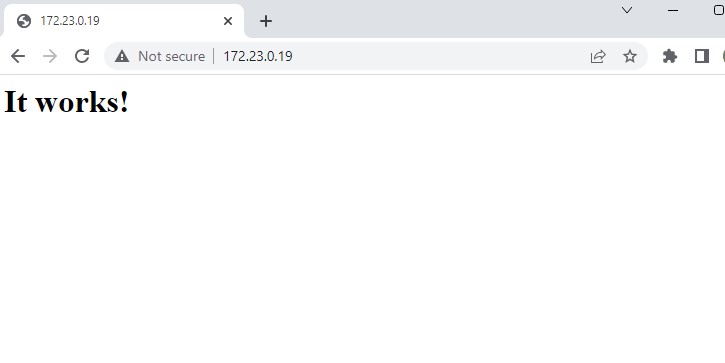
Apache web page