

To install Apache Tomcat:
-
(Optional) It is recommended to update the system with the latest security patch.
|
›_ Console |
|---|
|
-
Install OpenJDK for Java 17.
|
›_ Console |
|---|
|
-
Create a non-root user and set its password.
|
›_ Console |
|---|
|
-
Download Tomcat 11.
|
›_ Console |
|---|
|
-
Create a directory.
|
›_ Console |
|---|
|
-
Extract the archived file to the
/opt/tomcatdirectory.
|
›_ Console |
|---|
|
-
Change ownership of the
/opt/tomcatdirectory to the Tomcat user.
|
›_ Console |
|---|
|
-
Set executable permissions to scripts.
|
›_ Console |
|---|
|
-
Create Apache Tomcat
systemdfile/etc/systemd/system/tomcat.serviceto manage the Tomcat service throughsystemctland add below lines.
|
›_ Console |
|---|
|
Change the values according to your system configuration.
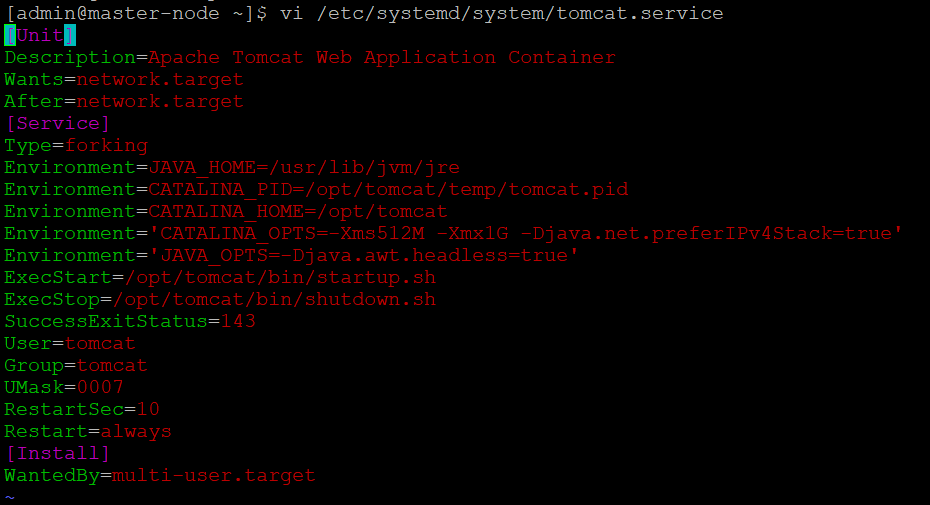
tomcat.service File Output
-
Reload the daemon using:
|
›_ Console |
|---|
|
-
Start and enable the Tomcat service.
|
›_ Console |
|---|
|
-
Confirm that the Tomcat status is
runningusing:
|
›_ Console |
|---|
|
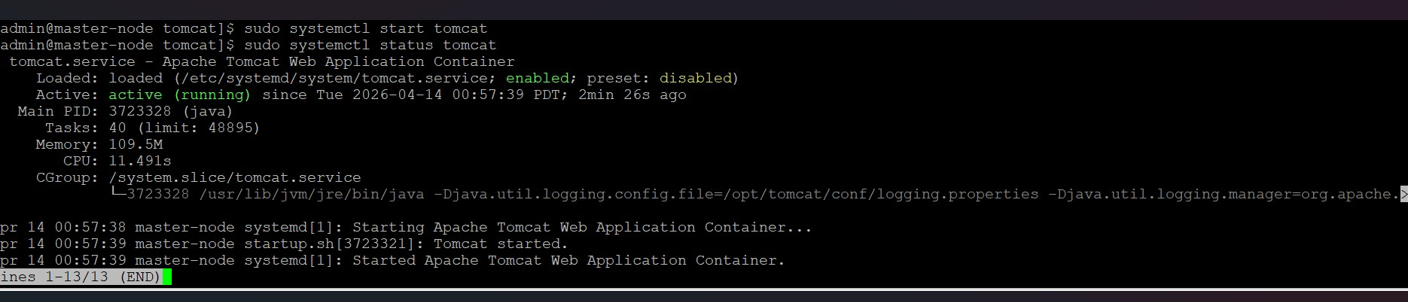
Tomcat Service Status
13. Open http://<apache_tomcat_server-ip>:8080, in any web browser and verify that the Apache Tomcat page is visible.
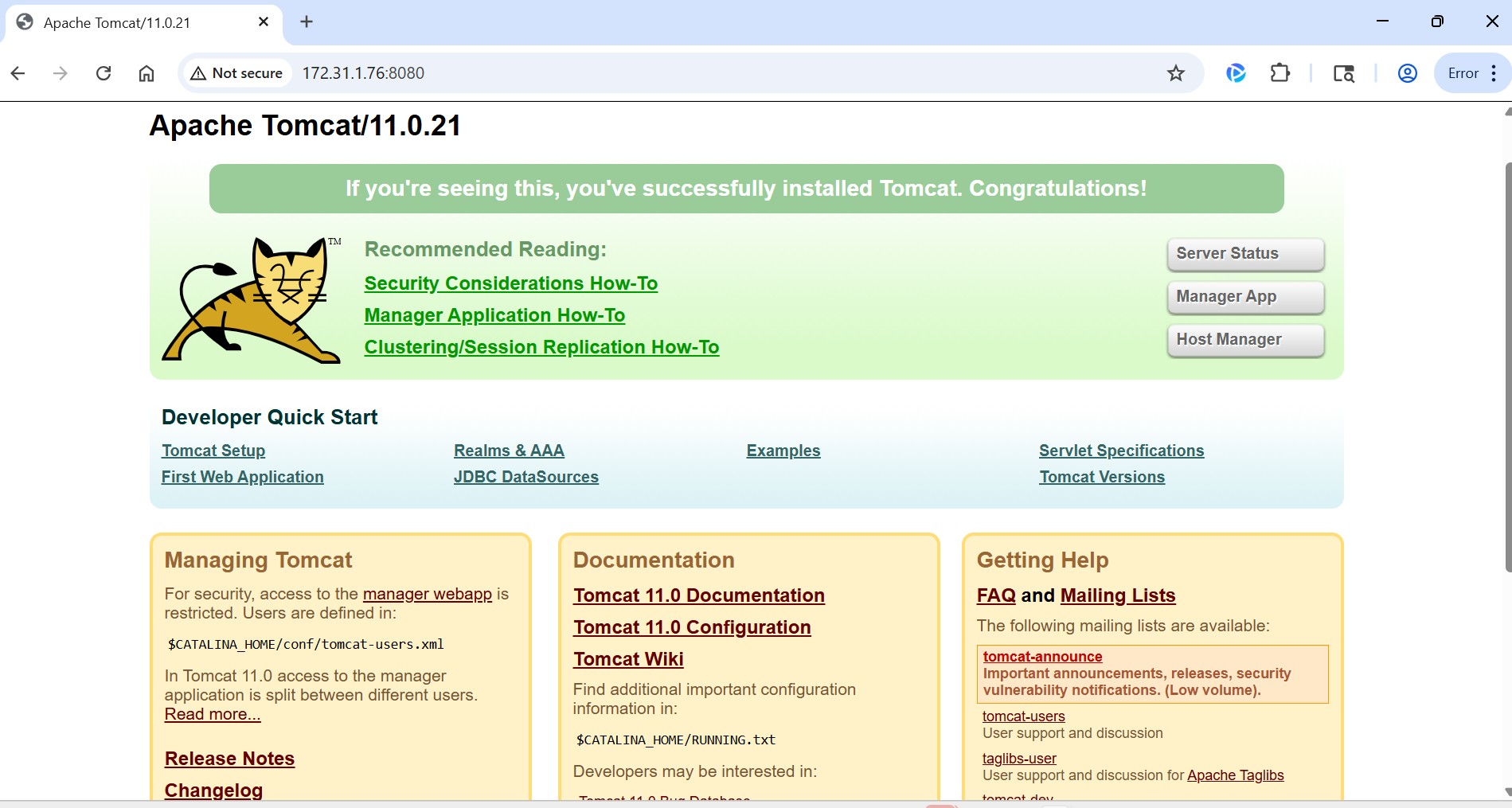
Browser Output Over Page 8080