

-
Launch the BeyondInsight Configuration application.
-
Navigate to Configure HSM Credentials.
The Configure HSM Credentials dialog box is displayed. -
Click on Test Active Credential button. A successful test will display a dialog confirming a successful connection with “HSM Connection Successful” message.
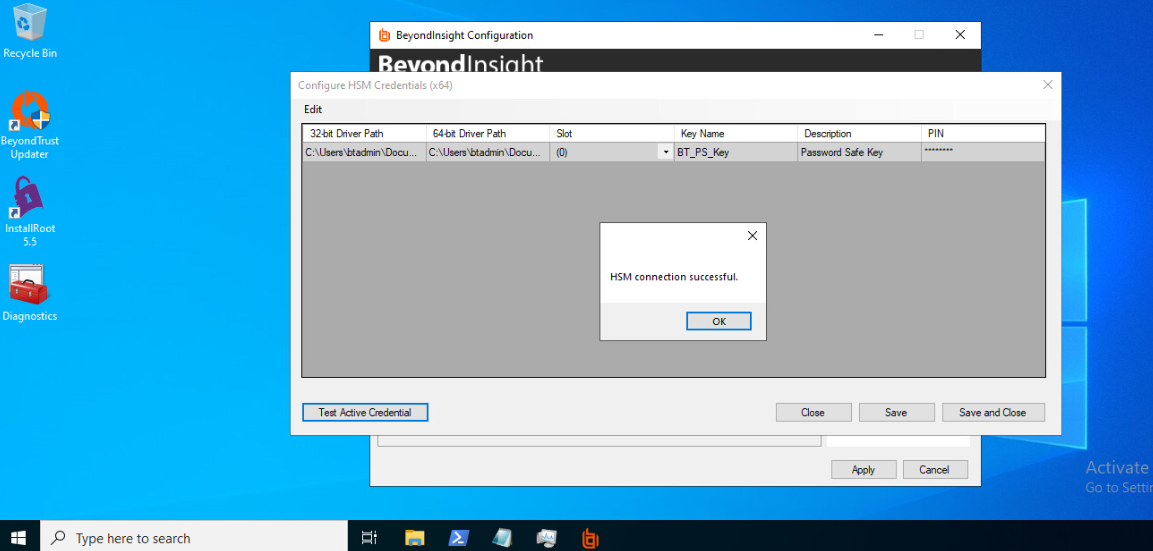
HSM Connection Success