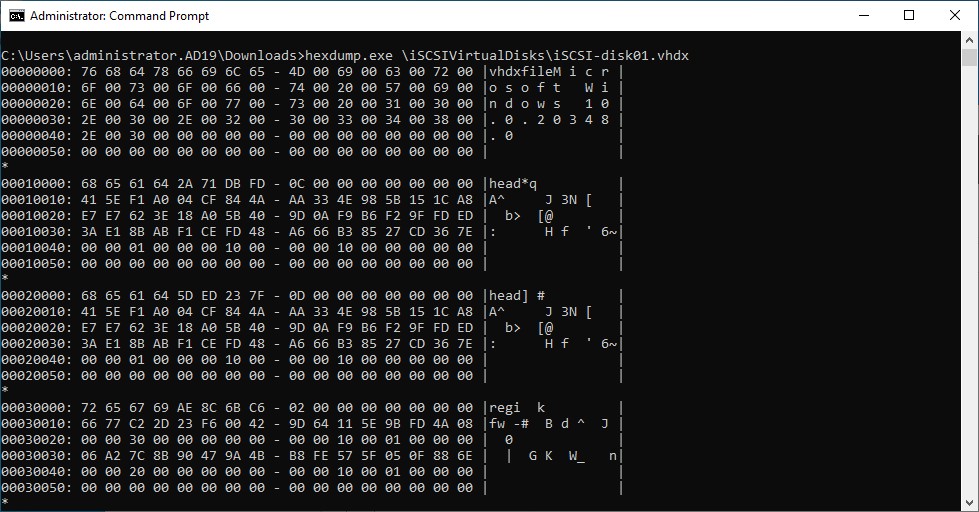
iSCSI targets are an example from the many protocols Bloombase StoreSafe supports for encryption. A target from a Microsoft Windows Server 2025 system that is accessible by configure clients is created to act as backend storage. Bloombase StoreSafe creates a virtual encrypted share on its own hostname path that is accessed from a client software system.
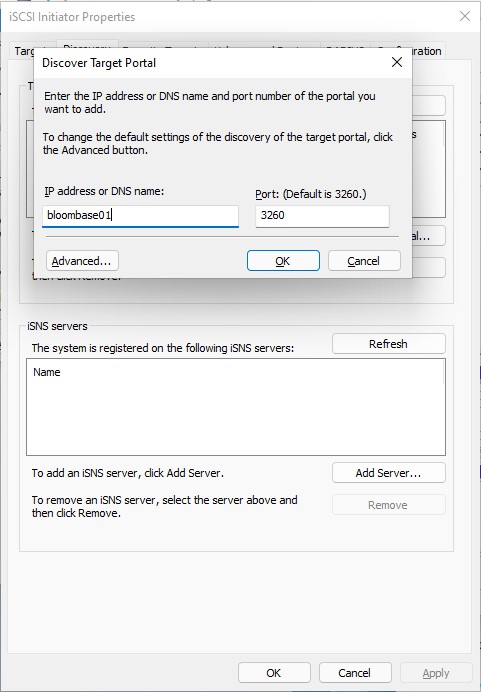
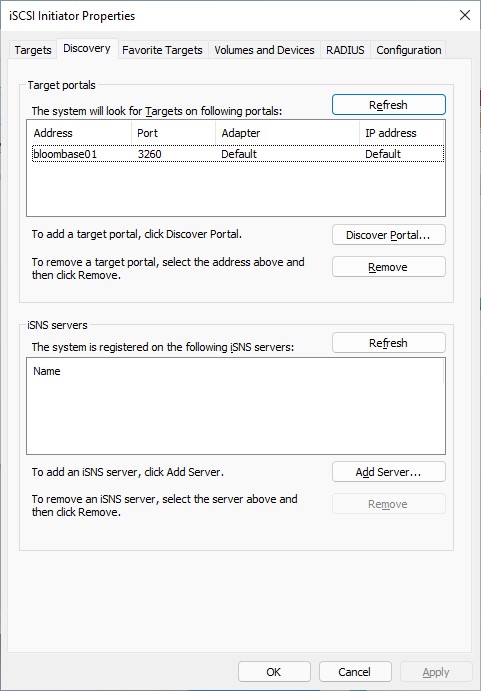
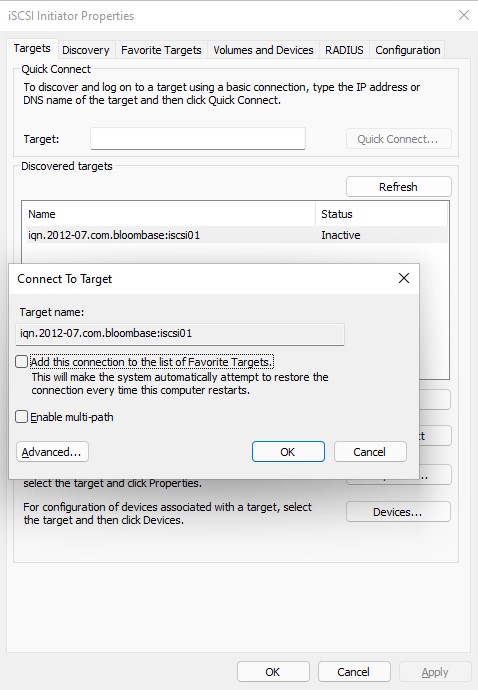
Microsoft Windows 11 clients can attach the virtual encrypted share with the default iSCSI initiator tool. Add the hostname and port to the discover tab, then connect to the iSCSI storage target presented by Bloombase StoreSafe Intelligent Storage Firewall. To access the Bloombase StoreSafe iSCSI disk, make sure the client IQN is be added the Bloombase StoreSafe configuration. The disk will be mounted to the system and it can be formatted with a filesystem.
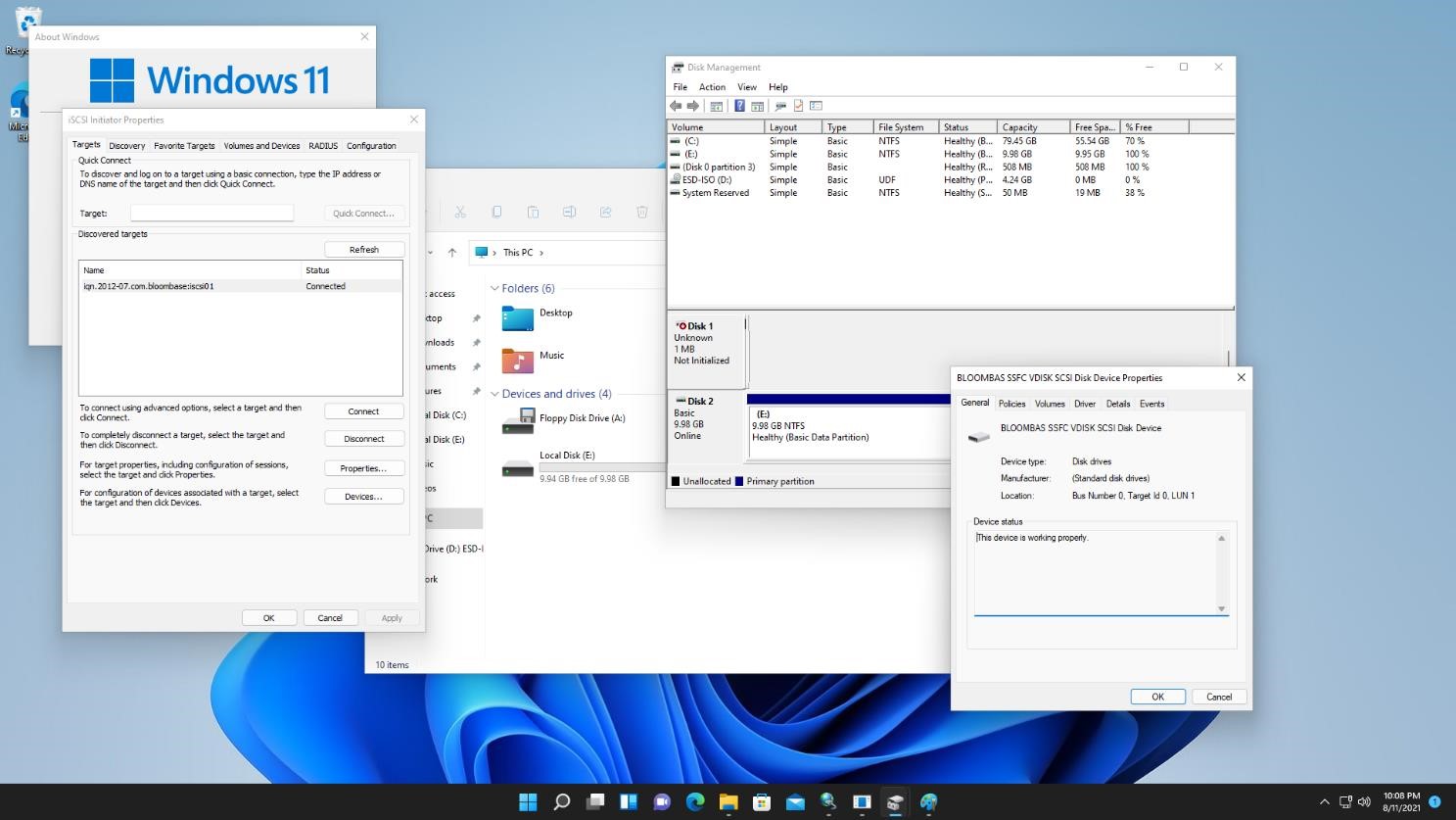
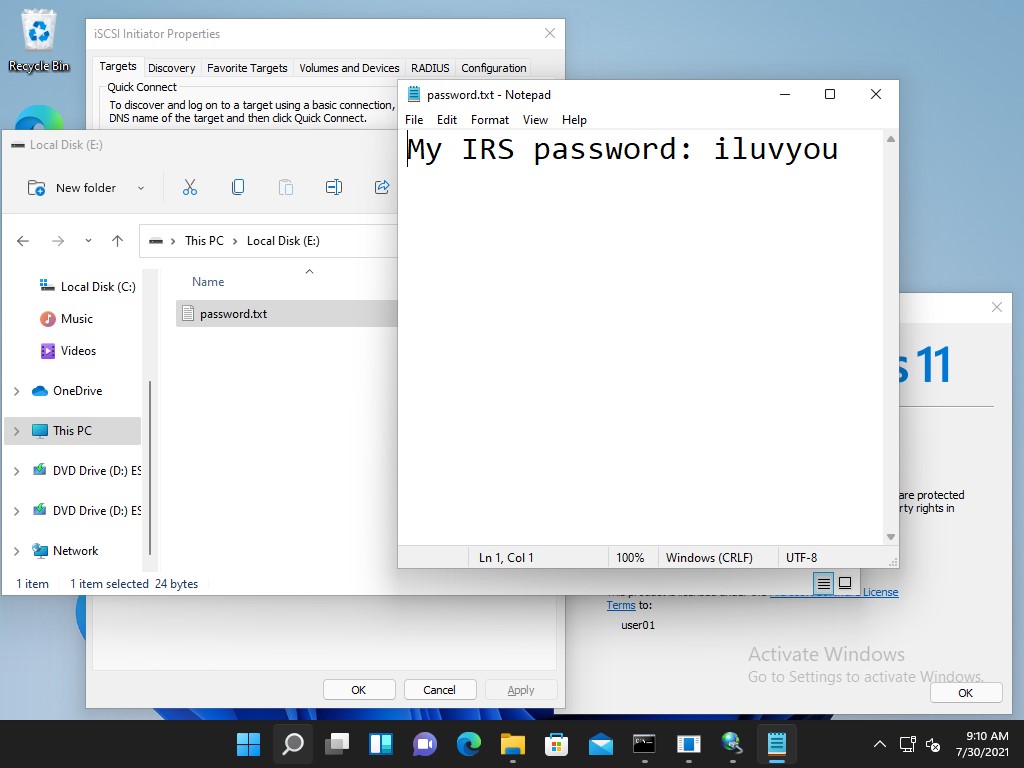
On the demo virtual encrypted iSCSI target, a sample plaintext file is created by the client and saved. The file is transparently encrypted by the Bloombase StoreSafe encryption engine and stored on the Microsoft Windows Server 2025 storage backend.
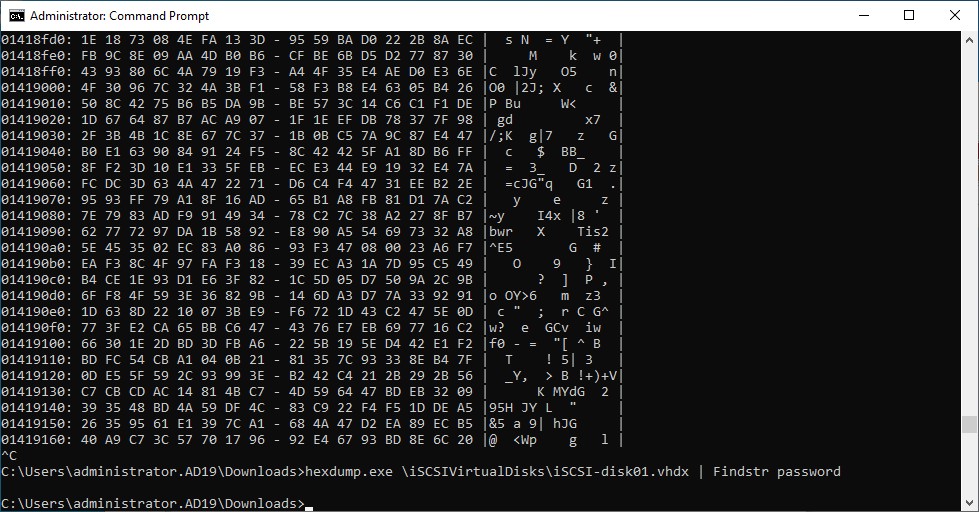
If the application data is attempted to be accessed directly on the backend without going through the Bloombase StoreSafe encryption engine, only ciphertext can be read as expected.