

Verify the Utimaco ESKM logs by following the steps below:
-
Open the ESKM Management Console and click on the Device tab.
-
Click on Log Viewer under Logs & Statistics.
-
Click on KMIP under Log Viewer
-
Review logs related to operations performed on the Dell Data Domain.
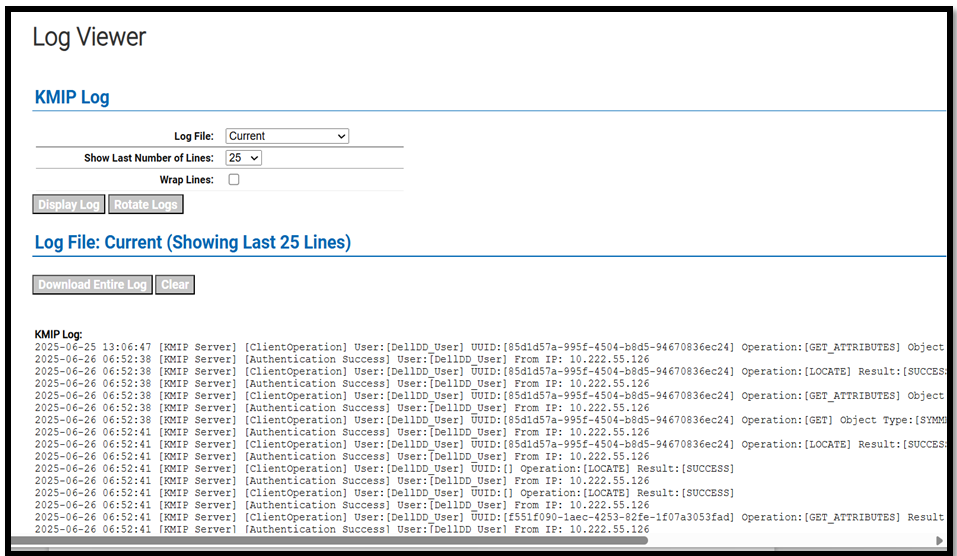
Log details displayed in ESKM