

-
In the ESKM Management Console > Click Security > KMIP Objects. Confirm that the key Type, UUID, Owner and other attributes are correct.
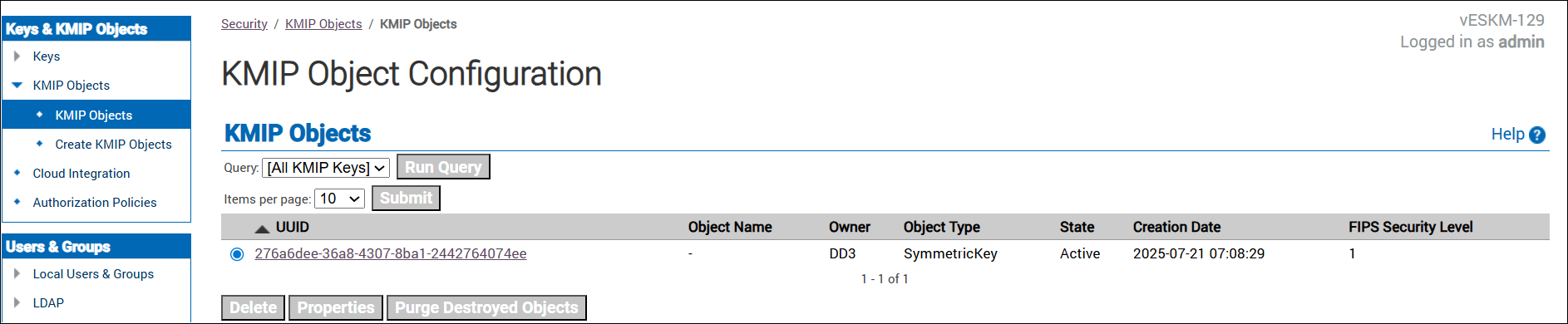
KMIP Objects
-
In the ESKM Management Console, click Device > Logs & Logistics > Log Viewer >> KMIP. The KMIP logs are displayed.
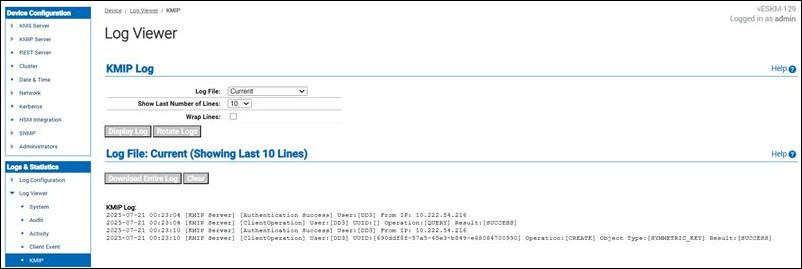
KMIP Logs