

When the container was started with a pseudo TTY allocated, you can view the output of the SecurityServer Simulator. Therefore, we use the docker logs command. It shows all the output of the container process made to STDOUT and STDERR. You could also directly attach to the container although this is not recommended.
A newly created simulator container without modifications will have an output similar to the next console output. If the build was successful, you now have a docker image of the SecurityServer Simulator available to your local docker installation. You can view the image with the docker image command.
|
›_ Console |
|---|
|
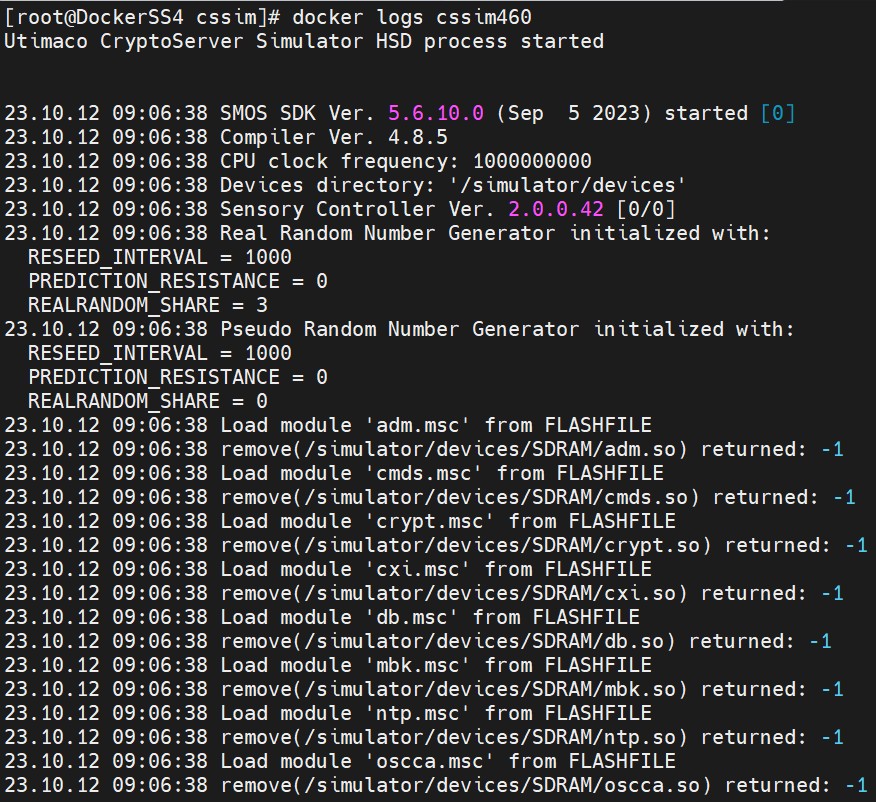
Container logs
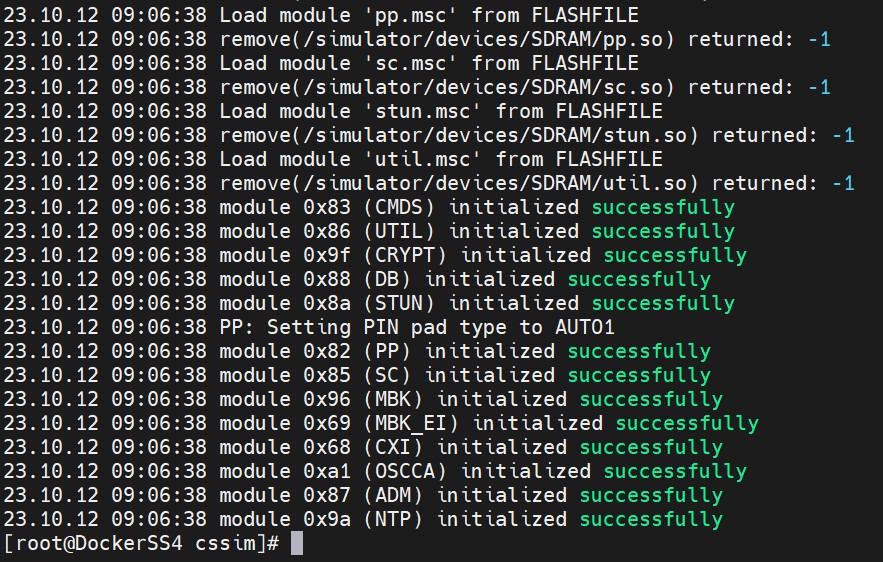
Container logs