

Once you successfully installed all required packages and initialized the application modules (see PKI_Server_Installation_and_Upgrade_Guide-4.8), you are ready to create the Certification Authority. The Keys are created earlier which are to be declared using their label in the form presented at the Create a Certification Authority wizard. Here is the snapshot of the Certificate Authority wizard:
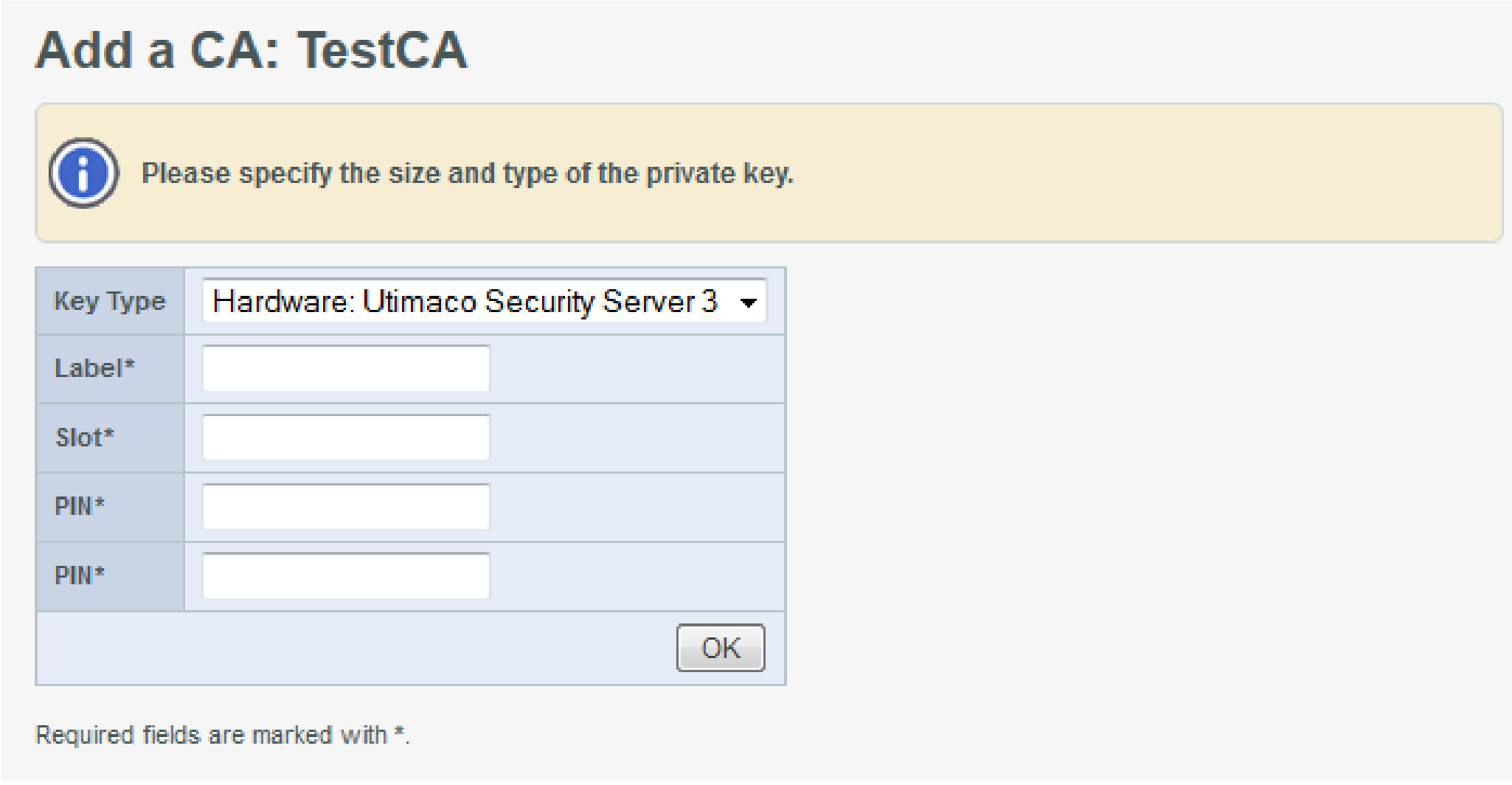
Add a CA: TestCA
Once you have set up the Certificate Authority, you can use this application according to your requirements. Moreover, the certificate for CA that will be used to sign the certificates for internal modules must have been signed using the SafeGuard CryptoServer, therefore SafeGuard CryptoServer must be selected as the Key Type for at least one CA created during initialization.