

To generate a zone-signing key (ZSK) and a key-signing key (KSK) on the HSM use the p11tool2 utility. After the keys are generated on HSM then use dnssec-keyfromlabel provided by BIND to generate the key files for BIND containing a public key and an identifier of the actual private key..
Generating KSK and ZSK with RSA Algorithm
-
Run the following commands to generate a zone-signing key and a key-signing key using RSA algorithm:
|
›_ Console |
|---|
|

Key generation output for KSK

Key generation output for ZSK
Each key should have unique label that will be used to refer the private key in next steps.
-
List the keys using p11tool2 command
|
›_ Console |
|---|
|
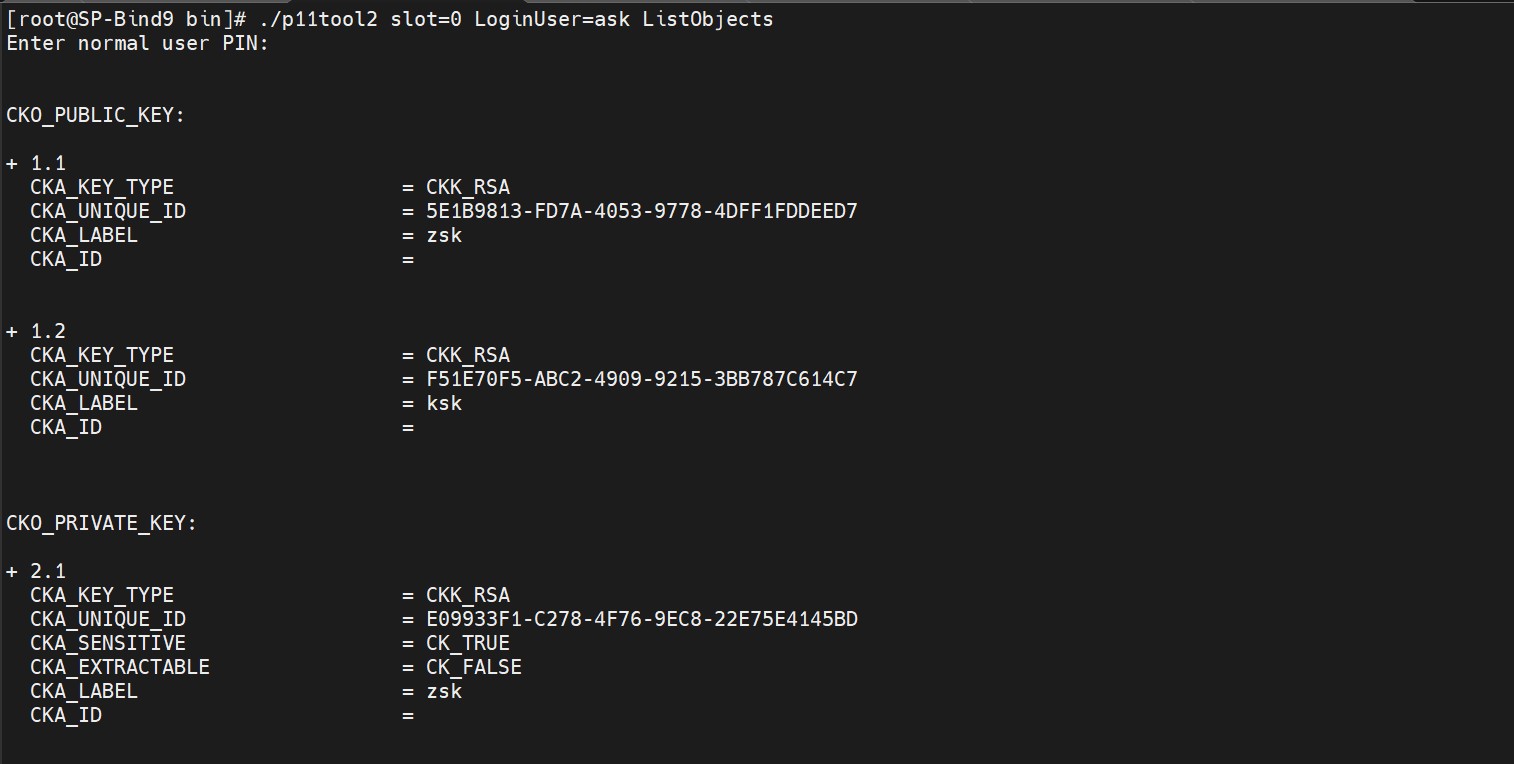

List key output
Generating KSK and ZSK with ECC algorithm
-
Run the following commands to generate a zone-signing key and a key-signing key using ECC:
|
›_ Console |
|---|
|

Key generation output for KSK

Key generation output for ZSK
Each key should have unique that will be used to refer the private key in next steps.
-
List the keys using p11tool2 command.
|
›_ Console |
|---|
|
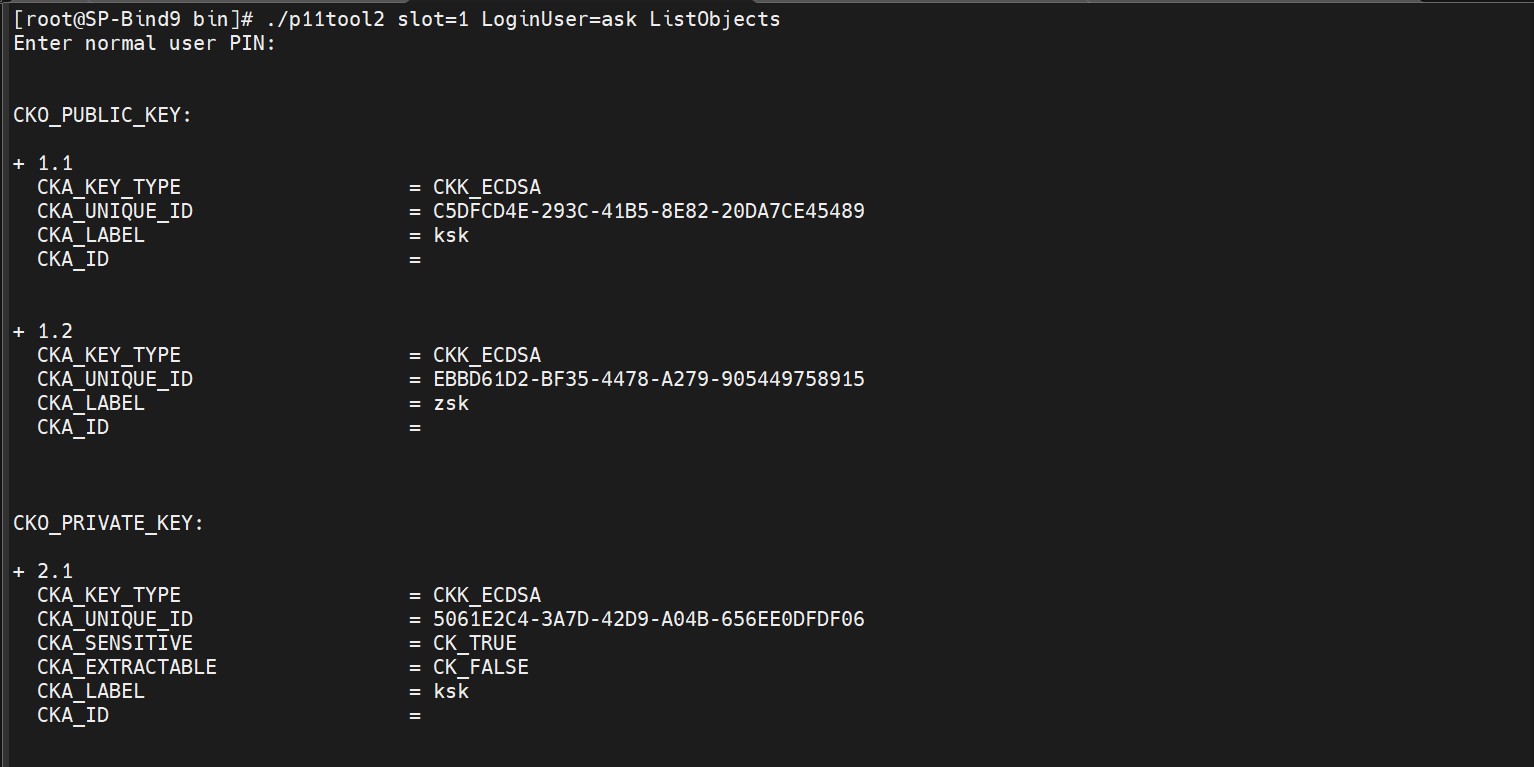

List Key Output
ECC keys which are generated above have the default NIST-P256 curve.