

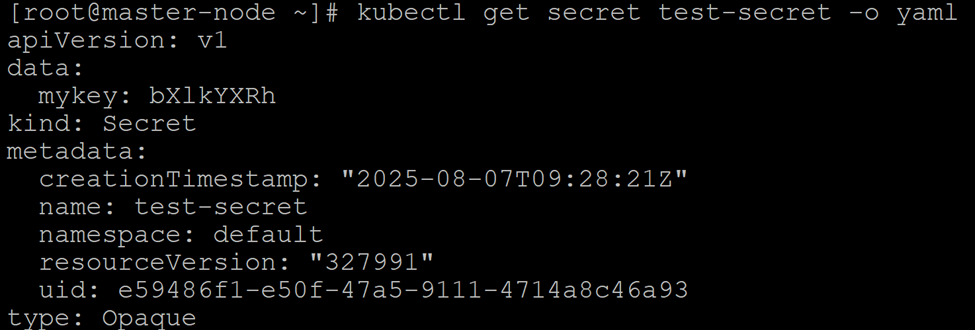
Retrieve the secret using kubectl. This action prompts the kube-apiserver to check its cache for the decrypted data. If the secret is not found in the cache, the kube-apiserver initiates a decryption request to the KMS plugin, which returns the plaintext data.
The output will show the secret's data in its original, unencrypted format (Base64-encoded). The mykey field, which was encrypted in etcd, is now readable as bXlkYXRh (Base64 for `mydata`). This confirms that the entire decryption workflow is working as expected.
Verify Decryption