

The client certificates must be installed before running the key manager setup.
You have to import the following files:
a) A <cert_name>.pem file that includes both the client certificate and the private key. You will have to paste two sections from this the file into the corresponding prompts from ONTAP.
The client certificate section of the <cert_name>.pem file includes all the encrypted text and the BEGIN and END lines:

Client cert.pem
The private key section of the <cert_name>.pem file includes all the encrypted text and the BEGIN and END lines:

Client cert.pem
b) A cacert.pem file, which is the root certificate for the KMIP cluster. It is always named cacert.pem.
-
Run the security certificate install command as described in the ONTAP 9 NetApp Encryption Power Guide https://docs.netapp.com/us-en/ontap/index.html.
-
Install the NetApp cluster’s KMIP client certificate:
|
›_ Console |
|---|
|
You will be prompted to paste the certificate and private key content from <cert_name>.pem.
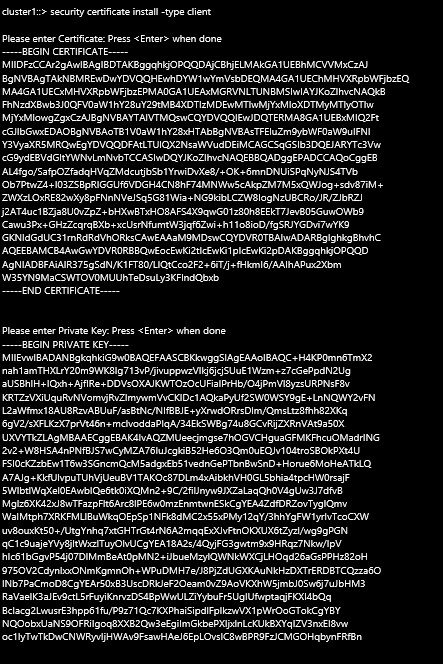
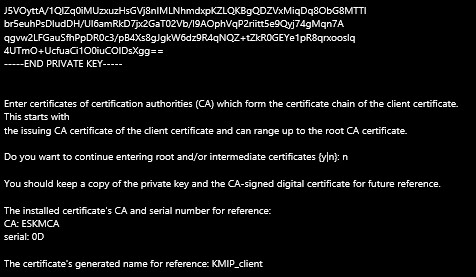
Client Certificate & Private Key Installation