

You can also push the image to your own private repository.
DockerHub is the centralized repository from which you can upload and have a ready-to-use CryptoServer HSM/CP5 container image available.
-
Give the tag to CryptoServer HSM/CP5 Image created using the below command.
|
›_ Console |
|---|
|
|
-
Push the locally created CryptoServer HSM/CP5 Image to DockerHub Private Repository.
|
›_ Console |
|---|
|
|
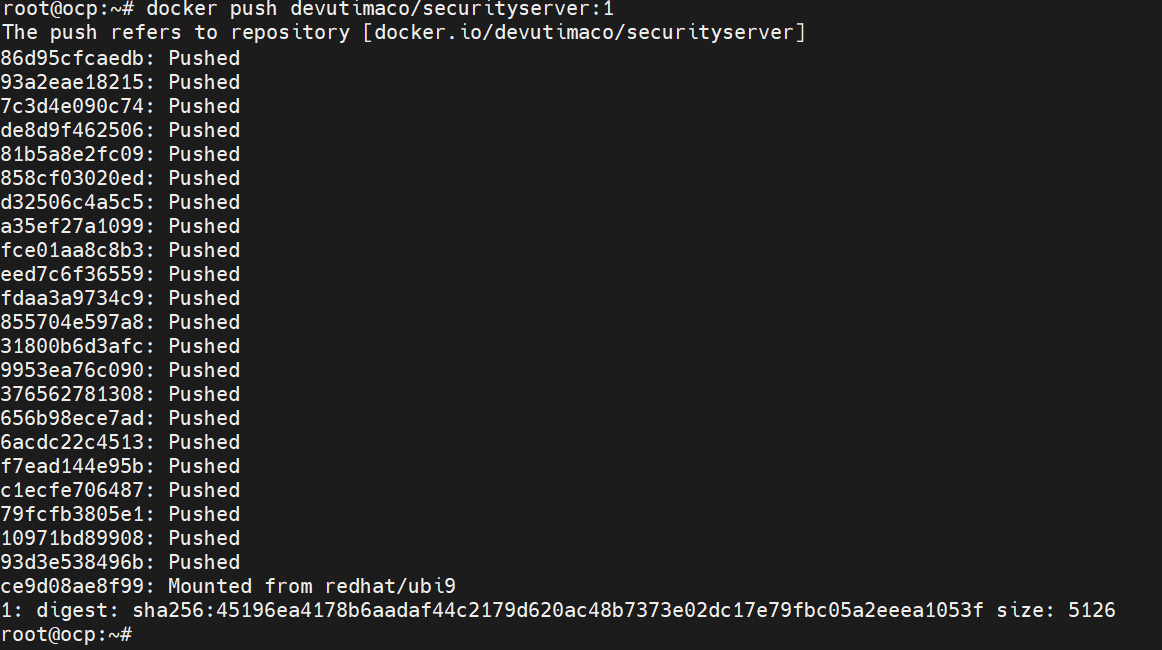
Push image to Docker Hub private repository
In case of any unexpected error, troubleshoot accordingly.