

-
Log in to the Pod using the command below.
|
›_ Console |
|---|
|
|
-
To verify that the pod is communicating with Utimaco HSM and is able to list the objects, run the command below.
|
›_ Console |
|---|
|
|
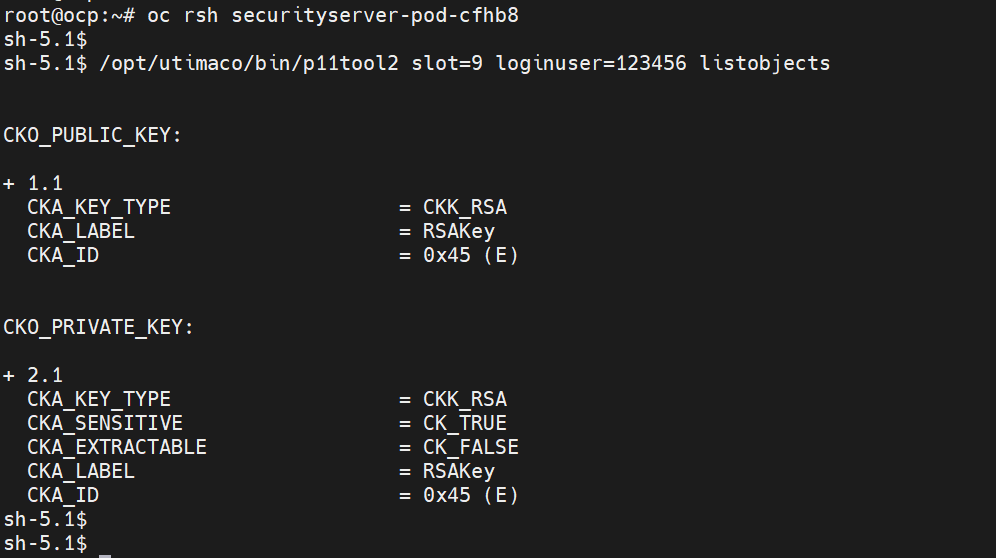
listobjects output
-
Verify you can connect to the NGINX Server over HTTPS from another Pod.
Log in to the second Pod with the command below and execute the OpenSSL command as given below.
|
›_ Console |
|---|
|
|
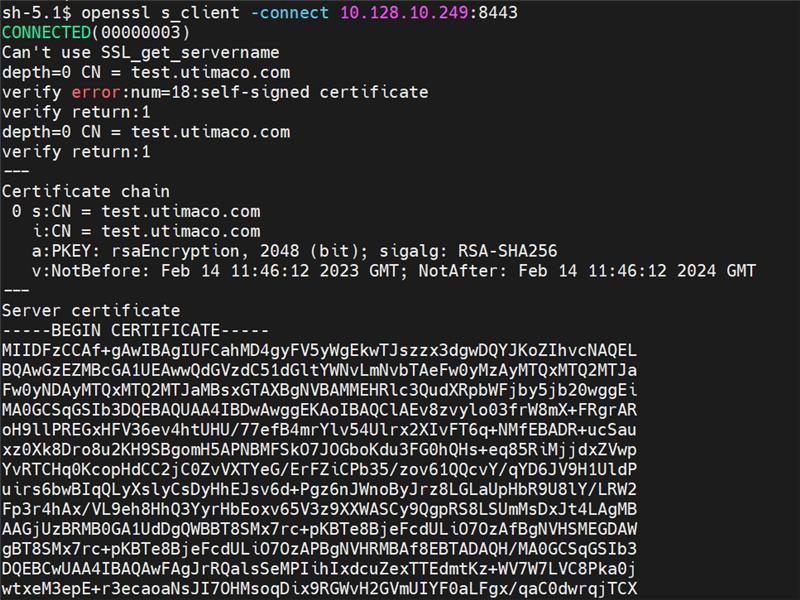
OpenSSL s_client connect output
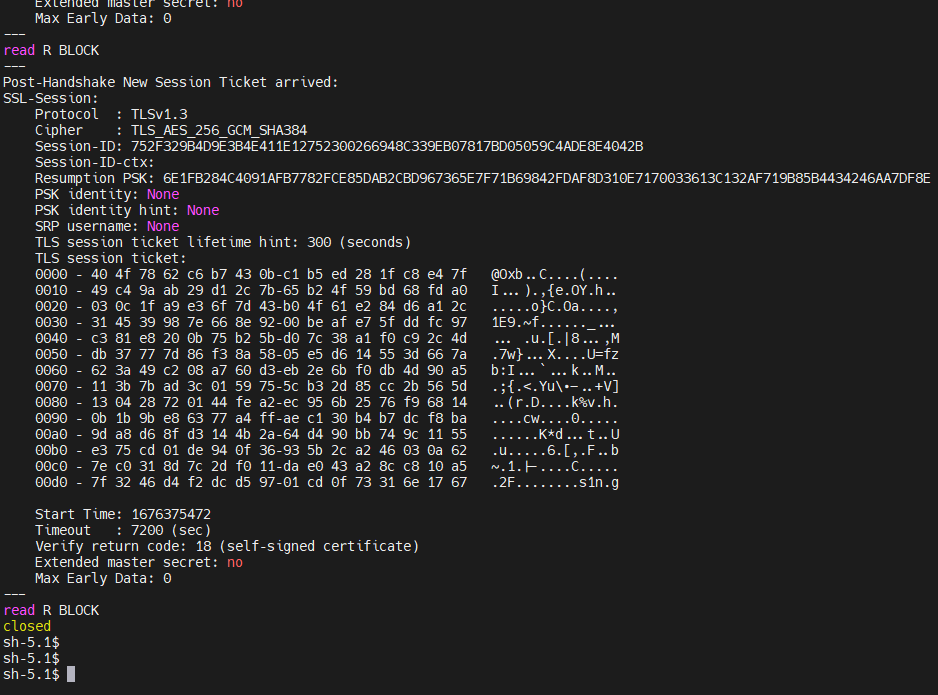
OpenSSL s_client connect output
You can ignore the above error message, as a self-signed certificate has been used for demonstration. It is recommended to use a CA-signed certificate in a production environment.