

-
Open the \< OPENSSLDIR>\openssl.cnf file in a text editor and edit the [CA_default] section. Make the following changes
|
›_ Console |
|
You can change dir to the directory of your choice, but make sure to use correct path in the subsequent steps.
Here We have created directory C:\localCA and new_certs_dir= $dir\newcerts
-
Create the text files C:\localCA\index.txt and C:\localCA\serial.txt
-
Create a directory C:\localCA\newcerts
-
Open the C:\localCA\serial.txt file and write 01 at the top and click enter. Save the file
-
Create a key pair using p11tool2 For RSA
|
›_ Console |
|
This generates RSA 2048 CA private keys on the HSM

Figure 38: Generating RSA Key
For ECC
|
›_ Console |
|
This generates ECC CA private keys on the HSM

Figure 39: Generating ECC Key
Once key generation is completed then add CKA_ID for both public and private ECC keys using PKCS11# CryptoServer Administration tool
-
Verify the key gets generated onto the HSM using following command
|
›_ Console |
|
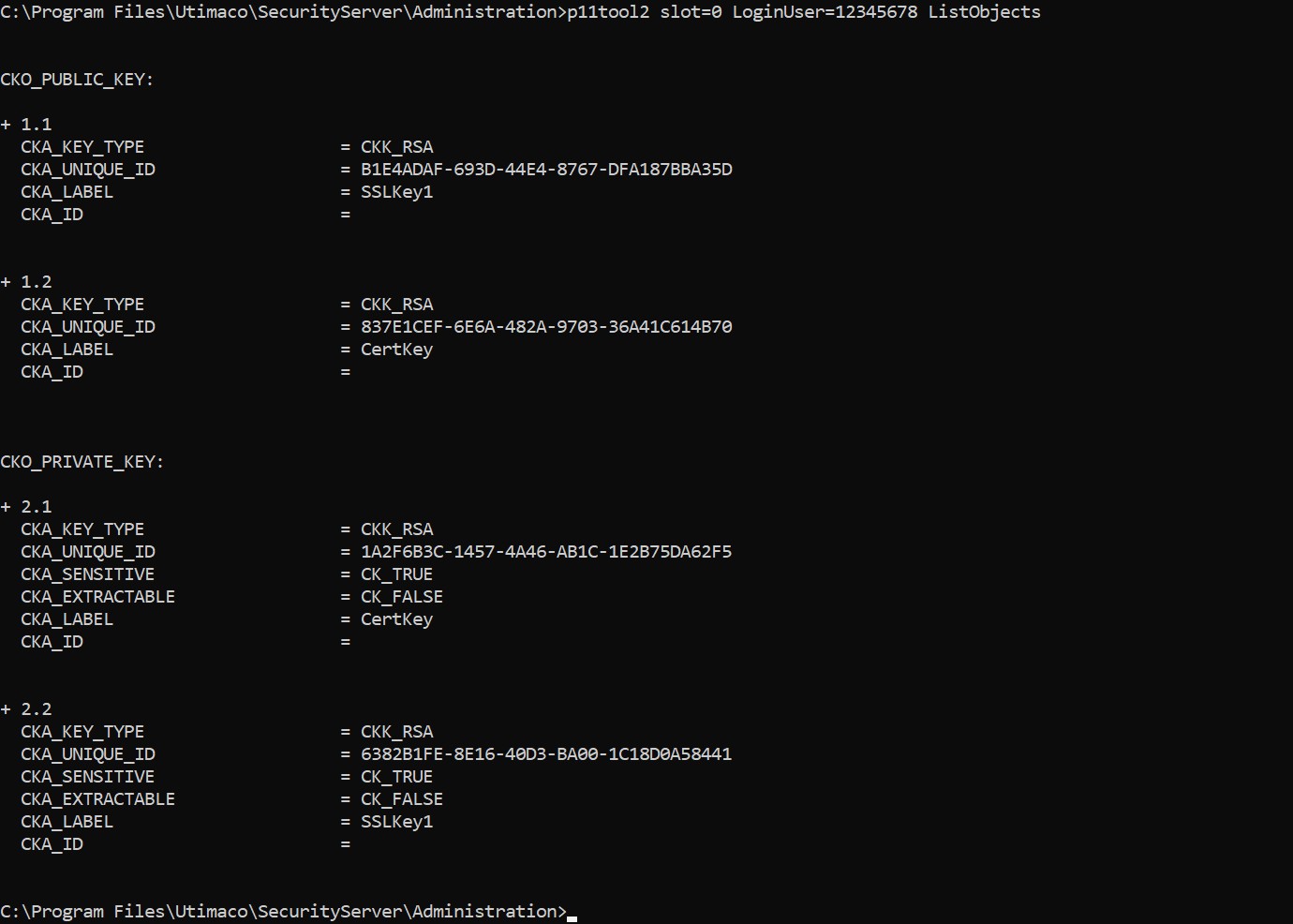
Figure 40: CA RSA Key list
For ECC
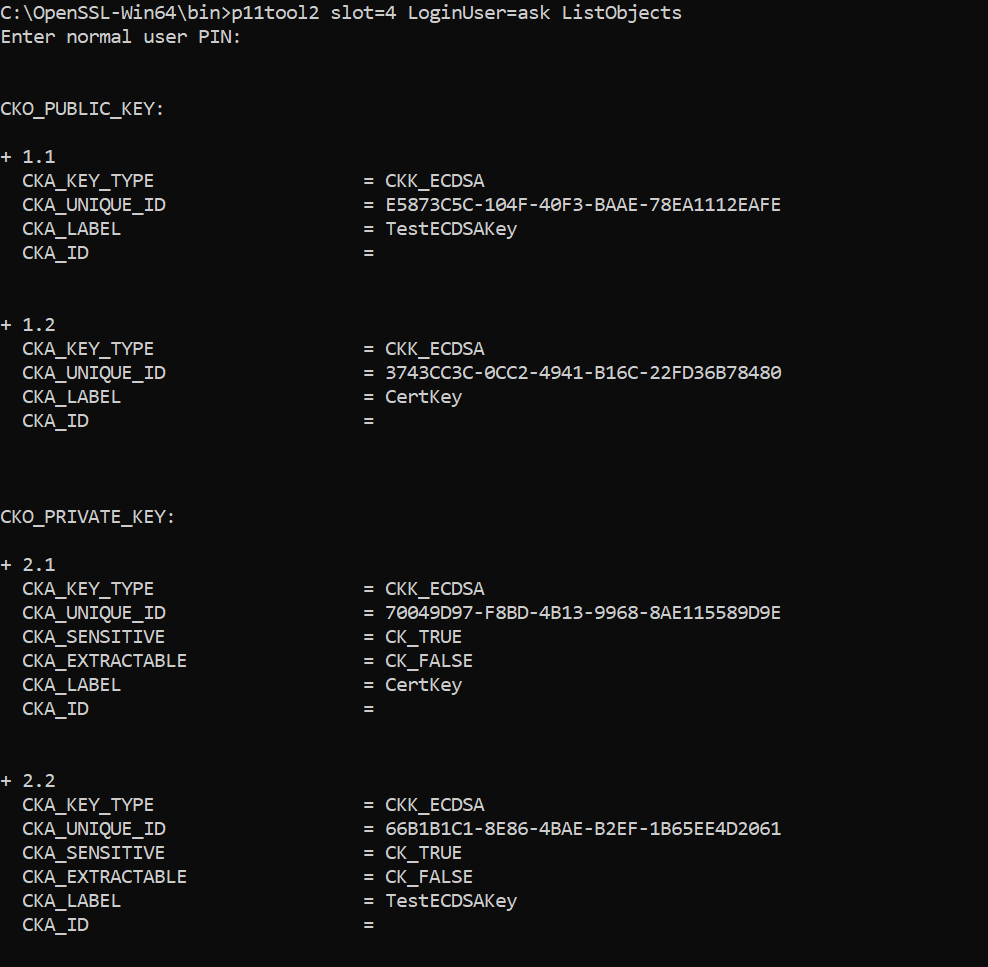
Figure 41: ECC Key
-
Create a CA certificate based on the generated key that is used for signing other certificates
|
›_ Console |
|
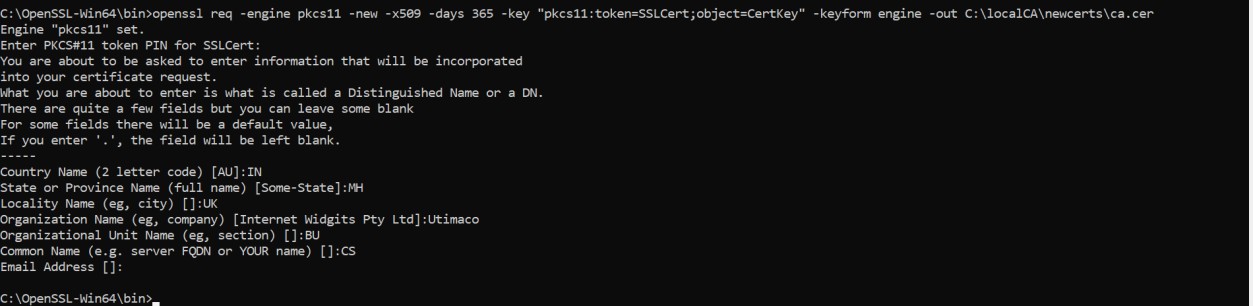
Figure 42: CA certificate generation output
Where CertKey is the object label for the CA private key on the Utimaco HSM created in Step 5 and SSLCert is token label. Provide Cryptouser PIN when prompted.