

-
Download the latest libp11 package from Releases · OpenSC/libp11 · GitHub.
|
›_ Console |
|
-
Extract the file
|
›_ Console |
|
-
Go to libp11 directory, build and install libp11 using the following commands
|
›_ Console |
|
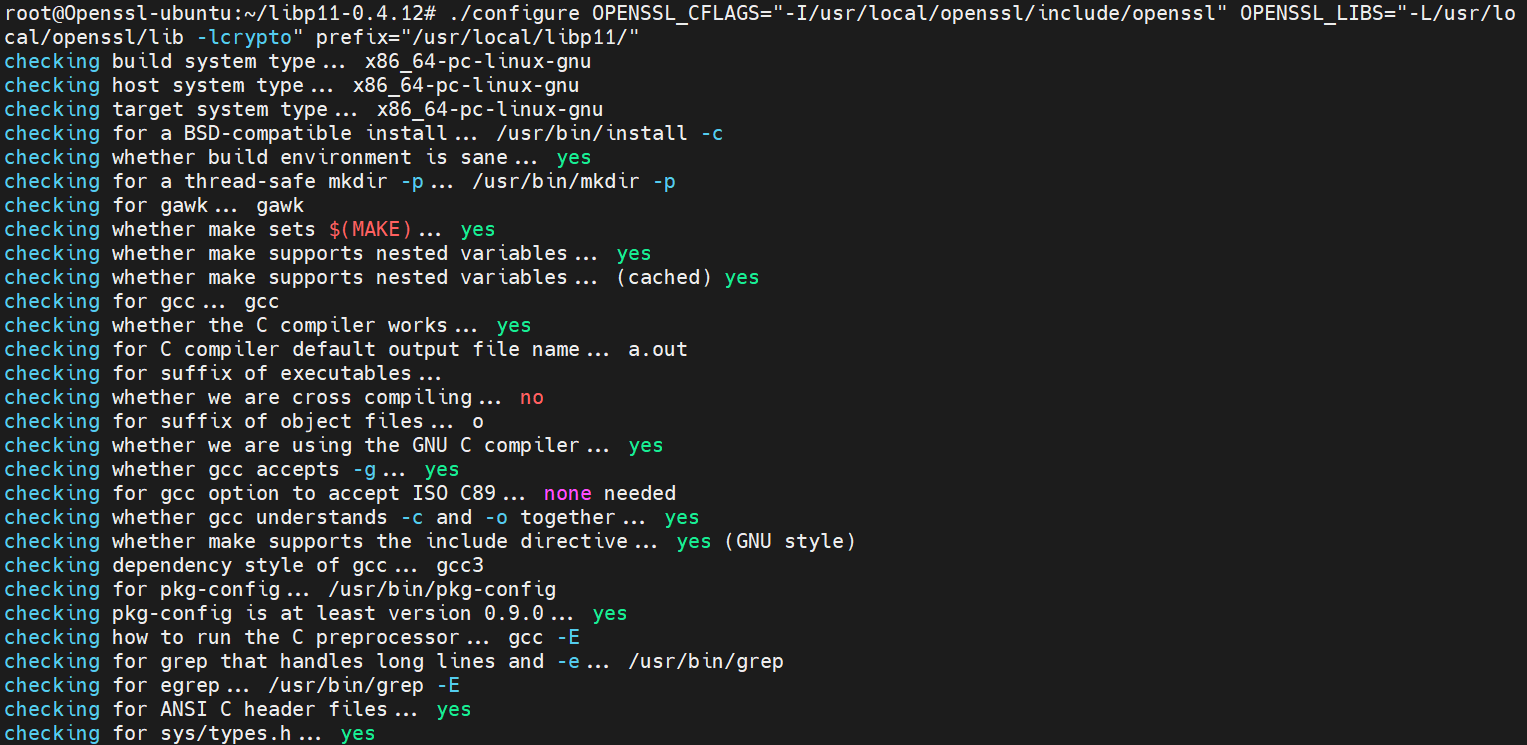
Figure 2: Output of configure command for libp11
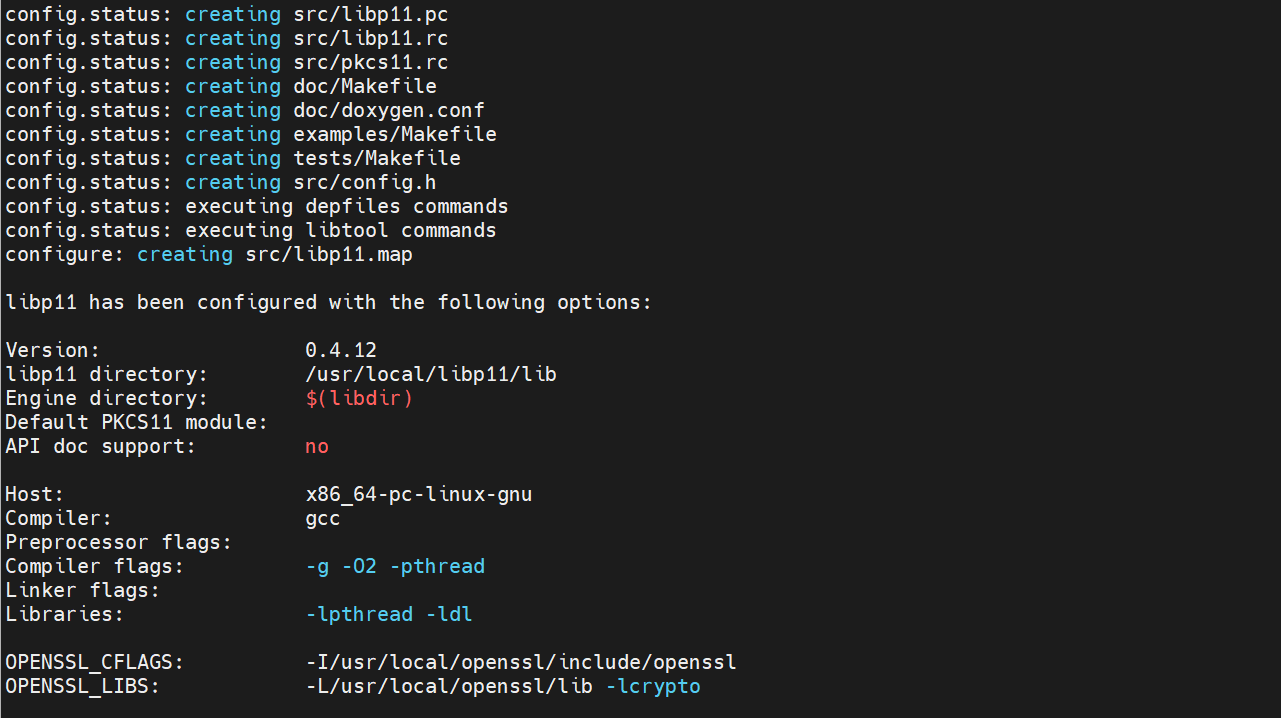
Figure 3: Output of configure command continued for libp11

|
If you are using existing or pre-installed openssl then change the value of OPENSSL_CFLAGS and OPENSSL_LIBS to their correct path. Make a note of "Engine Directory" path while running the configure command as the pkcs11.so file is generated inside this directory after running "make install" command. |

|
After rebooting the server, export the library path every time. # export LD_LIBRARY_PATH=/usr/local/openssl/lib: /usr/local/libp11/lib/:$LD_LIBRARY_PATH and # export PATH=/usr/local/openssl/bin:$PATH |