

-
Download and install OpenSSL, refer https://slproweb.com/products/Win32OpenSSL.html for windows build. Here OpenSSL is installed in C:\OpenSSL-Win64
-
Download libp11 from https://github.com/OpenSC/libp11/releases
-
Download and Install Visual Studio, refer https://visualstudio.microsoft.com/vs/older- downloads/
-
Open the Native x64 VS Command Prompt and go to the directory where libp11 is extracted
-
Run the following command to build and install libp11 with openssl
|
›_ Console |
|
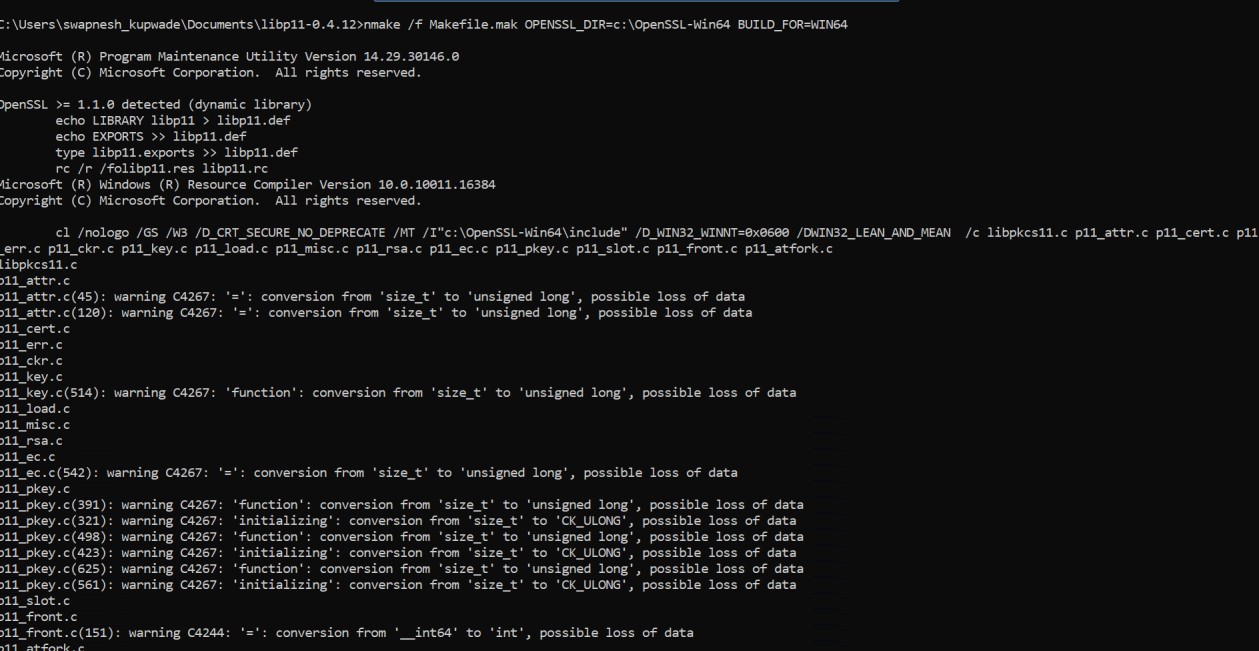
Figure 39: Output of nmake command
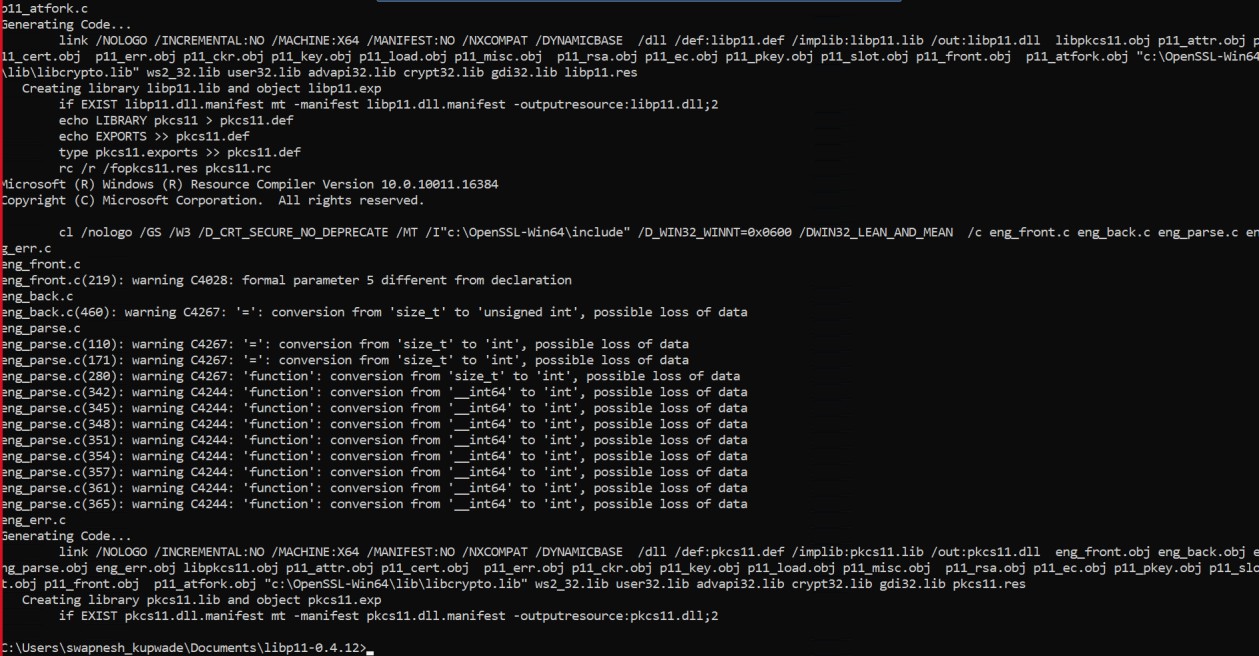
Figure 40: Output of nmake command (continued)
-
Verify pkcs11.dll is available inside <libp11>/src/ folder