

You must initialize a slot with a custom label using p11tool2.
First, using p11tool2 create the SO or Security Officer and then using the p11tool2 command initialize the slot that you want to use, as well as the slot user.
|
›_ Console |
|---|
|
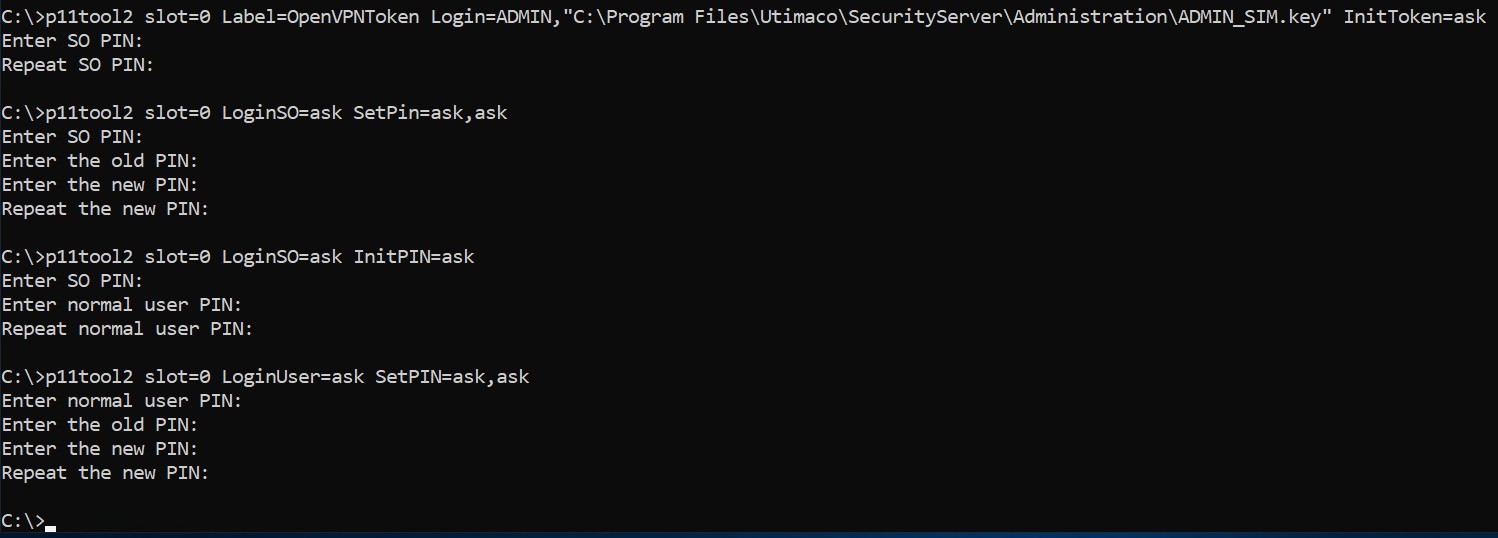
Slot initialization output
Alternatively, you can also use the p11CAT tool to initialize a token and create a SO user. After that you can set a normal user PIN.