

1. Log in to the Windows machine where Splunk Enterprise is configured and log in to it.
2. Click the Apps menu and select Search & Reporting. The same link is also available in the Splunk Enterprise dashboard.
3. Enter index=<created_index> in the search bar and verify that the corresponding ESKM logs are displayed.
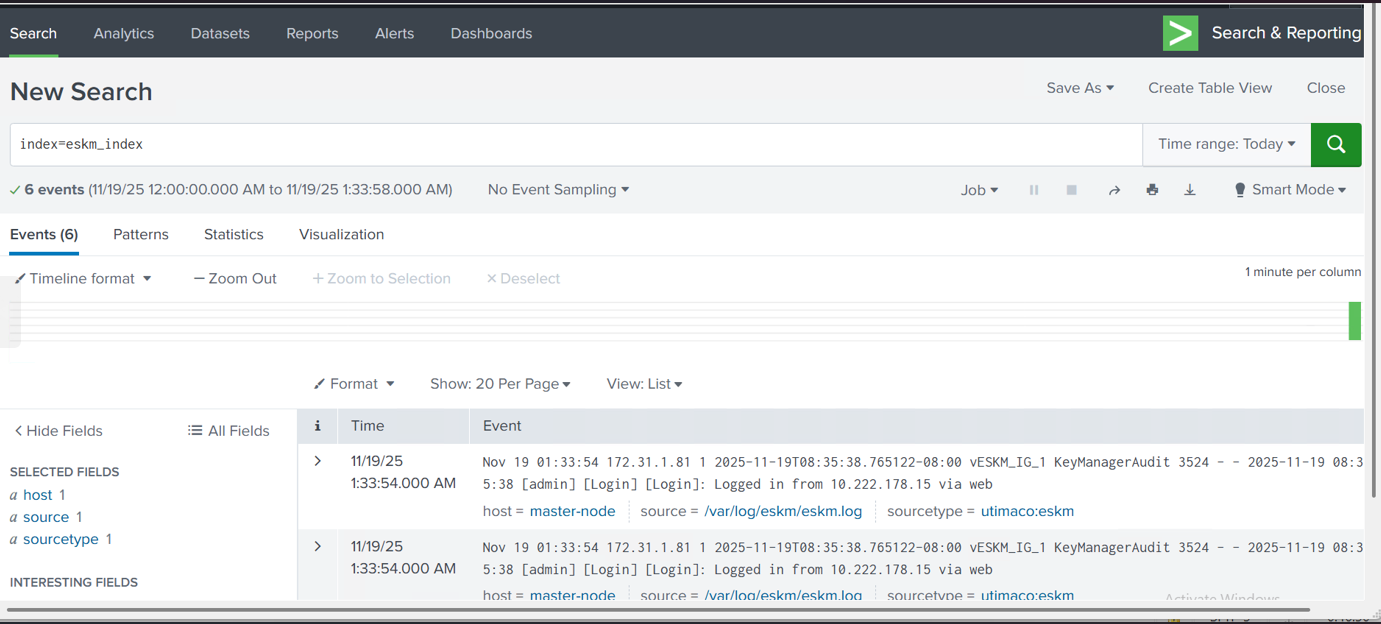
ESKM logs displayed in Splunk
After Splunk UF is configured, perform actions on the ESKM server, such as login, logout, or any administrative operation, to ensure new events are captured.