

-
Open server.xml file.
|
›_ Console |
|---|
|
-
Add the following entries to connector section for SSL.
|
›_ Console |
|---|
|
Here:
-
certificateKeystoreFile is blank as HSM is being used
-
certificateKeystoreType is pkcs11 keystore is being used
-
certificateKeystoreProvider is SunPKCS11-CryptoServer
-
certificateKeyAlias is the name of the key generated using keytool command
-
certificateKeystorePassword is the password of the HSM keystore
-
type is the key algorithm to use (RSA/EC)
-
Reload the daemon using:
|
›_ Console |
|---|
|
-
Restart Tomcat Service using:
|
›_ Console |
|---|
|
5. Confirm Tomcat status that it is running using:
|
›_ Console |
|---|
|
-
The below output shows it is running:
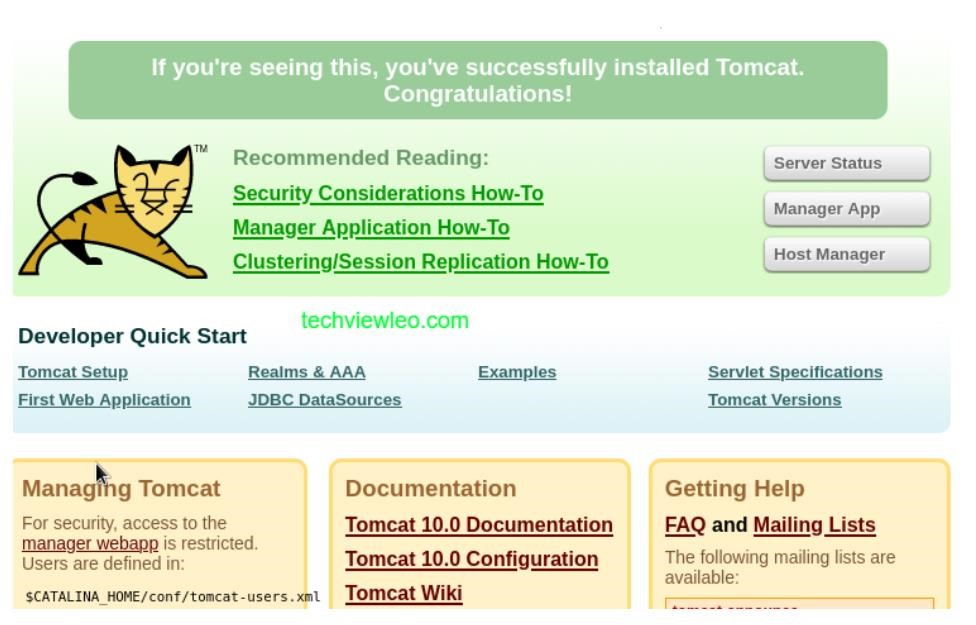
Tomcat Service Status Output
-
Now access the page over https using https://172.23.0.40:8443.
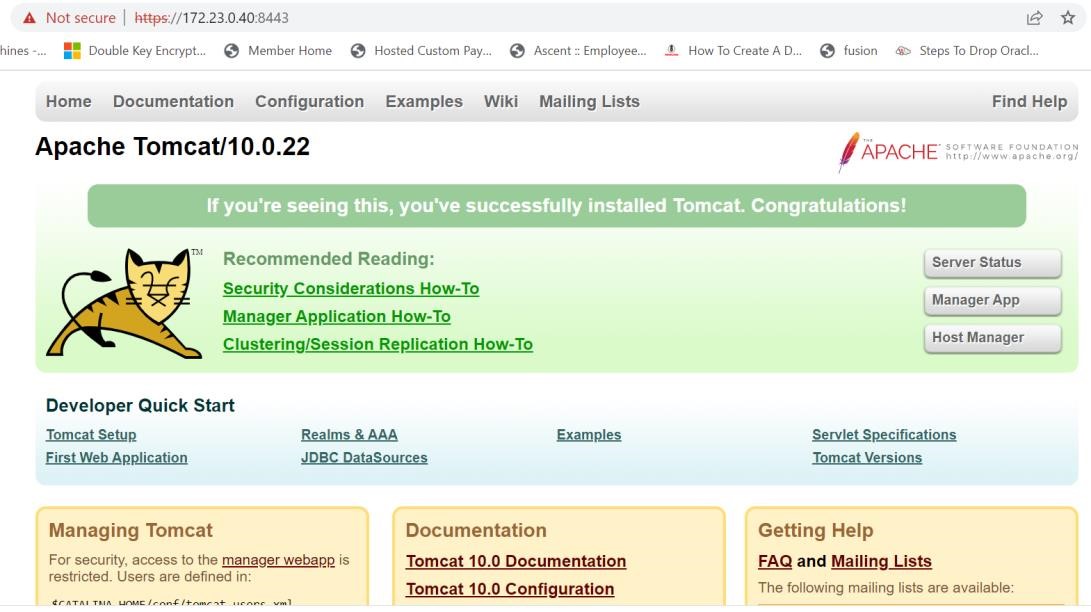
Tomcat service status output
This completes the integration of Apache Tomcat with Utimaco HSM using SunPKCS11 security provider.