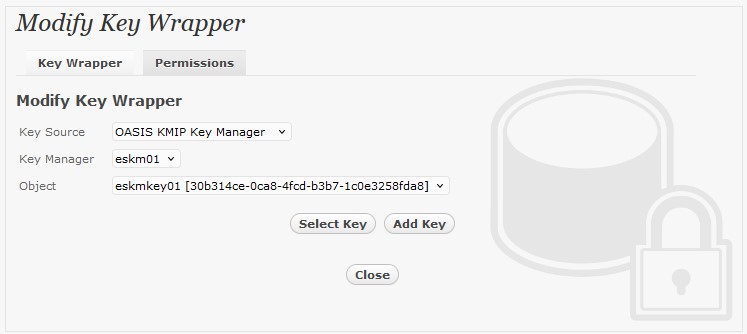
To generate key in attached Utimaco ESKM, select Key Source Type as
OASIS KMIP Key Manager
and the assigned Key Manager label, in this case
eskm01
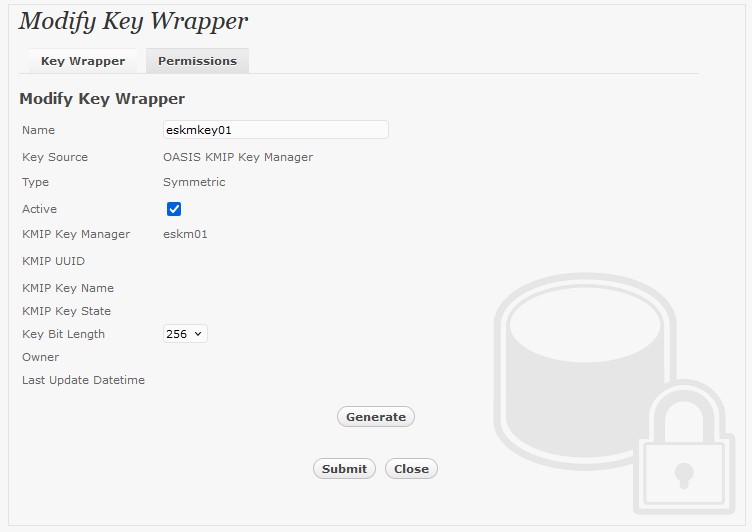
Select “Add Key” and “generate” to create a new key on the key manager.
Or if key already exists, simply choose from the dropdown box.
Ensure you import a key from the key manager before you submit the key wrapper.
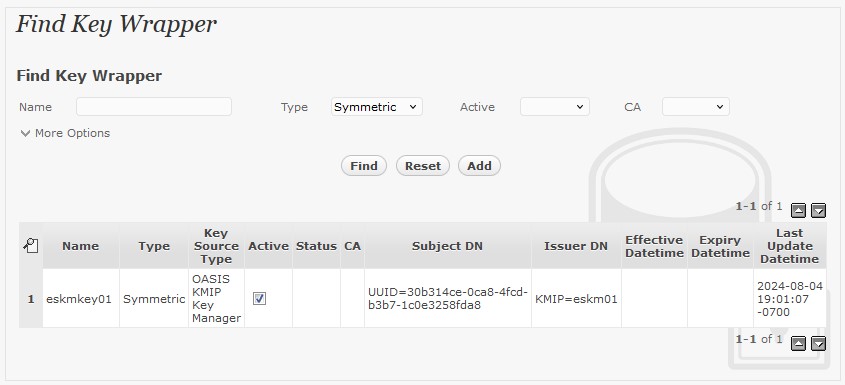
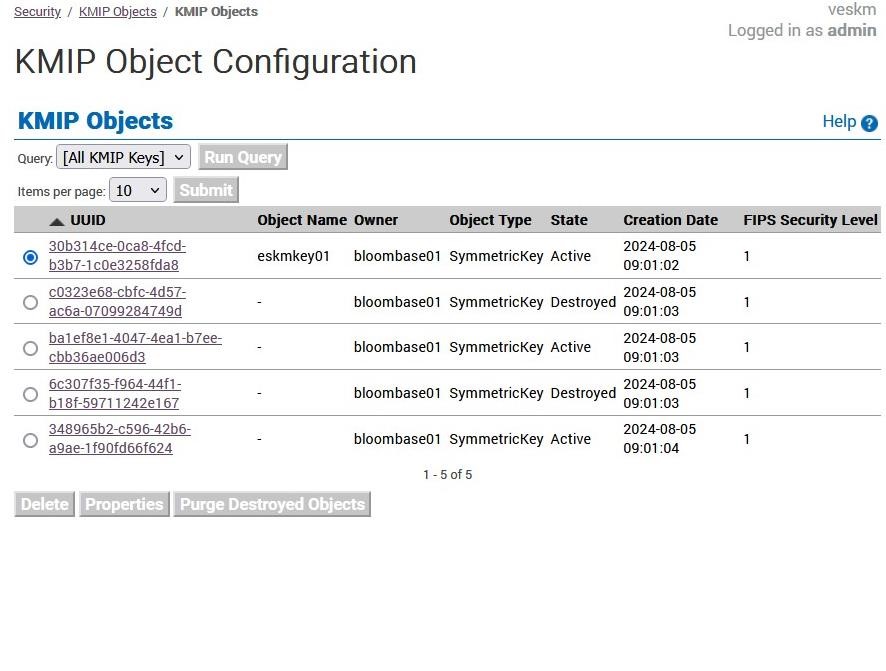
The new key can be found on the ESKM management console.