

Bloombase supports Utimaco ESKM out of the box due to the fact that both products support OASIS Key Management Interoperability Protocol (KMIP).
To enable the built-in Bloombase KeyCastle to utilize keys managed in the network attached Utimaco ESKM, the KMIP service configuration at Bloombase web management console has to be set up. This is done by clicking “OASIS KMIP Key Manager” under “Key Management”.
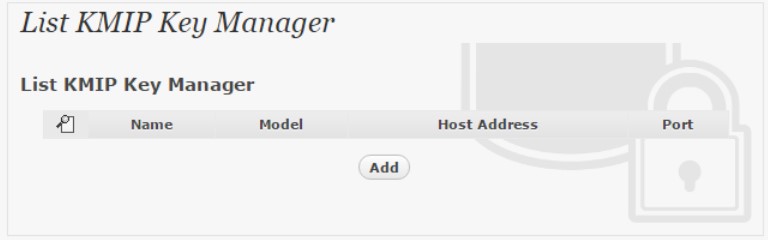
Input a name for the configuration, and select Model as
Utimaco ESKM
Input also the host address and port to access the Utimaco ESKM, and import the signed X.509 key pair as “Client Keystore”, the certificate of the local root CA on Utimaco ESKM as “Trust Certificate”.
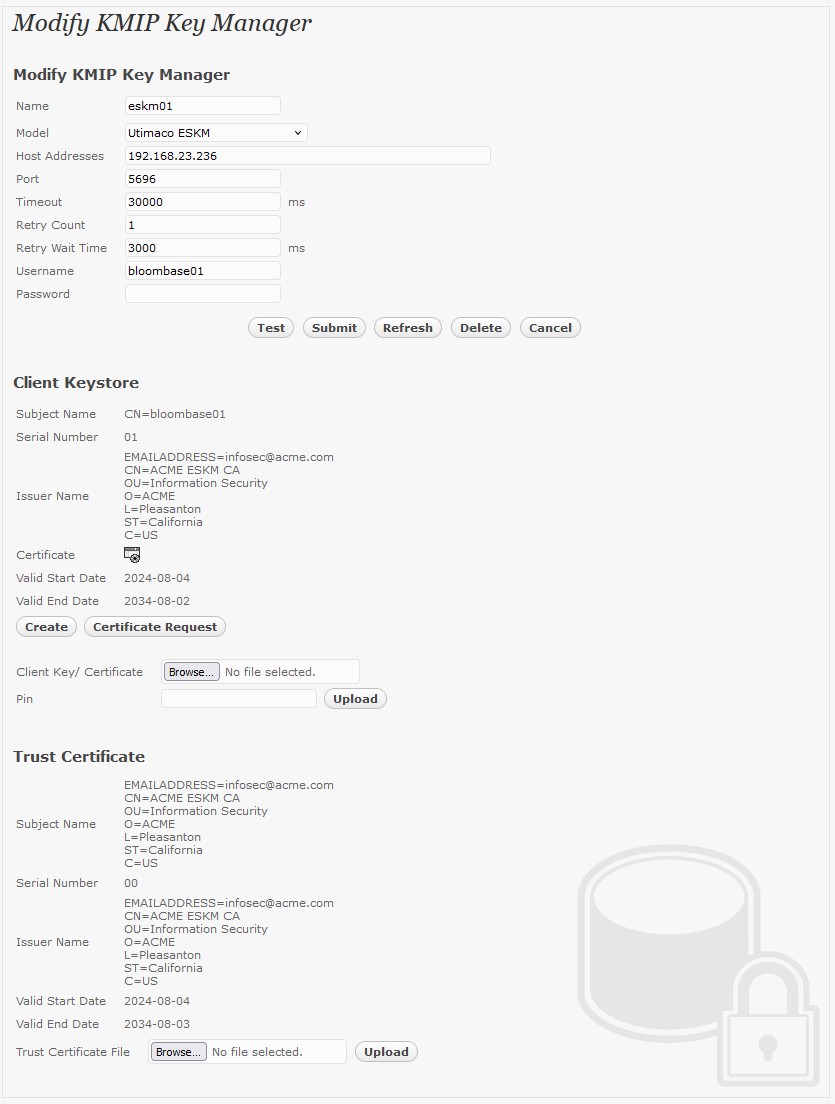
X.509 key pair CN=bloombase01 is generated and signed by the root CA in the Utimaco ESKM, and assigned as the client authentication key pair for Bloombase StoreSafe.
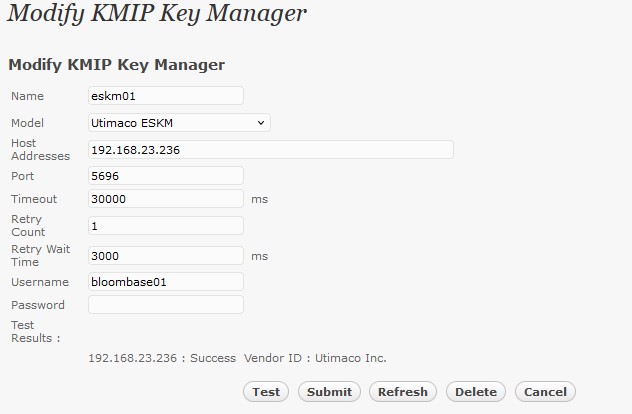
Click ‘Submit’ to commit the configuration. If the certificates are setup properly, “test results” of the KMIP Key Manager would return “Success”.