

Once the users are created, configure the cryptographic algorithms, key types, and key storage.
-
For PKCS#11 and CNG, generate and manage keys as required using the CryptoServer Administration Tool and Secret Server.
-
To view or list generated keys:
-
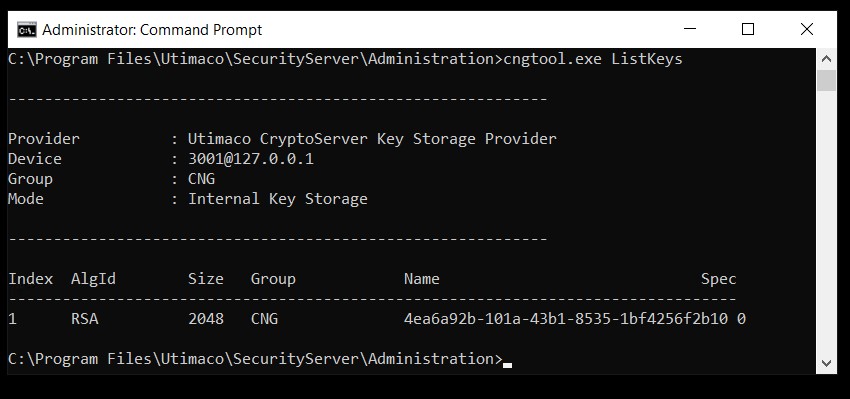
For CNG: l Use the cngtool.exe ListKeys command to view the created keys.
-
For PKCS#11:
-
Use the PKCS11 CryptoServer Administration Tool (PKCS11 CAT) to view the keys.
-
Select the Object Management tab. The Object Management page opens. Here you can see the PKCS#11 keys.
-
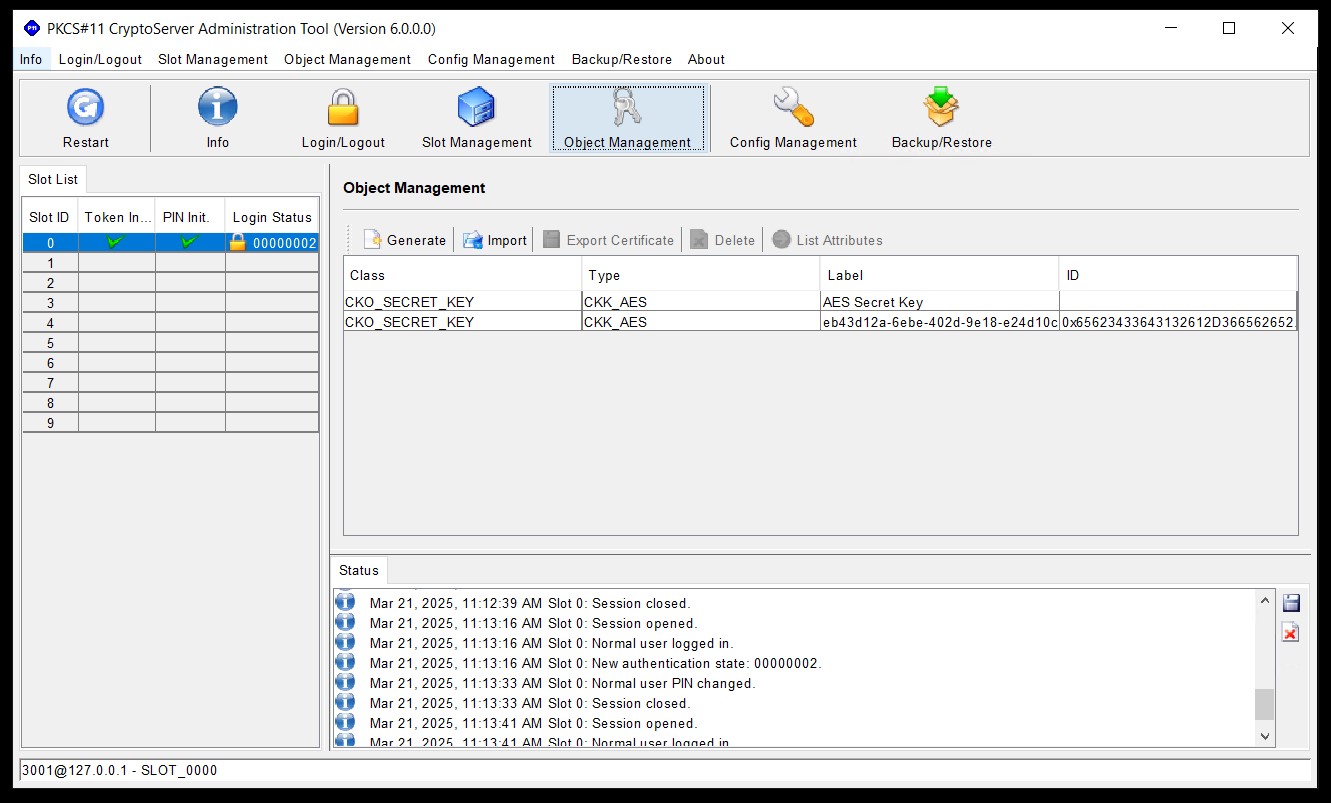
Only the Crypto Users can see these keys displayed in the Object Management page.