

-
Run
the filesys encryption key-manager set commandto configure the system to use ESKM as key manager.
-
$filesys encryption key-manager set server <IP> port 5696 key-class <class name> server-type gklm kmip-user <username>.
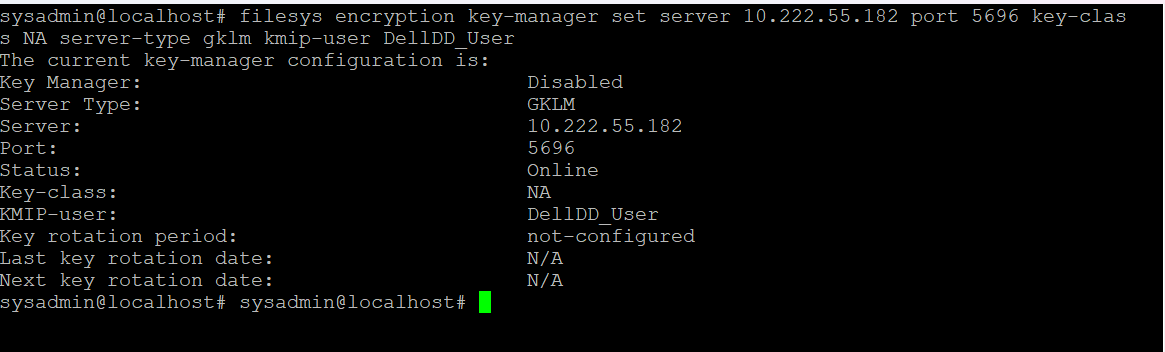
ESKM set as Key manager in Dell Data Domain
-
Run the
filesys encryption key-manager enablecommand to enable key management with ESKM , if key manager is disabled.

Key Manager enabled in Dell Data Domain
-
Run the
filesys encryption key-managershowcommand to verify key management is enabled.
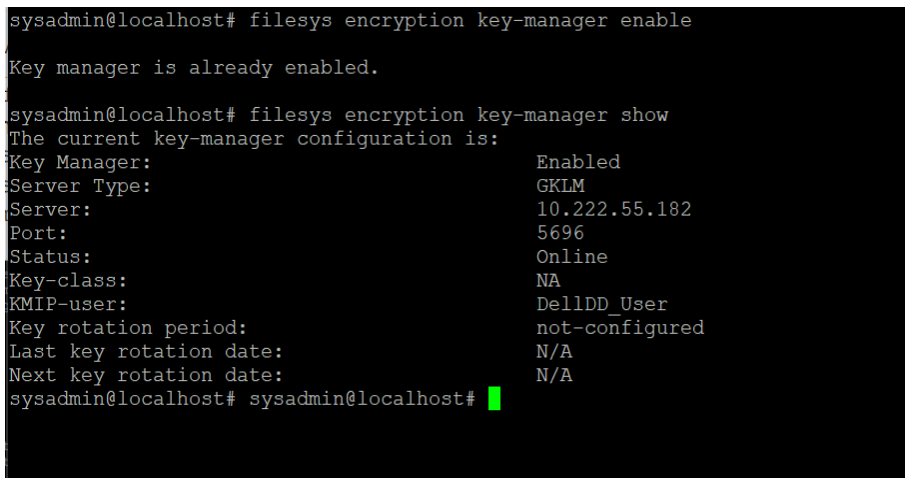
Key manager configuration details
-
Run the
filesys encryption keys show detailedcommand to view the ESKM keys created on the system.
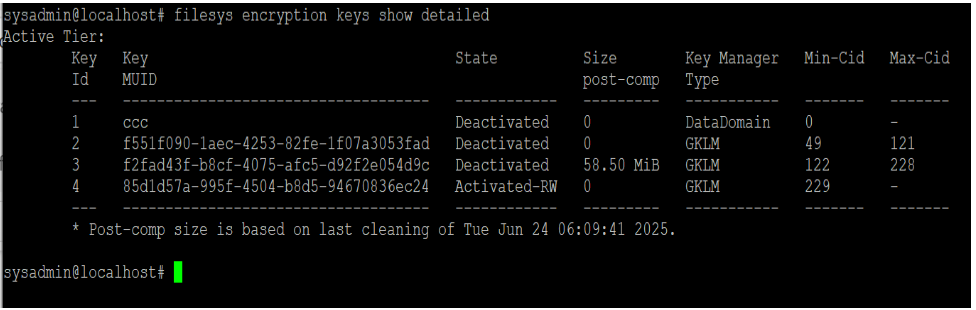
Run the filesys restart command to activate the key if it is in a deactivated state.