

To start containers, the user can now build a Docker image that contains the SecurityServer Simulator.
-
Use the docker build command inside of the project directory, created in the previous paragraph. Tag the image with the appropriate version of the SecurityServer Simulator. In this document we use version 4.60.0.0 as it represents the current product CD version.
|
›_ Console |
|---|
|
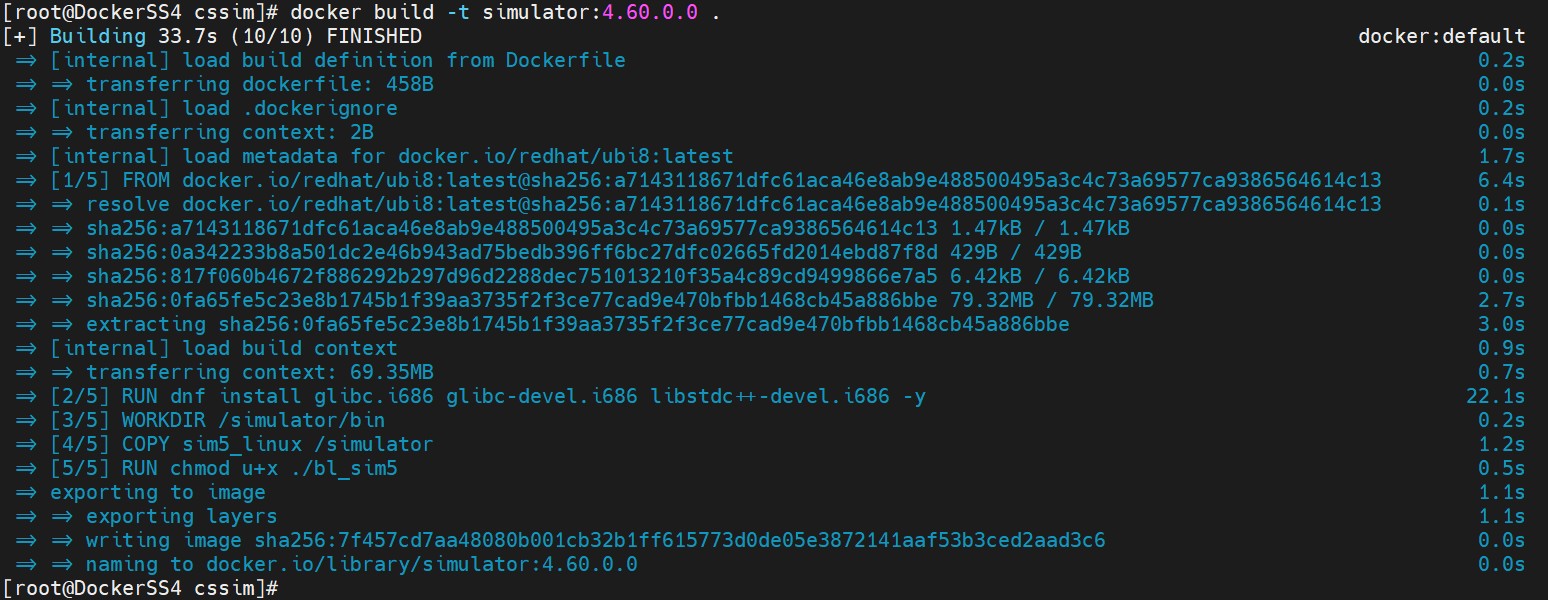
Docker build command output for Redhat ubi8 image
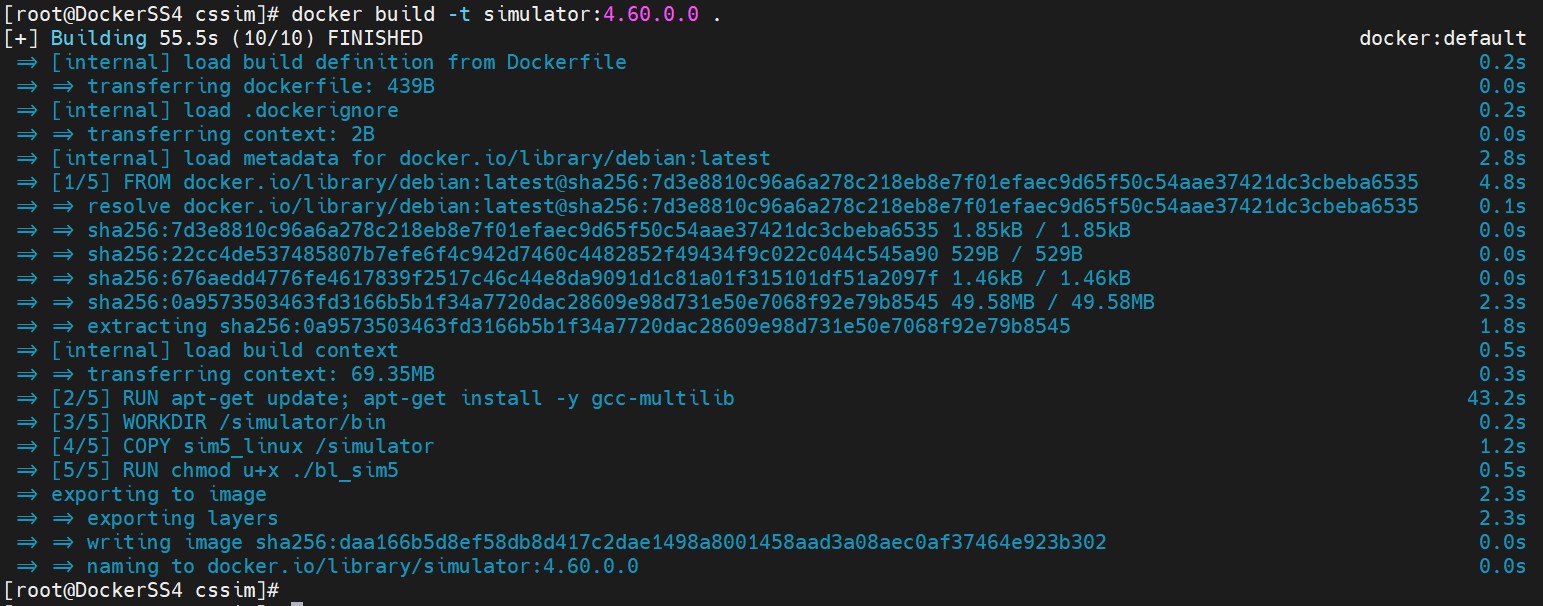
Docker build command output for Debian image
If you receive an error message on build you may check that you have setup the project folder as described in the previous paragraph. Also, you may check the connection to the yum repository as it is required to install the necessary additional packages.
-
Verify that the Docker image is created successfully using below command.
|
›_ Console |
|---|
|

Listing docker images