To run vHSM in a Docker container, you need to download a precompiled container image from enclaive’s registry at https://harbor.enclaive.cloud/. To interact with enclaive vHSM, you’ll also need to install the vHSM CLI tool.
-
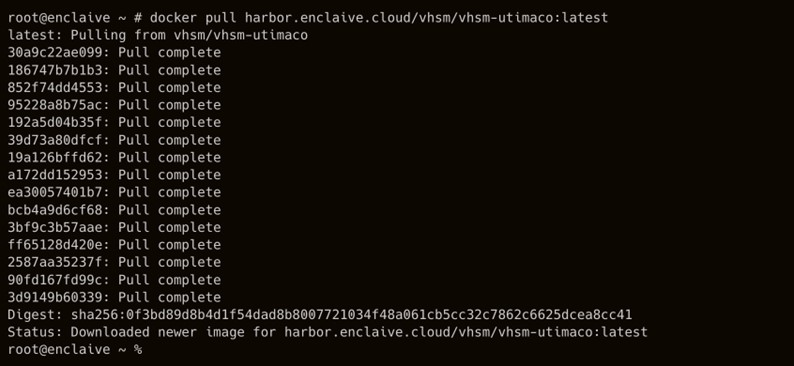
Pull the latest vHSM container image.
›_ Console
# docker pull harbor.enclaive.cloud/vhsm/vhsm-utimaco/vhsm:latest
-
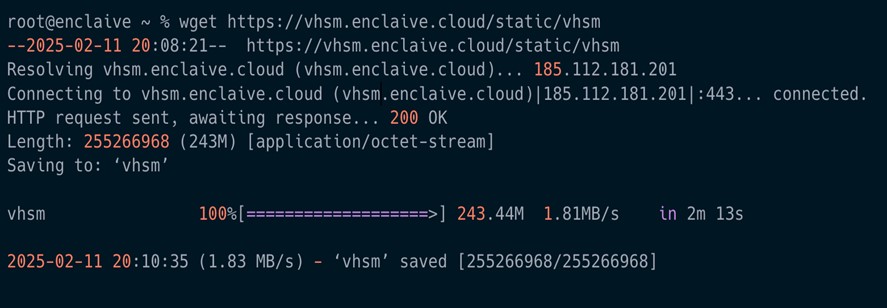
Download the enclave vHSM CLI.
›_ Console
# wget https://vhsm.enclaive.cloud/static/vhsm
-
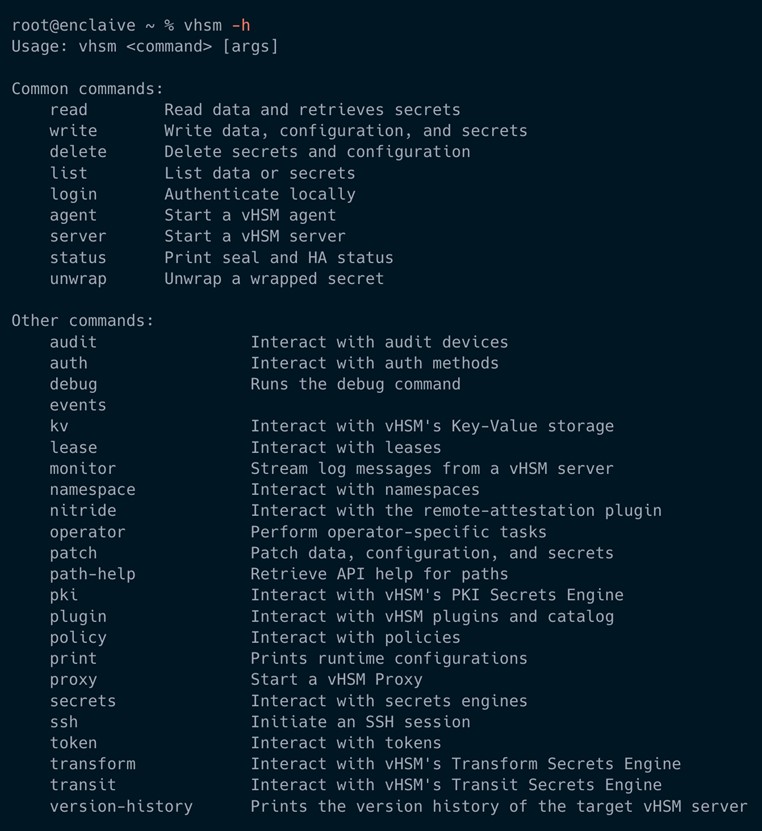
Confirm that vHSM CLI is installed.
›_ Console
# vhsm -h