

In BIG-IP, several logs and trace files are available to monitor and troubleshoot the operations. Out of all logs available, Audit and System logs are most important to the integration.
-
Audit Log
Location: /var/logs/audit
GUI : System → Logs → Audit
Purpose: This log records user login and logout events, configuration changes made (via GUI, CLI, or API), command executions, and system-level actions such as module provisioning and license updates. These logs are essential for security auditing, ensuring compliance with standards (eg., PCI-DSS and HIPAA), troubleshooting unauthorized changes, and tracking administrative activities.
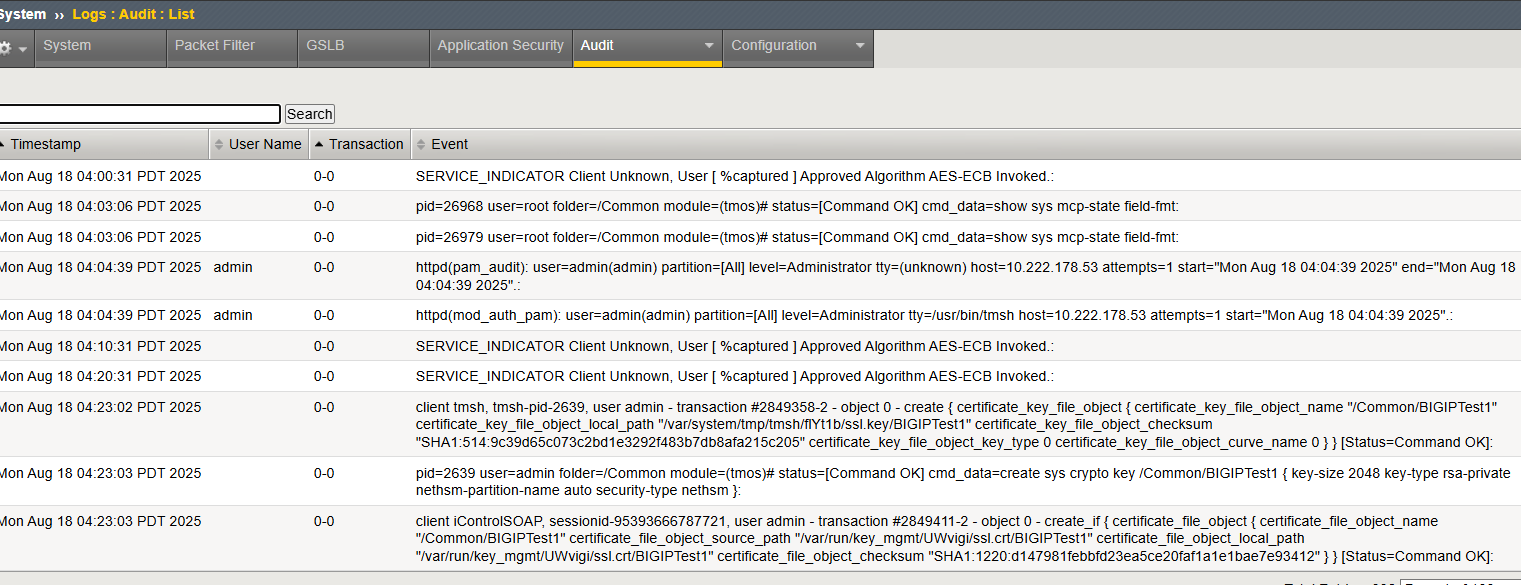
Sample Audit Logs
-
System Logs
Location : /var/logs/messages
GUI : System → Logs → System
Details: System logs include system messages, daemon logs, startup and shutdown events, resource usage warnings, interface or link status changes, and issues related to licensing and module provisioning. System logs are used to monitor and troubleshoot the overall health and operation of the system.
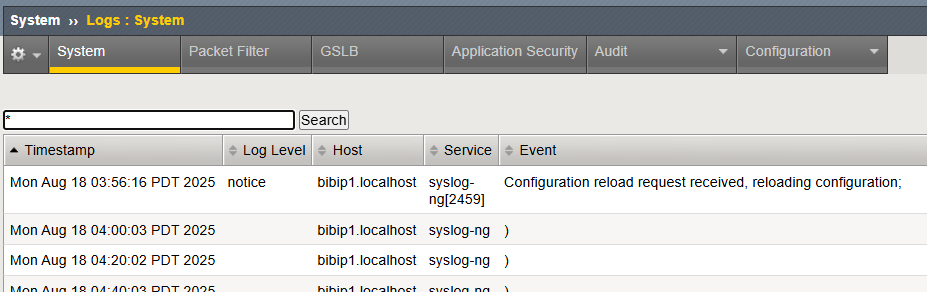
Sample System Log