

-
Download the gnupg installation file
|
›_ Console |
|---|
|

Downloading gnupg
-
Extract the file
|
›_ Console |
|---|
|
-
Go to the directory where the file is extracted
|
›_ Console |
|---|
|
-
Run the following command to compile and install
|
›_ Console |
|---|
|
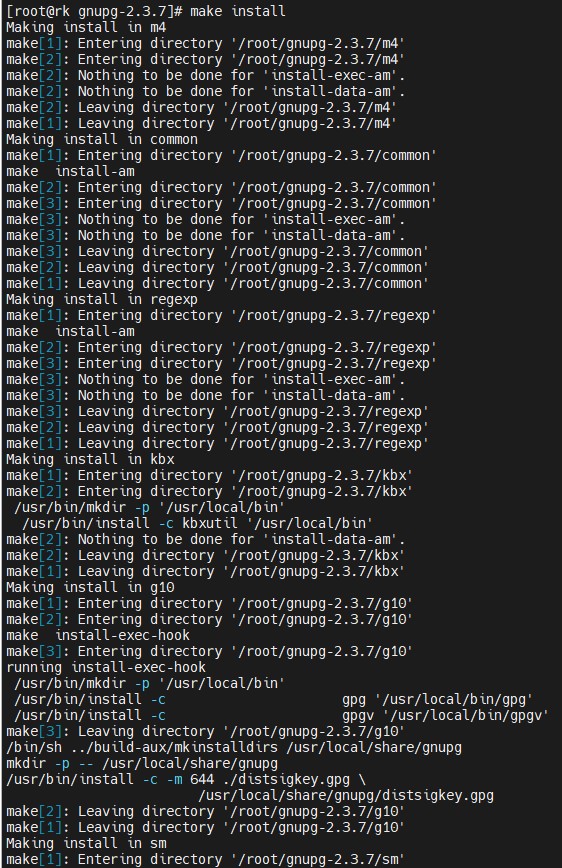
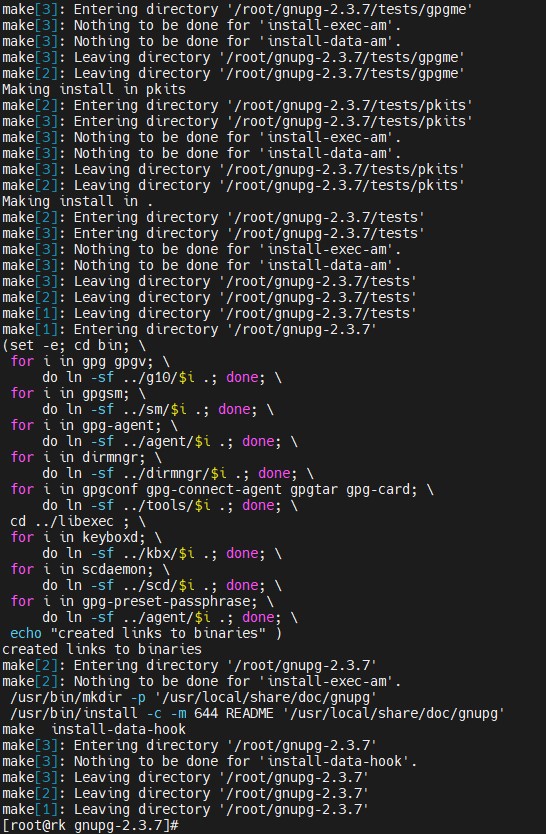
Installing gpg
-
Export PATH and LD_LIBRARY_PATH variable
|
›_ Console |
|---|
|
-
Verify that the GnuPG has been installed successfully.
|
›_ Console |
|---|
|
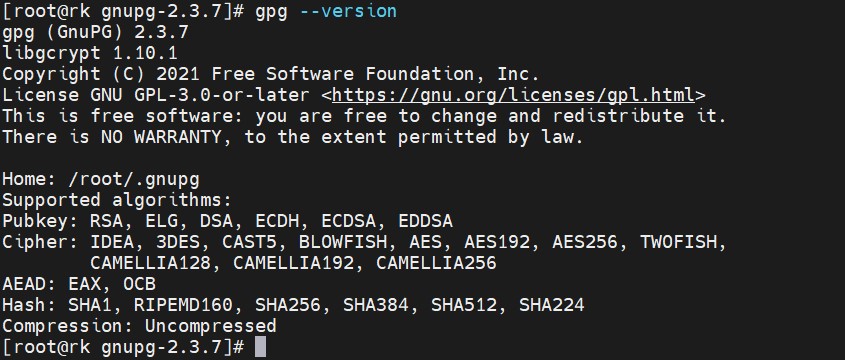
Verifying gpg version