

-
(Optional) Install EPEL repository if it doesn't exit
|
›_ Console |
|---|
|
-
Install pkcs11-helper-devel package
|
›_ Console |
|---|
|
-
Download the gnupg-pkcs11-scd installation file
|
›_ Console |
|---|
|
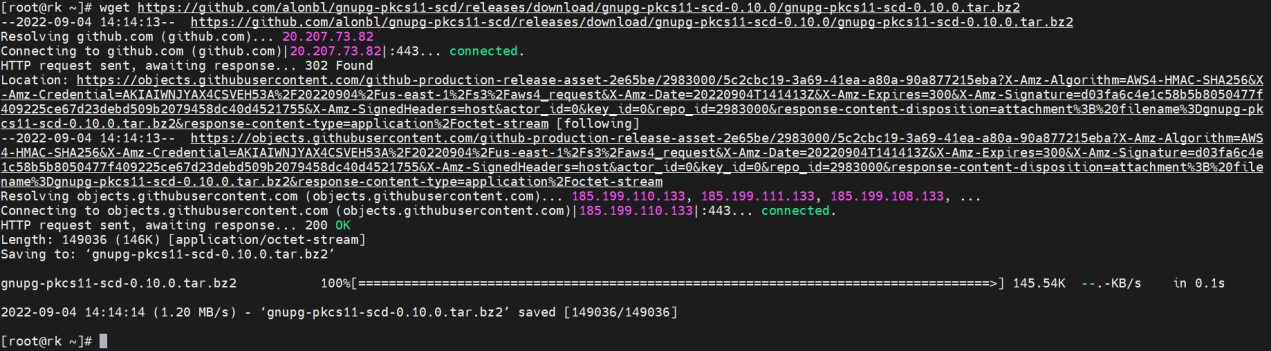
Downloading gnupg-pkcs11-scd
-
Extract the file
|
›_ Console |
|---|
|
-
Go to the directory where the file is extracted
|
›_ Console |
|---|
|
-
Run the following command to compile and install
|
›_ Console |
|---|
|
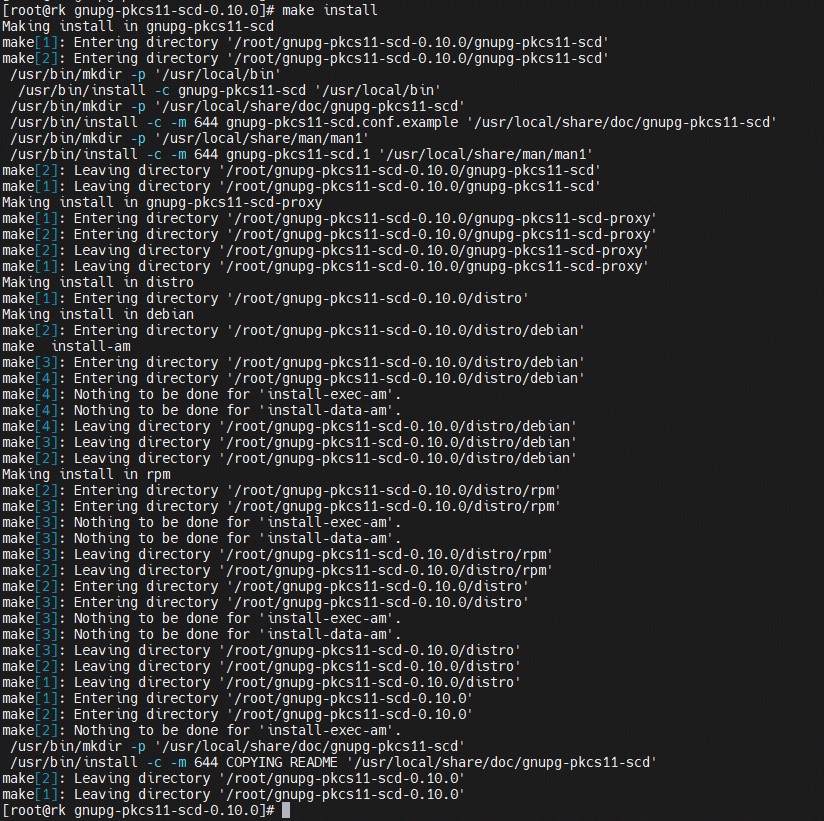
Installing gnupg-pkcs11-scd
After rebooting the server, export the path and library path every time.
export PATH=/usr/local/bin:$PATH
export LD_LIBRARY_PATH=/usr/local/lib