

-
Install the
pkcs11-helper-develpackage.
# sudo apt update
# sudo apt install -y libssl-dev
# pkg-config --modversion libcrypto
# sudo apt update
# sudo apt install -y libpkcs11-helper1-dev
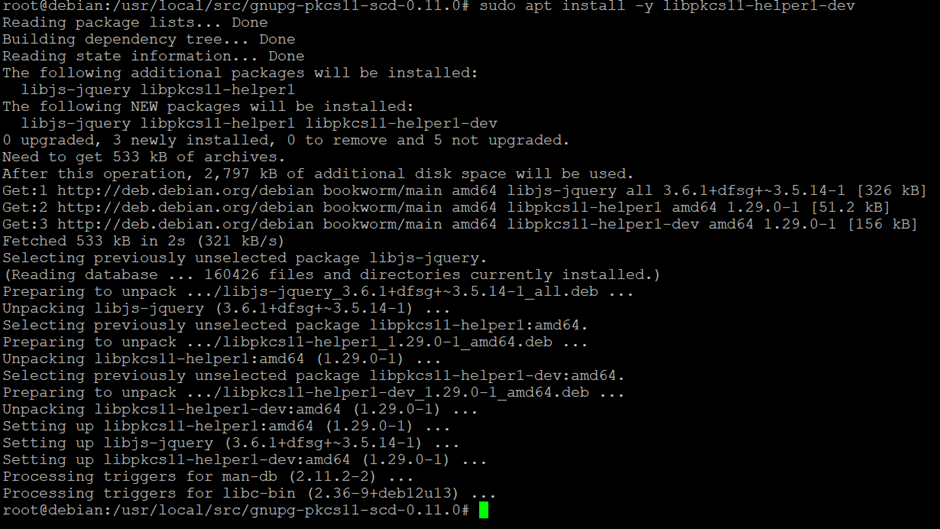
Installation of pkcs11-helper-devel package
-
Verify that the PKCS#11 helper library is installed and available for development.
# dpkg -L libpkcs11-helper1-dev | grep pkgconfig
# export PKG_CONFIG_PATH=/usr/lib/x86_64-linux-gnu/pkgconfig
# pkg-config --modversion libpkcs11-helper-1
-
Download the
gnupg-pkcs11-scdinstallation file.
# wget https://github.com/alonbl/gnupg-pkcs11-scd/releases/download/gnupg-pkcs11-scd-0.11.0/gnupg-pkcs11-scd-0.11.0.tar.bz2
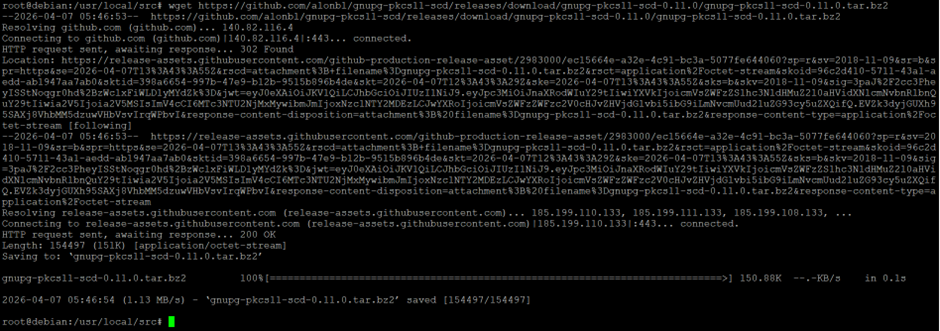
Downloading gnupg-pkcs11-scd
-
Extract the file.
# tar -xjf gnupg-pkcs11-scd-0.11.0.tar.bz2
-
Go to the directory where the file is extracted.
# cd gnupg-pkcs11-scd-0.11.0
-
Run the following command to compile and install.
# ./configure
# make
# make install
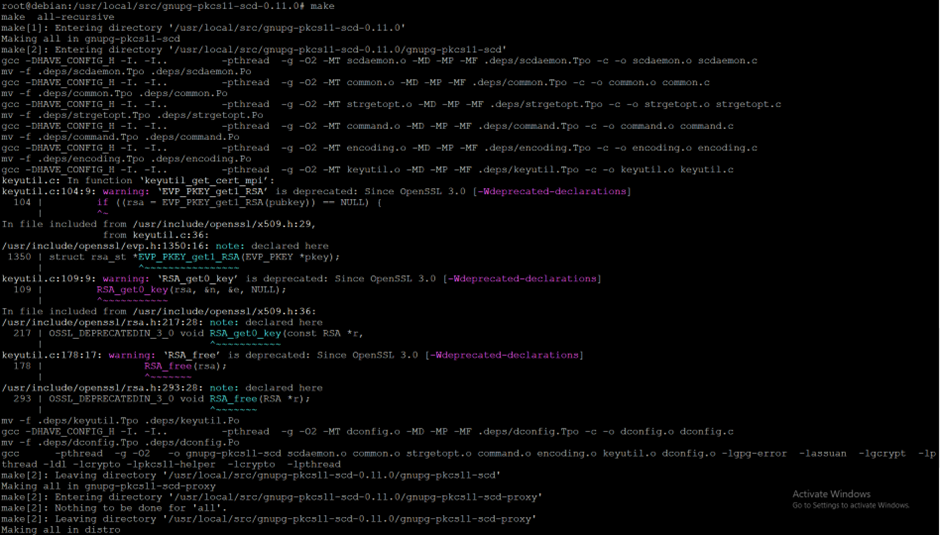
Installation of pkcs11-helper-devel package_make
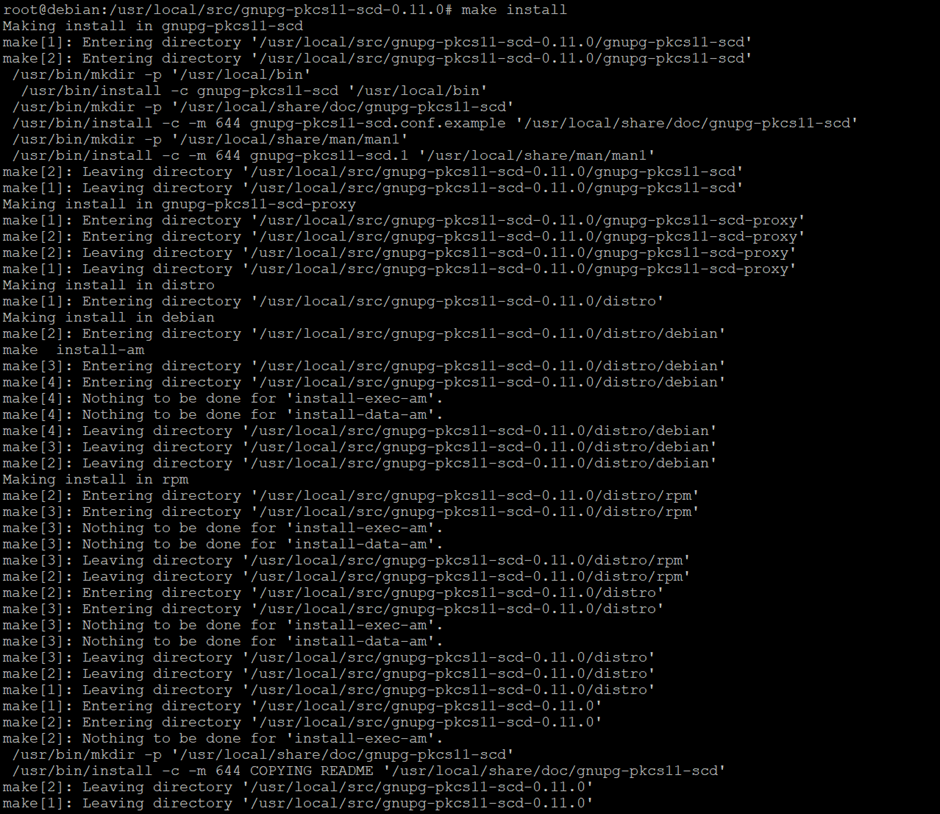
Installation of pkcs11-helper-devel package_make install

Installing gnupg-pkcs11-scd_verification