

-
Set the following environment variable to allow Vault to be accessed from a web browser through a web user interface. Append the following line to the /etc/profile.d/vault.sh file and log in again with a new session.
export VAULT_ADDR=http://127.0.0.1:8200
-
Enable the Vault.
# systemctl enable vault.service
-
Start the Vault service.
# systemctl start vault.service
-
Check that the Vault service is running.
# systemctl status vault
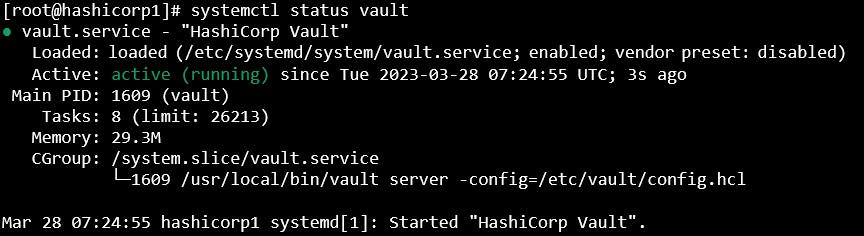
Vault Service Status
-
Check the Vault status.
# vault status
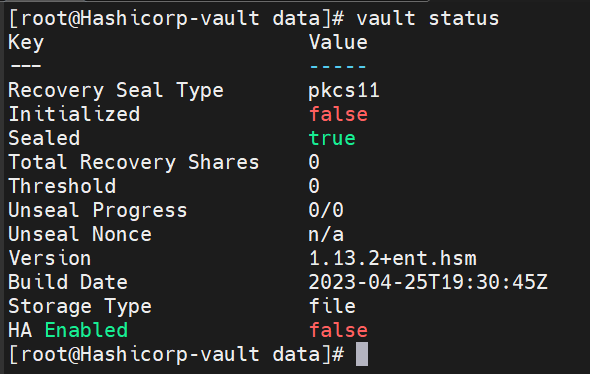
Vault Status
-
Initialize the Vault to use the HSM and note the initial root token value.
# vault operator init
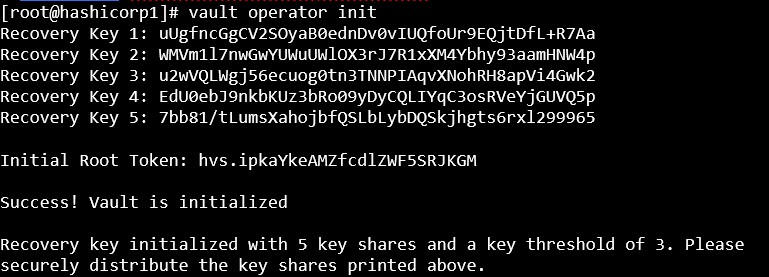
Vault Initialization
-
Verify that the keys got generated on the HSM.
# p11tool2 slot=<sot_no.> LoginUser=<slot_PIN> listobjects
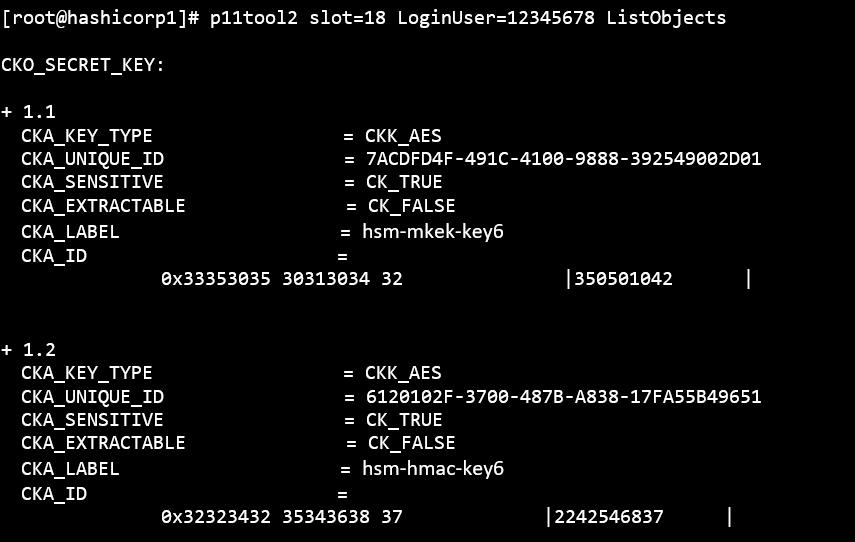
List Keys
-
Check the Vault status again and verify that it is initialized and unsealed.