

-
Open a browser and enter the URL http://:8200/ui/vault/auth. The Vault sign in page loads.
-
In the Token field, enter the Initial Root Token you saved after you started Vault and click on the Sign In button.
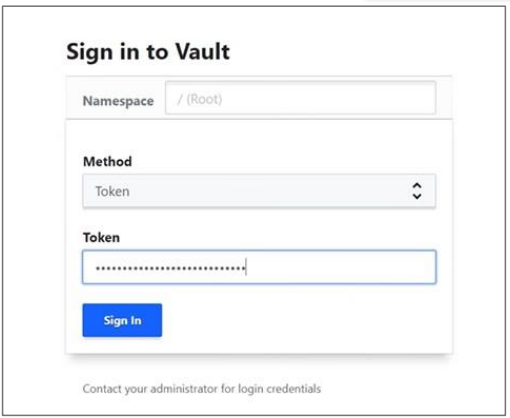
Sign in to Vault
-
The Secrets Engines page is displayed. The Status should be green.
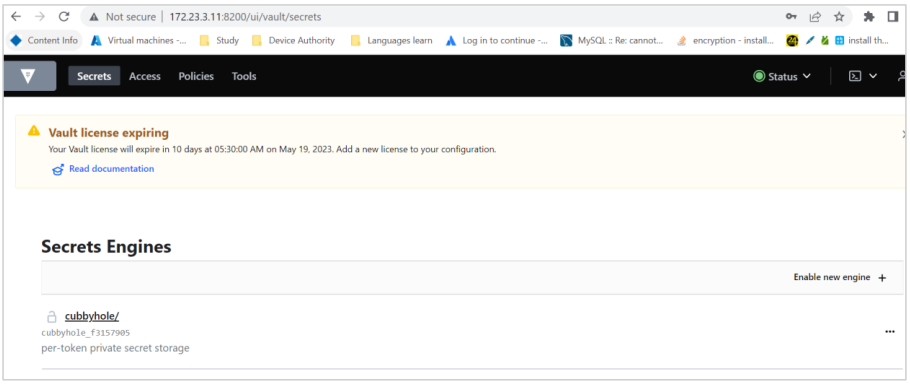
Secret Engines Window
-
Verify that the Vault status is Unsealed.
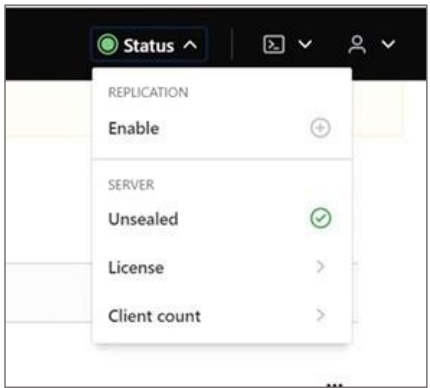
Vault Status
Anytime if the Vault is sealed, you can restart the Vault service to auto-unseal it