

-
Enable the PKI secrets engine at the PKI path.
|
|
|
|

Enable PKI secrets
-
Tune the secrets engine to use managed keys.
|
|
|
|
You configured the managed key with any_mount=false in the previous step. This command grants access to the learn-managed-key to the PKI secrets engine's mount.

Vault secrets tune
-
Generate the root certificate.
|
|
|
|
-
Configure the CA and CRL URLs.
|
|
|
|
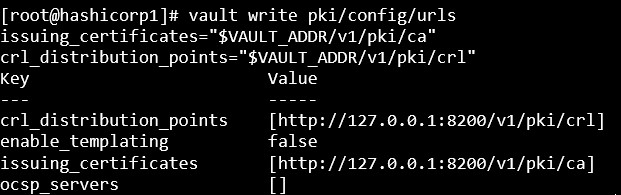
Configure CA & CRL
-
Test that you can issue a certificate with your managed key backed root CA by configuring and using a role.
|
|
|
|
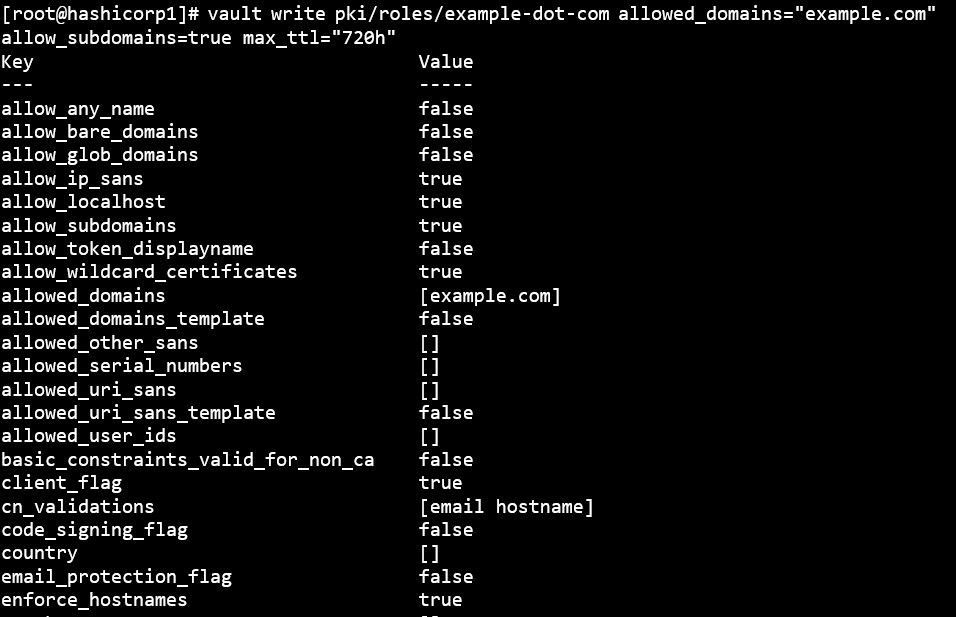
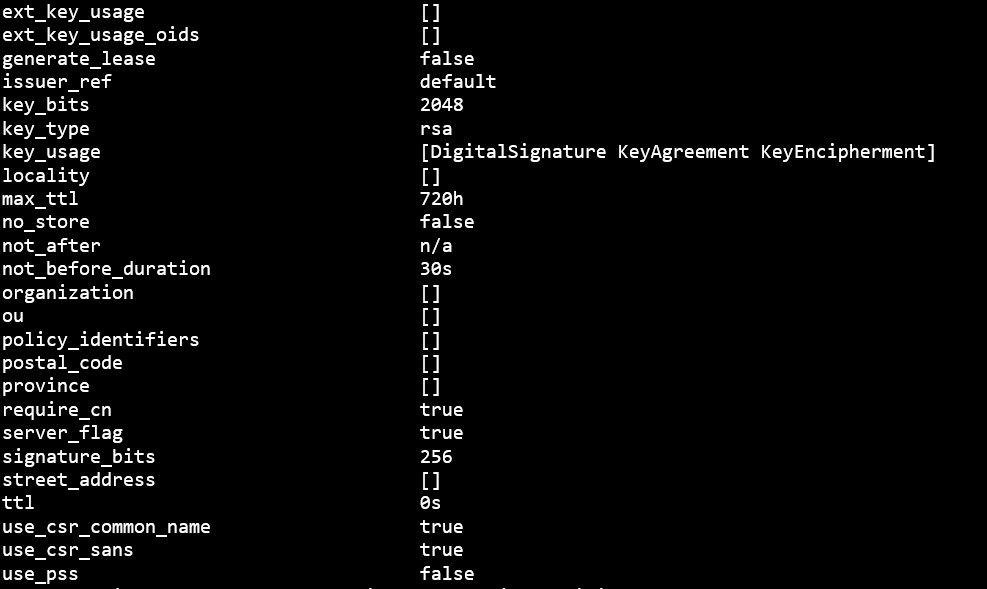
Issue certificate with managed key
-
Request a new certificate for the test.example.com domain based on the exampledot-com role.
|
|
|
|
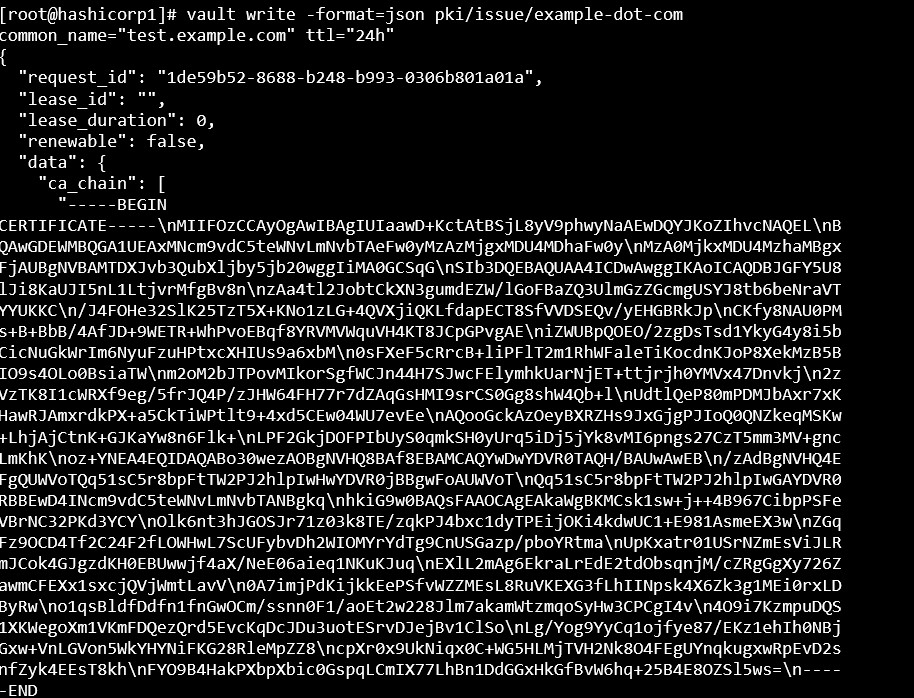
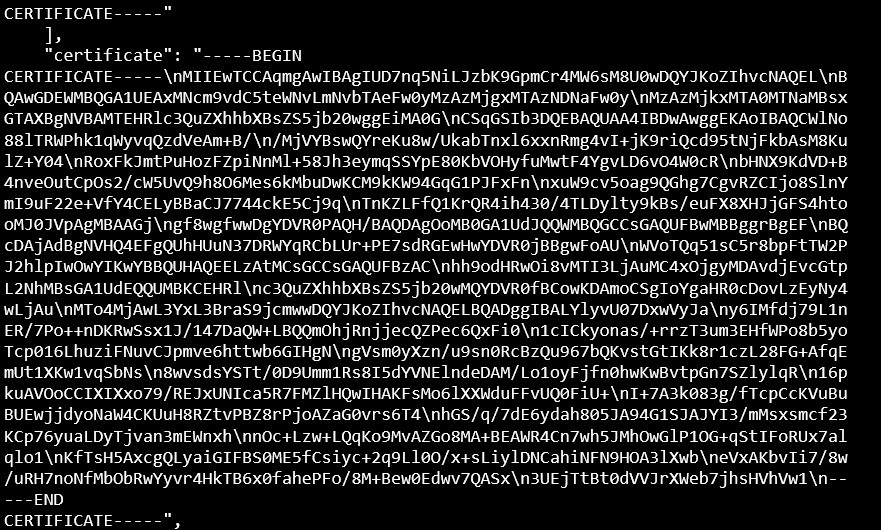
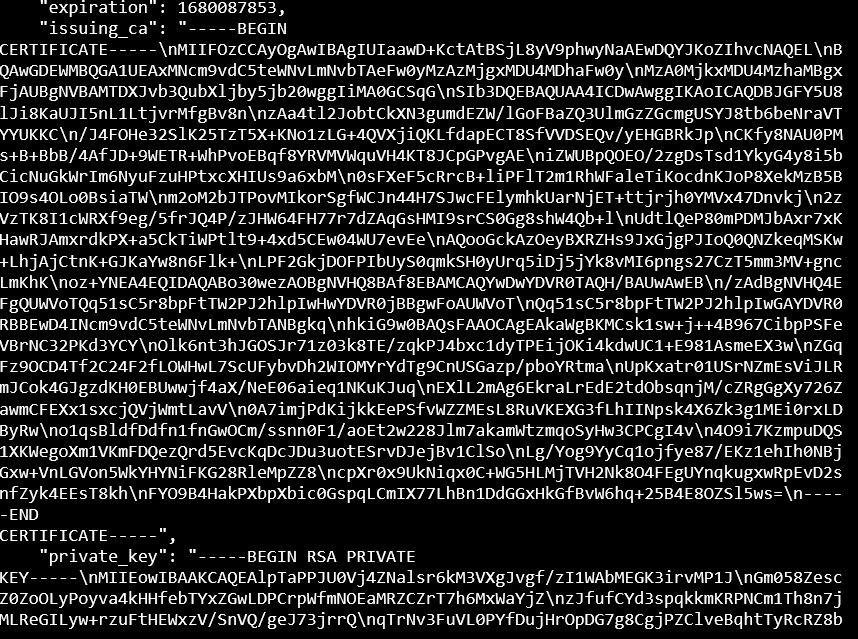
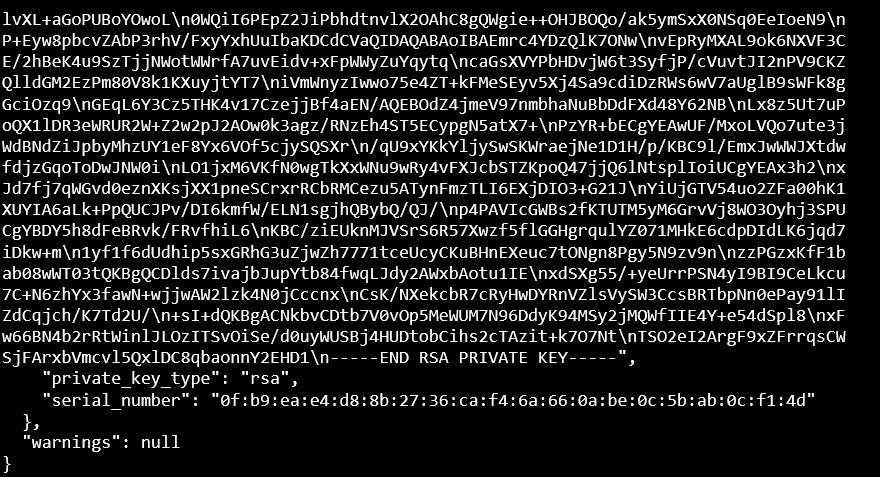
Generate a new certificate
In a similar way you can issue more certificates signed by CA according to your requirement.
This completes the integration of HashiCorp Vault PKI with Utimaco SecurityServer.