Configure the Utimaco HSM-Backed Managed Key

  1. Edit the vault server configuration at /etc/vault/config.hcl to add Utimaco HSM PKCS#11 library.

›_ Console

kms_library "pkcs11" { name="utimaco"

library = "/opt/utimaco/lib/libcs_pkcs11_R3.so" }

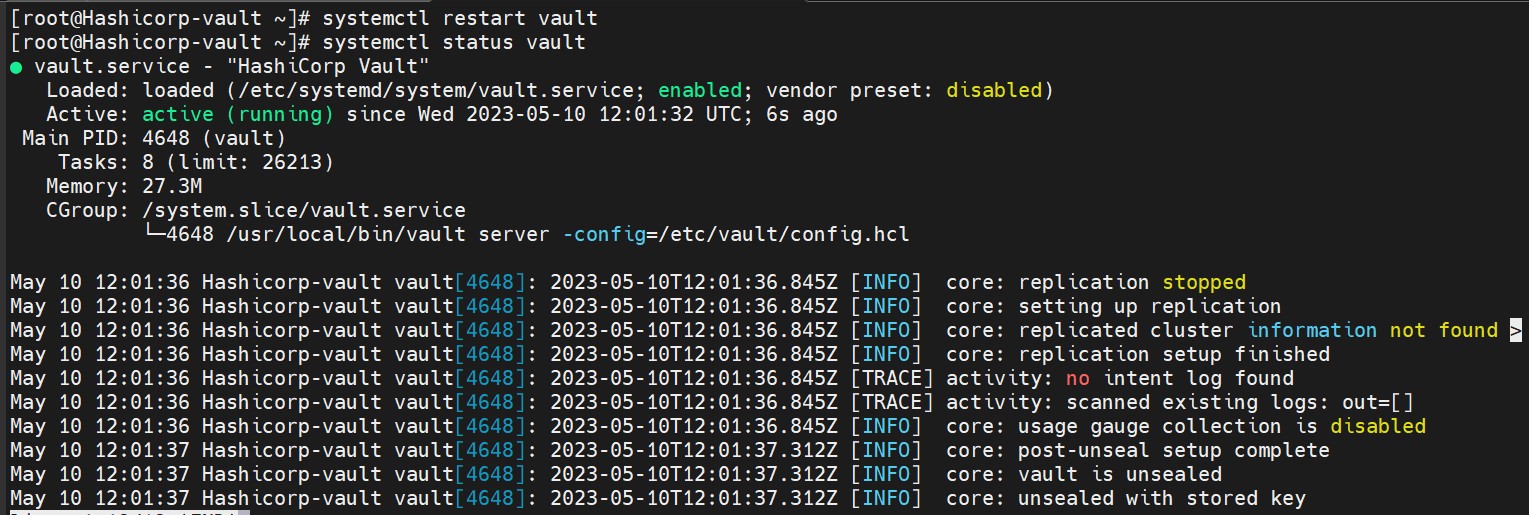
  1. Restart the vault service.

›_ Console

# systemctl restart vault

# systemctl status vault

tmpsbwnr5x9.jpg

Vault service status

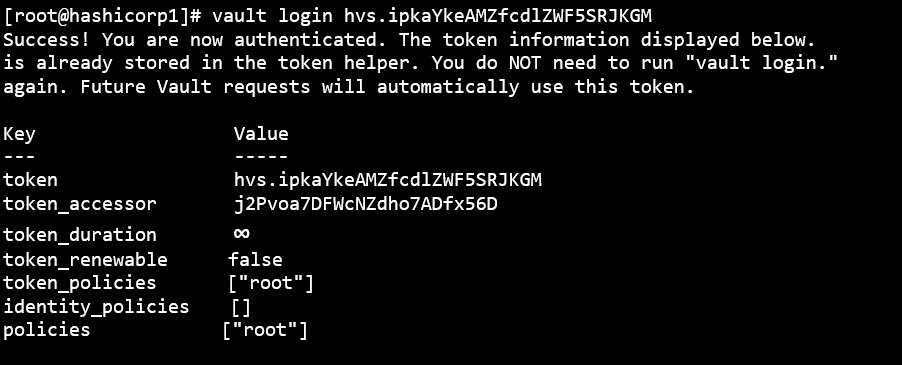
  1. Log in to vault.

›_ Console

# vault login <initial_root_token_vaule>

tmp9g3fpnhk.jpg

Login vault with root token

  1. Each managed key requires the slot for key and a PIN to access and create the key on the HSM. Configure the managed key.

›_ Console

# vault write sys/managed-keys/pkcs11/learn-managed-key library=utimaco slot=18 pin=12345678 key_label=pki-key allow_store_key=true

allow_generate_key=true mechanism=0x0001 key_bits=4096 any_mount=false

tmp8ap7x_5z.jpg

Configure the managed key

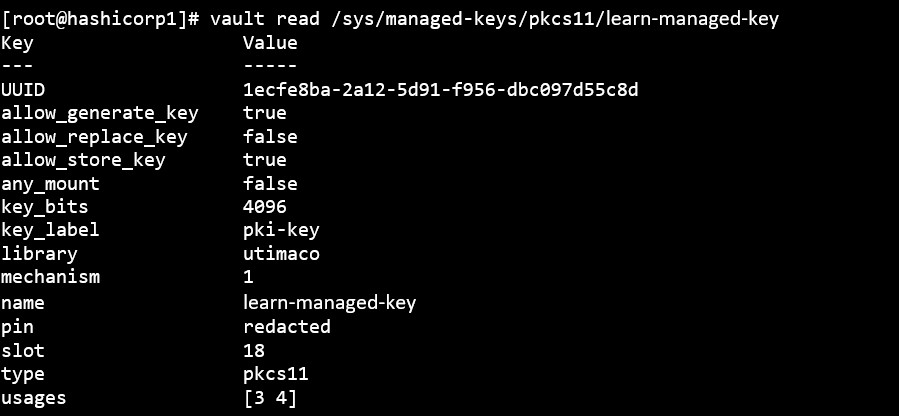
  1. Read the key back.

›_ Console

# vault read /sys/managed-keys/pkcs11/learn-managed-key

tmp9oowu23x.jpg

Key read

  1. Test endpoint to validate that we can access the managed key.

›_ Console

# vault write -force /sys/managed-keys/pkcs11/learn-managed-key/test/sign

The key has been generated in the HSM and used to sign and verify a dummy value.

tmpzei8qvyu.jpg

Sign managed key