

-
Set the following environment variable to allow vault to be accessed from a web browser through web user interface. Append the following line to the /etc/profile.d/vault.sh file and login again with a new session.
|
|
|
|
-
Enable the vault.
|
|
|
|
-
Start the vault service.
|
|
|
|
-
Check that the vault service is running.
|
|
|
|
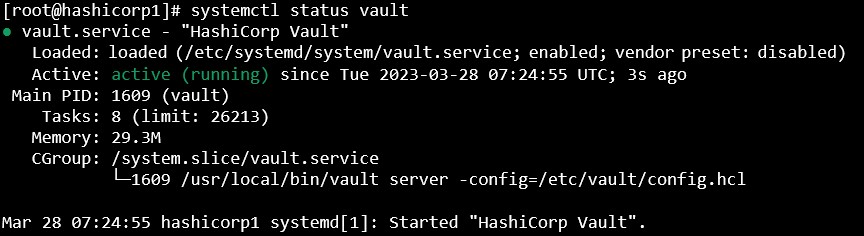
Vault service status
-
Check the vault status.
|
|
|
|
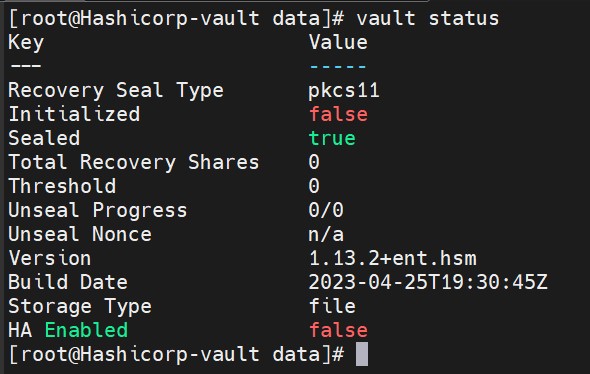
Vault status
-
Initialize the vault to use the HSM and note initial root token value.
|
|
|
|
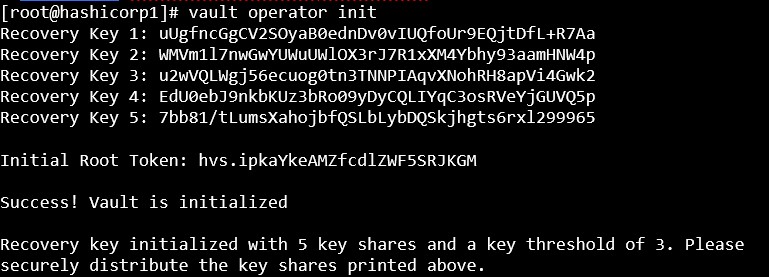
Vault initialization
-
Verify that the keys got generated into the HSM.
|
|
|
|
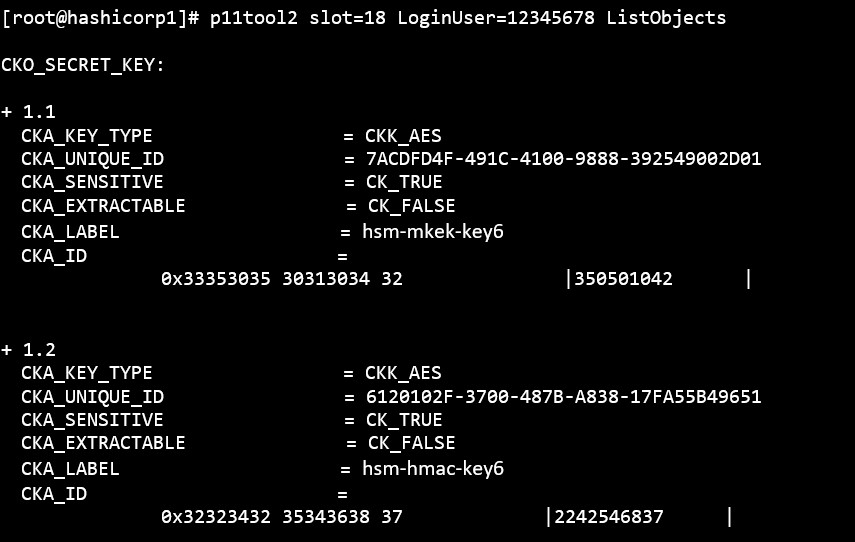
List keys
-
Log in to vault using the Initial Root Token saved above.
|
|
|
|
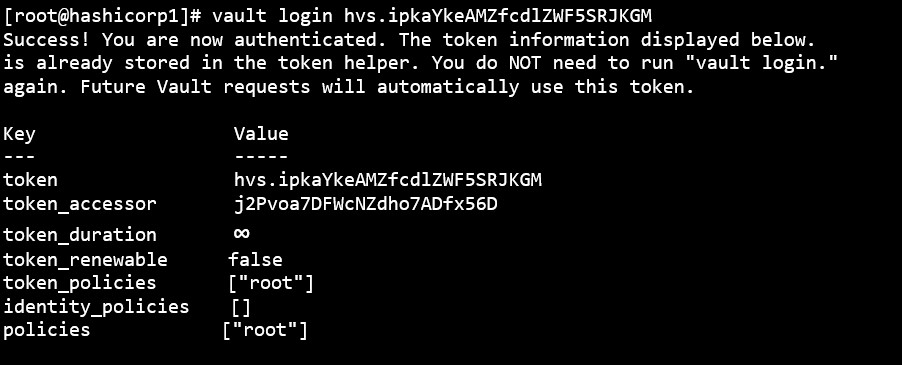
Vault login
-
If you want to read the license status information run the below command.
|
|
|
|
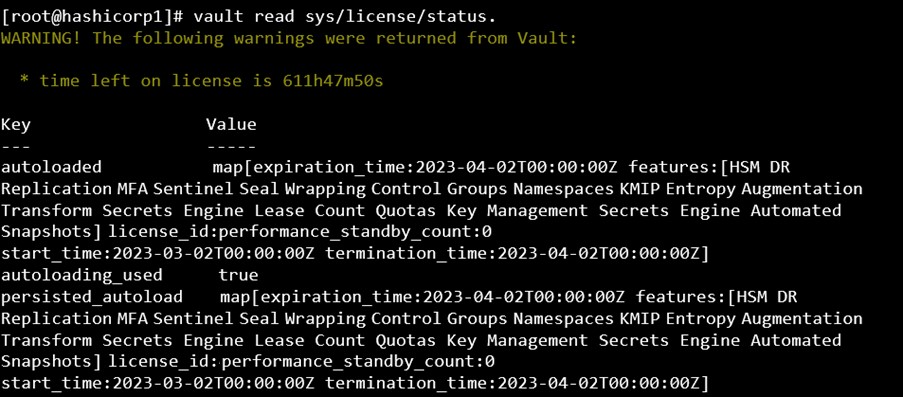
Vault license