Download the Vault Package

  1. Download the Vault package version vault_1.13.2+ent.hsm from HashiCorp website, ensuring that it is the binary file for Enterprise with HSM support.

  2. Login as root and unzip the binary file and extract it to the working directory on the host machine, for example /usr/local/bin. There should only be a single binary file named vault.

›_ Console

# unzip vault_1.13.2+ent.hsm_linux_amd64.zip -d /usr/local/bin

  1. Set vault permissions.

›_ Console

# chmod 755 /usr/local/bin/vault

# setcap cap_ipc_lock=+ep /usr/local/bin/vault

  1. Add the vault binary file to the PATH.

›_ Console

# vi /etc/profile.d/vault.sh

# HashiCorp Vault path variable export PATH="$PATH:/usr/local/bin"

  1. Create the vault data directories.

›_ Console

# mkdir --parents /opt/vault/data

# mkdir --parents /opt/vault/logs

6. Change the ownership and permission for the following directories.

›_ Console

# chown --recursive vault:vault /opt/vault

# chown --recursive vault:vault /opt/utimaco

# chown --recursive vault:vault /etc/utimaco

# chmod --recursive 750 /opt/vault

# chmod --recursive 750 /opt/utimaco

# chmod --recursive 750 /etc/utimaco

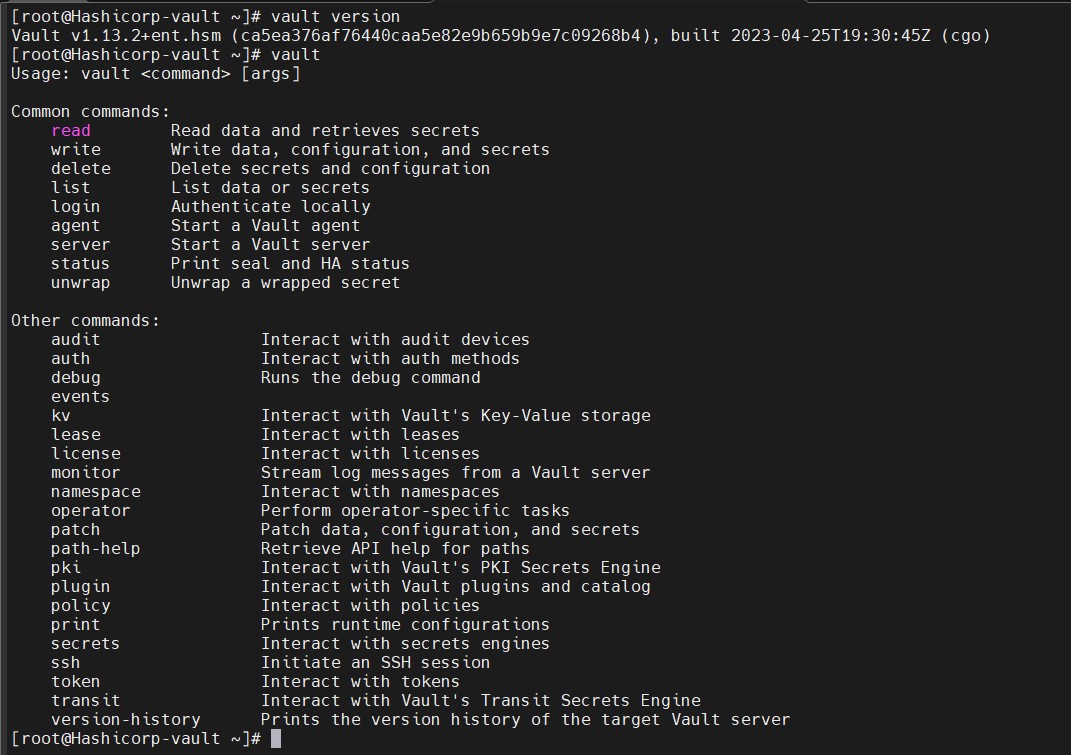
  1. Confirm that the binary file is available.

›_ Console

# vault version

# vault

tmpes7wulkn.jpg

Vault version & vault commands