

Using RSA Reference File
-
Once the zone signing is done, you need to make changes in the configuration file
named.confas below.
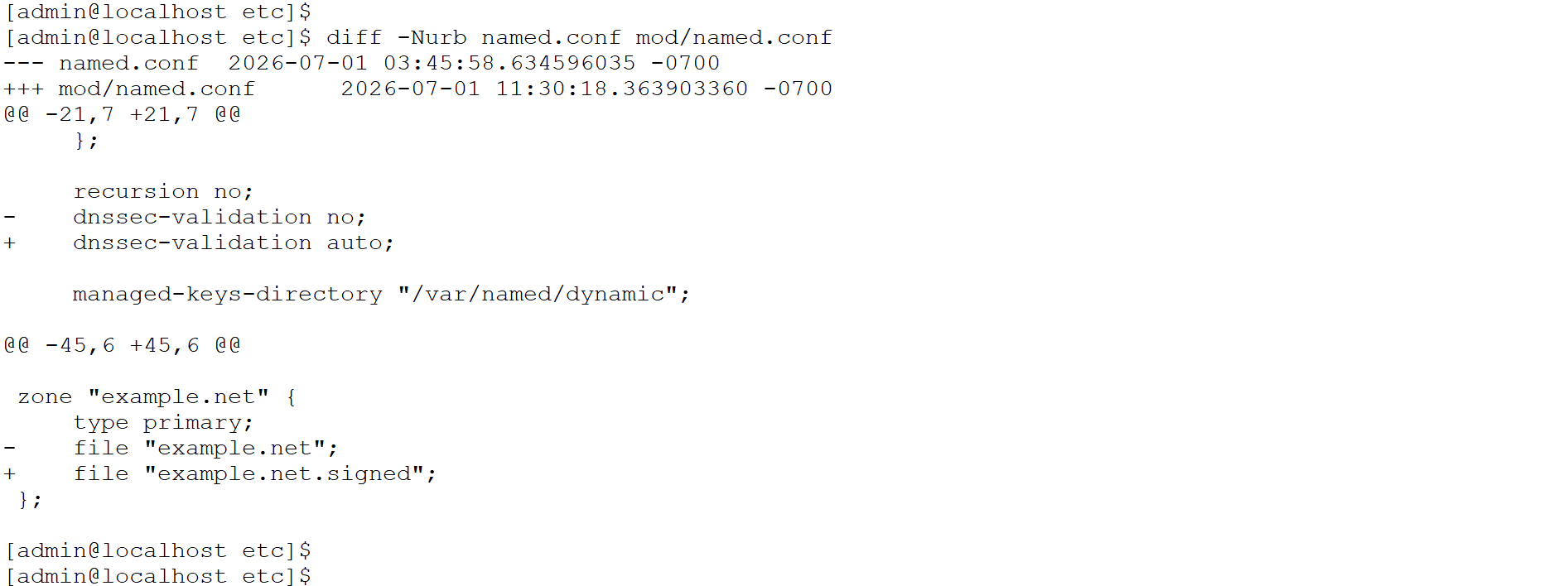
Diff details of named.conf
-
Stop the Bind9 service.
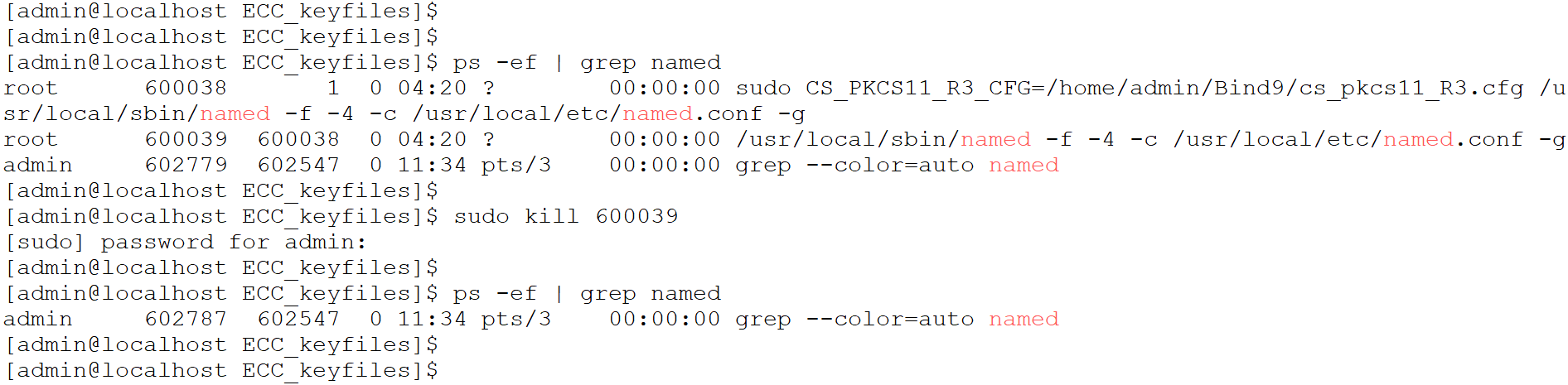
Stop Bind9
-
Start the Bind9 service using the command below and verify the signed zone is loaded successfully.
|
›_ Console |
|---|
|
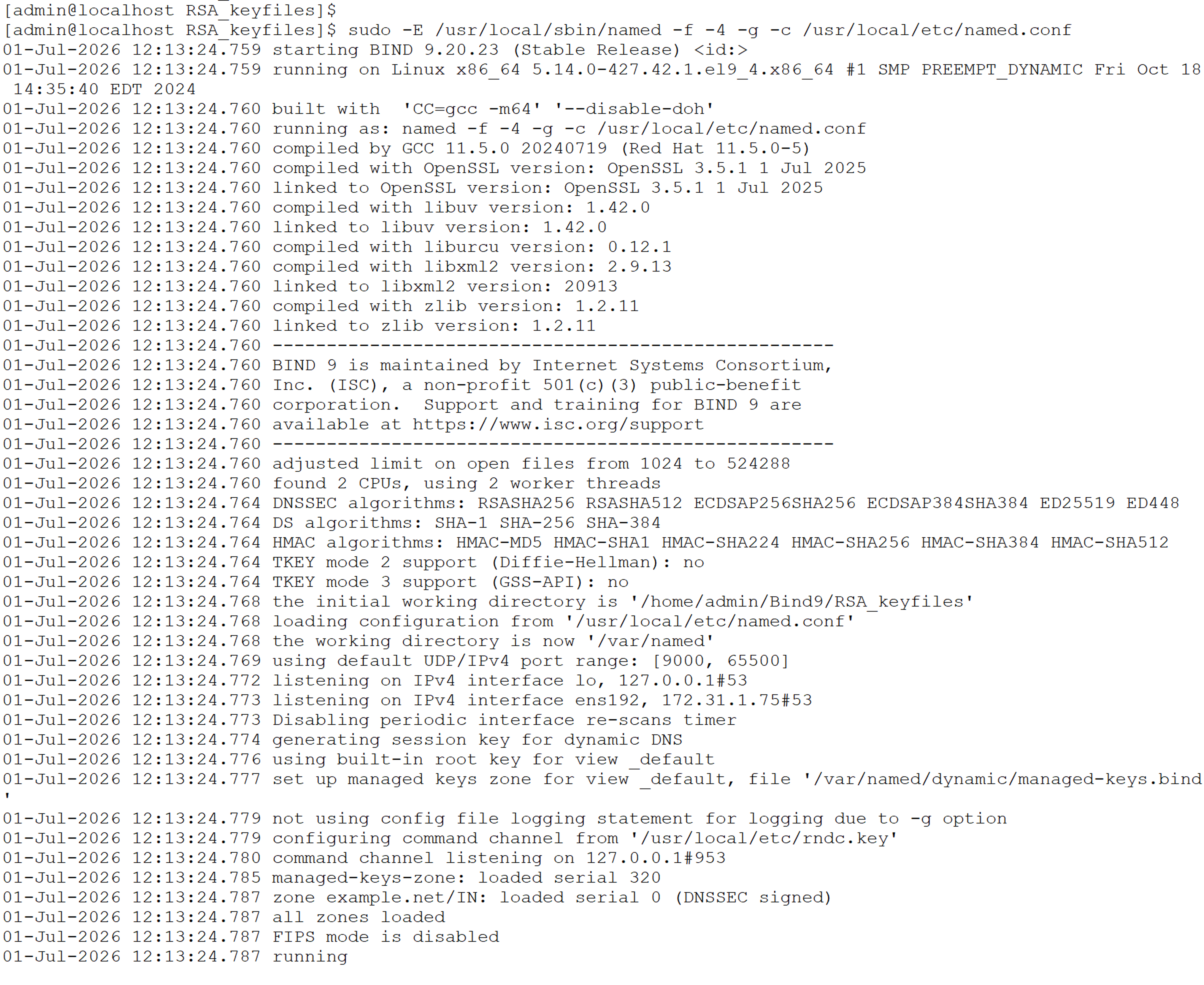
Start Bind9
-
Verify the Bind9 startup logs and confirm the signed zone is loaded successfully.
Using ECC Reference File
1. Make changes in the configuration file named.conf as below.
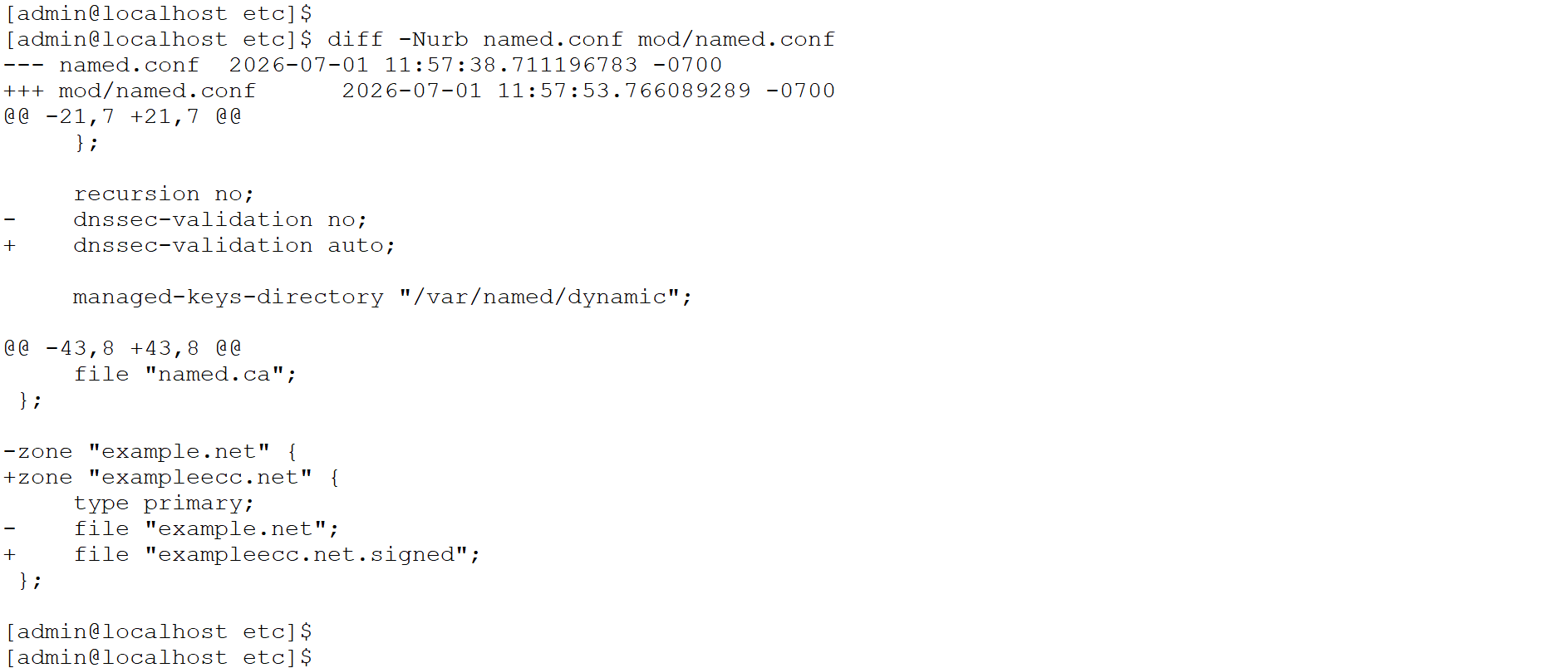
Diff details of file named.conf
-
Stop the Bind9 service.
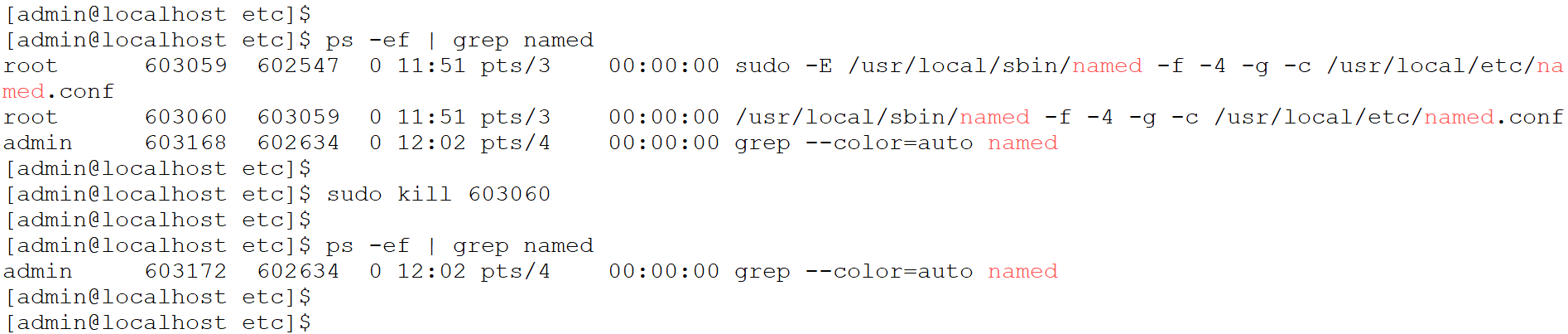
Stop Bind9
-
Start the Bind9 service using the command below and verify the signed zone is loaded successfully.
|
›_ Console |
|---|
|
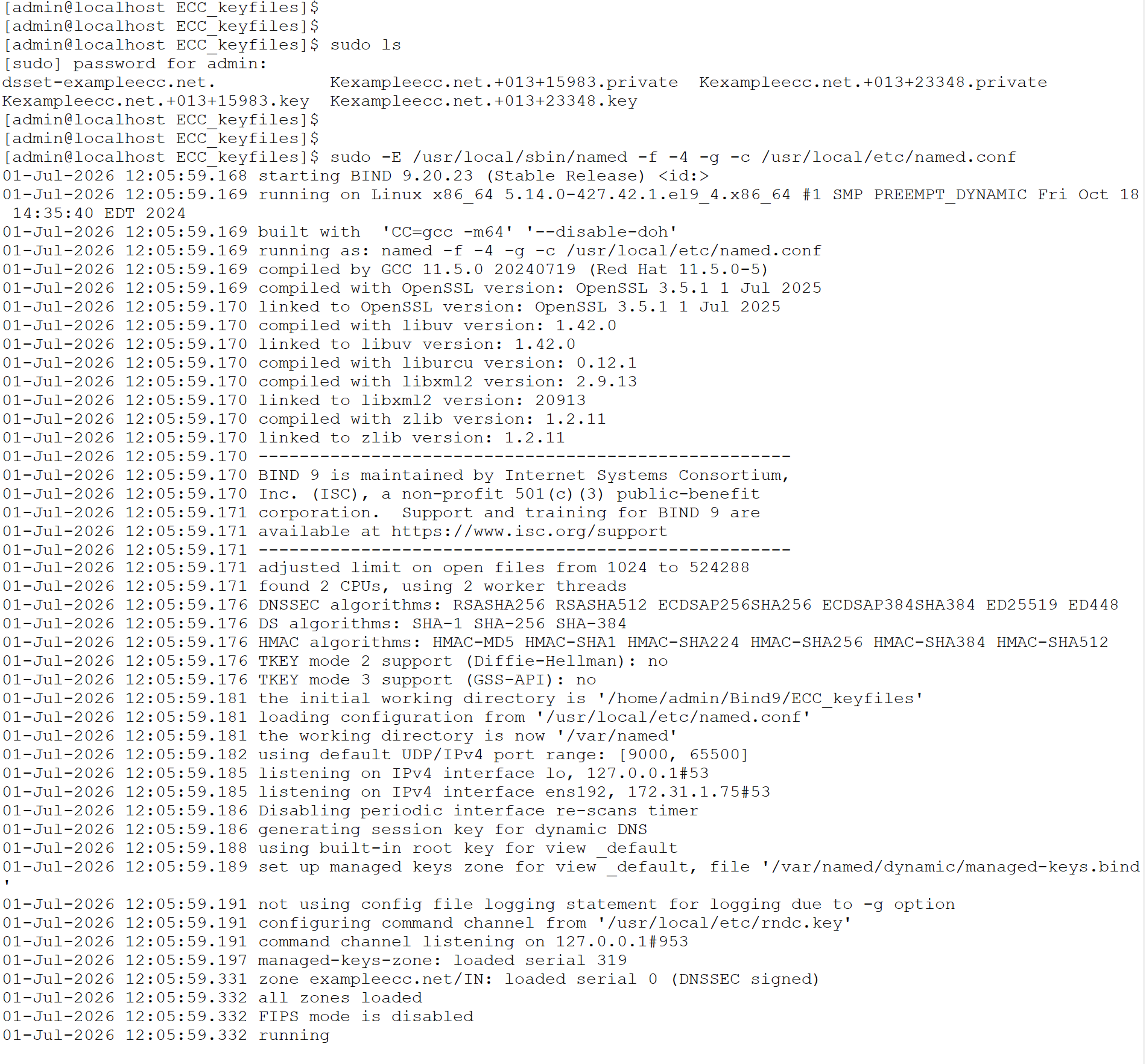
Start Bind9