Setting up Utimaco SecurityServer Library in OpenSSL Configuration File

  1. Open the file /etc/pki/tls/openssl.cnf and enter the following line in the first line of the file.

openssl.cnf

openssl_conf = openssl_init
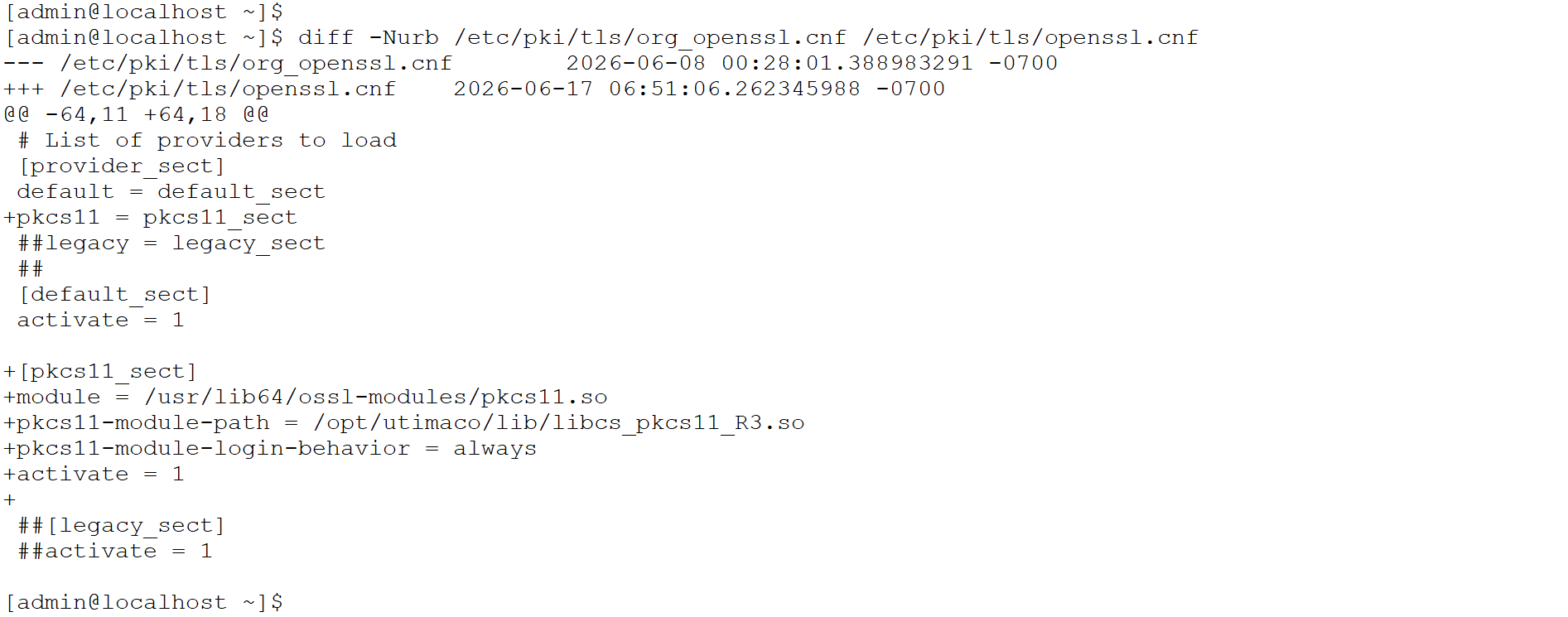
  1. The openssl.cnf file changes highlighted in the below screenshot, update those in the existing openssl.cnf.

openssl.cnf

# List of providers to load
[provider_sect]
default = default_sect
pkcs11 = pkcs11_sect

[default_sect]
activate = 1

[pkcs11_sect]
module = /usr/lib64/ossl-modules/pkcs11.so
pkcs11-module-path = /opt/utimaco/lib/libcs_pkcs11_R3.so
pkcs11-module-login-behavior = always
activate = 1
04_openssl.cnf_changes-20260703-063000.png


Diff of the openssl.cnf file

Dynamic path and Module path will change according to the user environment.