

Review steps 5.1.1 to 5.1.4 in Configuration on Kubernetes Control Plane Node and ensure all the steps are completed before proceeding with the steps below.
-
Copy the generated CSR to
/home/admin/k8s_plugin/certsand submit it to ESKM for signing by the ESKMLocalCA as a client certificate, see Create a Client Certificate.
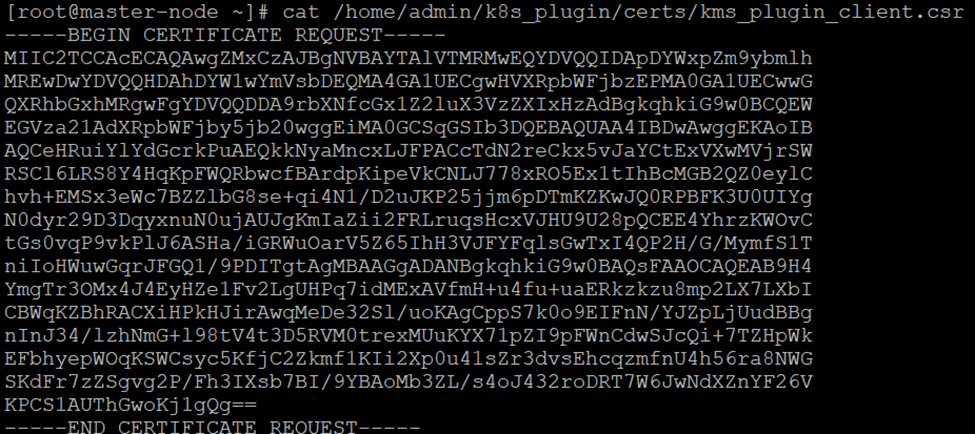
Generated CSR in k8s_plugin
-
Go to ESKM Management Console > Security > Certificates & CAs > Local CAs .
.png?cb=85bca2fe8cb758803e3bc8fba889c0ef)
Local CA
-
Select the created CA and click Sign Request.
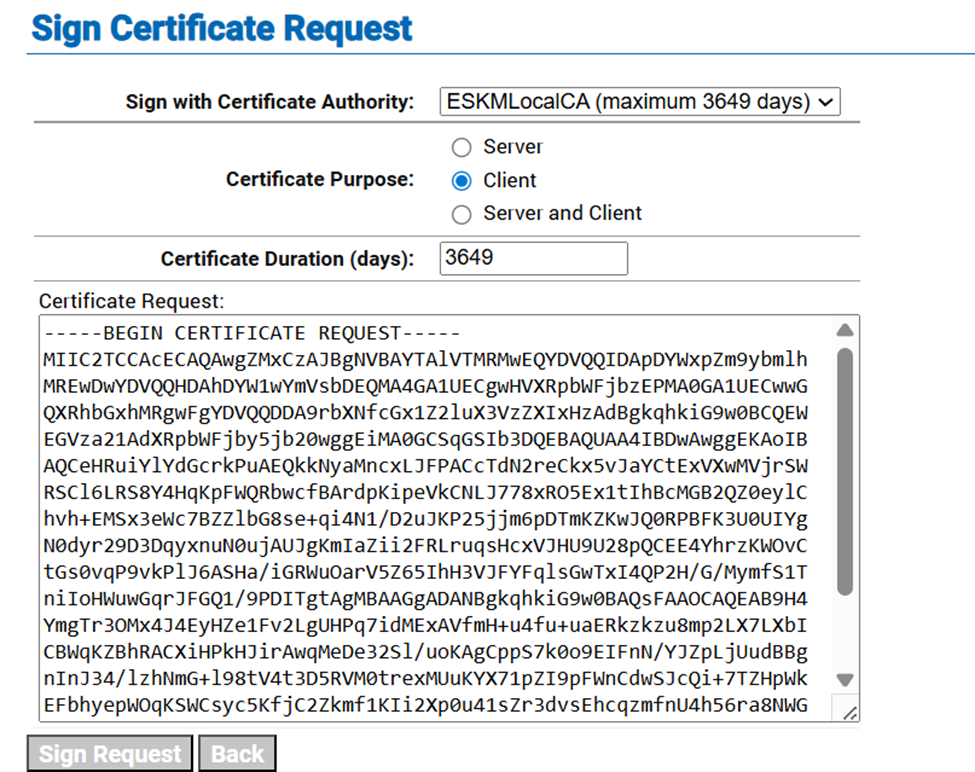
Sign Certificate Request
-
Select the previously created CA certificate from the Sign with Certificate Authority dropdown list.
-
Select Client in the Certificate Purpose section.
-
Copy the host certificate content to the Certificate Request box.
-
Copy the signed certificate and save it as
kms_plugin_client.crtin thecertsdirectory.
.png?cb=f8849c8bf3293851589cc1b0b35704a9)
Signed Certificate Information
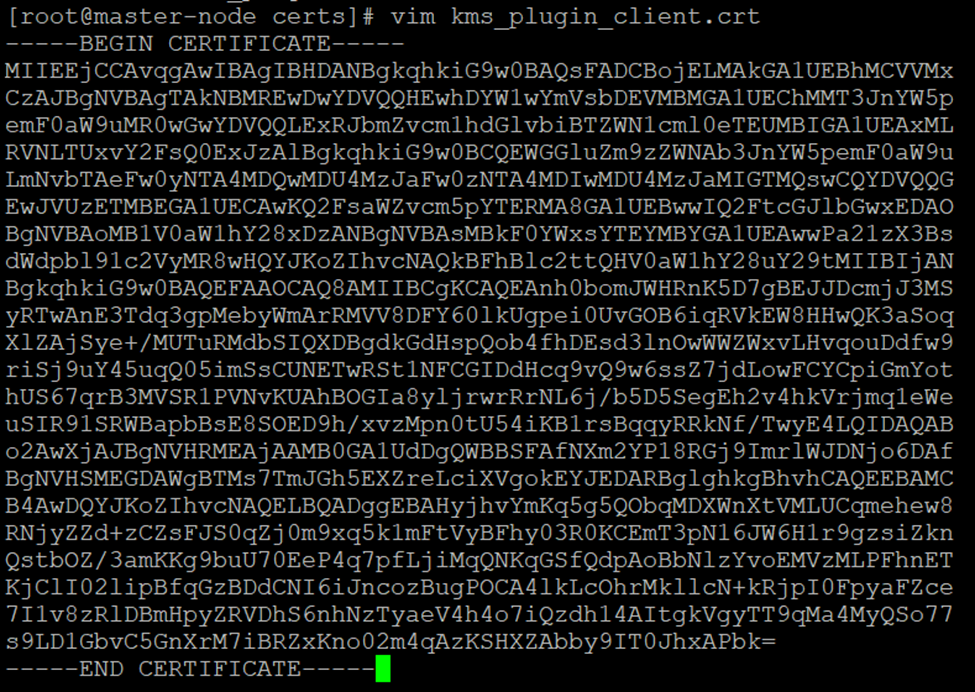
kms_plugin_client.crt
-
Copy the ESKMLocalCA certificate and save it as ESKMLocalCA.crt in the certs directory.
.png?cb=81ddae3ef715dedbe849d12dc34f8248)
CA Certificate Information
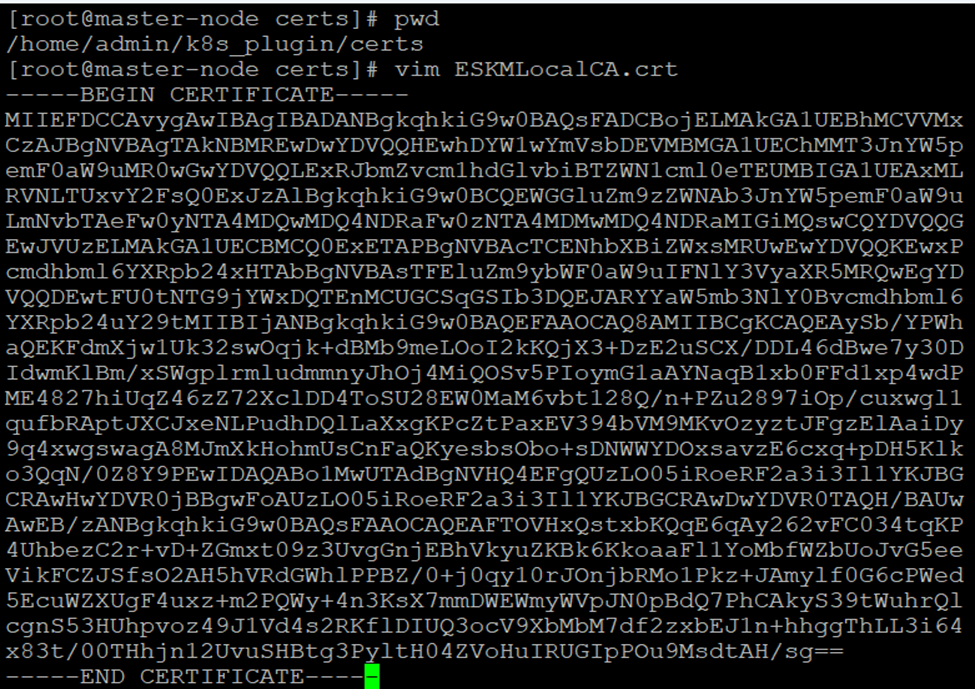
ESKMLocalCA.crt
-
Ensure that all three files
ESKMLocalCA.crt,kms_plugin_client.crtandkms_plugin_client.keyare present in the certs directory.
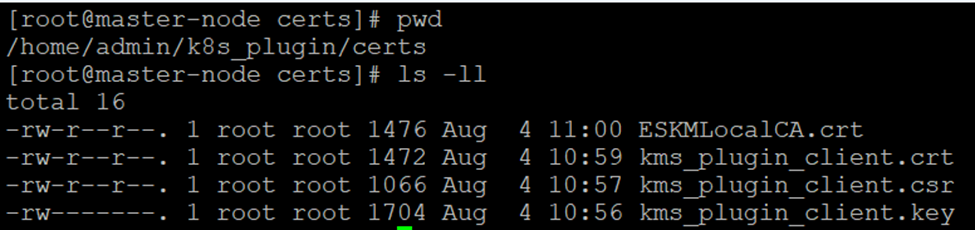
certs Directory