

Microsoft Azure Key Vault is a managed secret solution within the Microsoft Azure Cloud that offers authentication and authorization for ESKM keys in the Microsoft Azure Key Vault for BYOK protection. Follow the instructions below to create Key Vault.
To create a key vault:
-
Sign in to the Microsoft Azure portal at https://portal.azure.com/
-
In the Microsoft Azure portal Home page, select Create a resource at the left.
-
In the Search box, enter Key Vault and select Key Vault.
-
On the Key Vault section, choose Create.
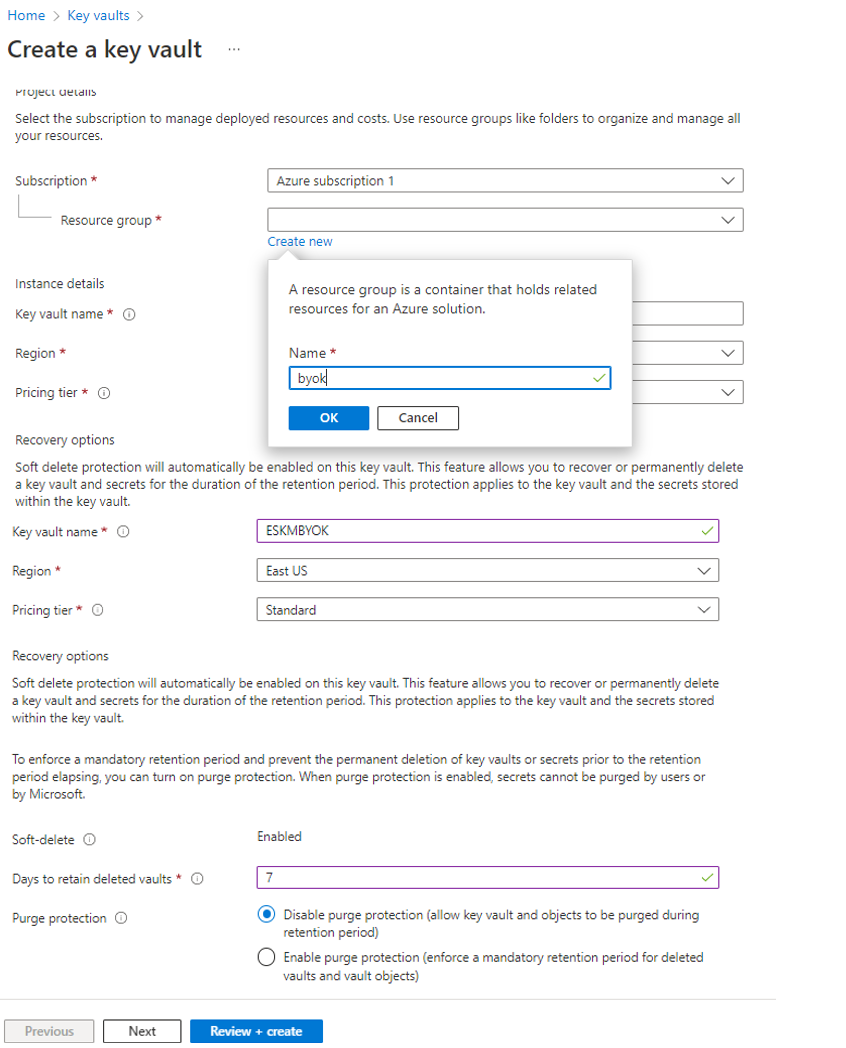
Go to Create a Key Vault
-
In the Create key vault section, provide the necessary information and click Review+Create
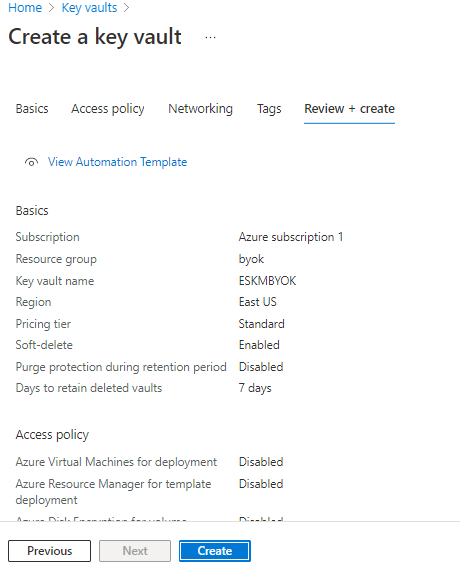
Review and Create
-
Review the information provided and click Create.
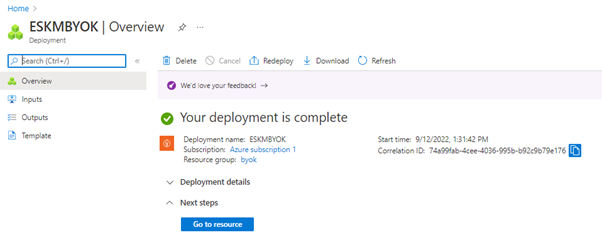
Deployment is complete