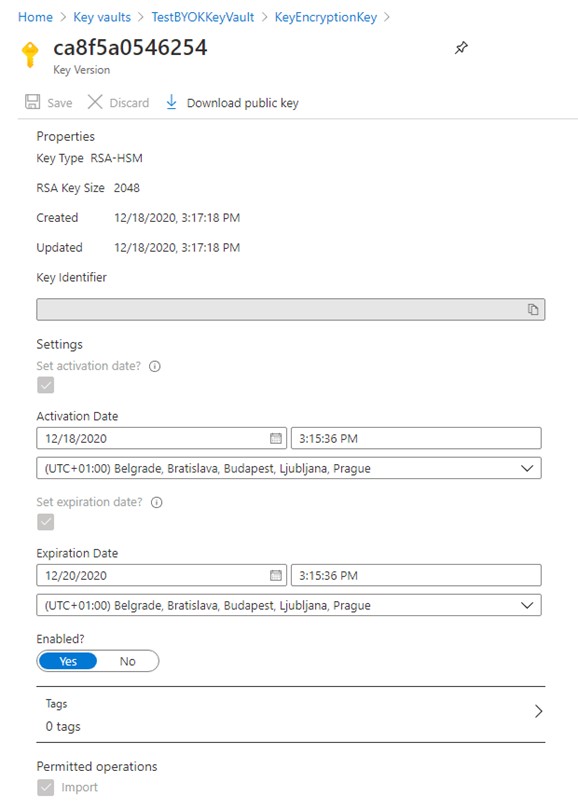
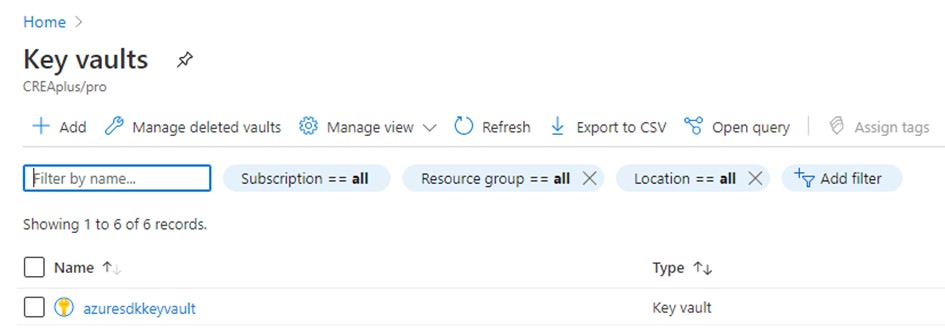
To create a key within your recently created Key vault, click on the name of your Azure Key vault and follow the next steps.
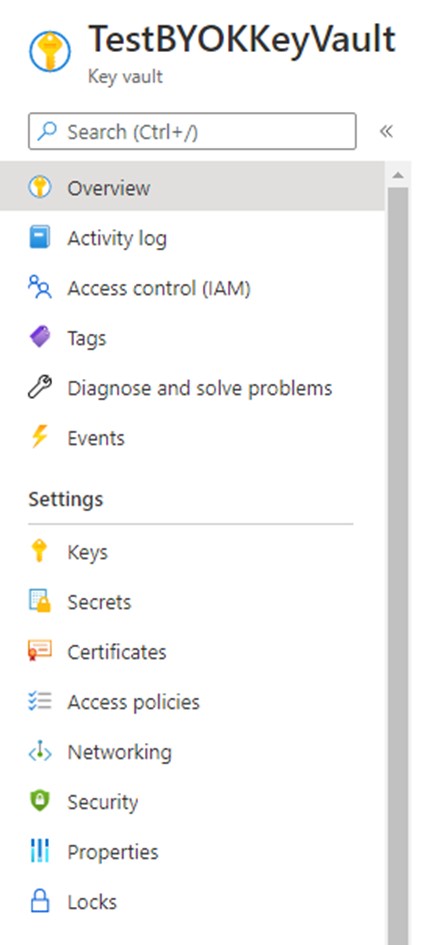
1. Under the Settings menu select the Keys.
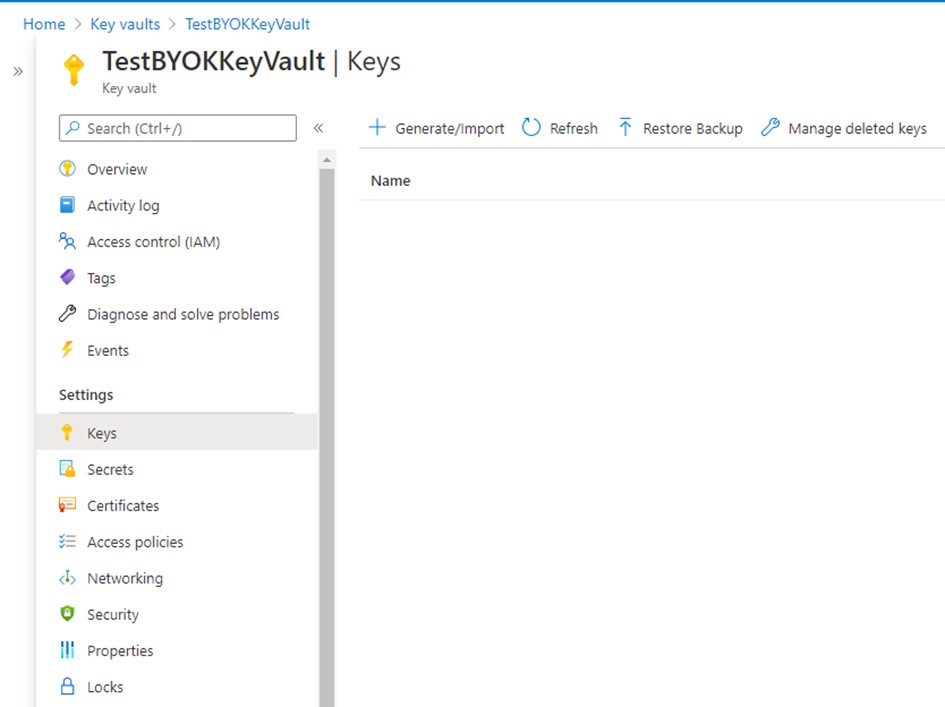
2. Click on Generate/Import.
-
In the Options drop-down menu select Generate Key Encryption Key for importing HSM-protected Keys, add a name to the key and select the RSA key size. If needed, set the activation and expiration date for the key.
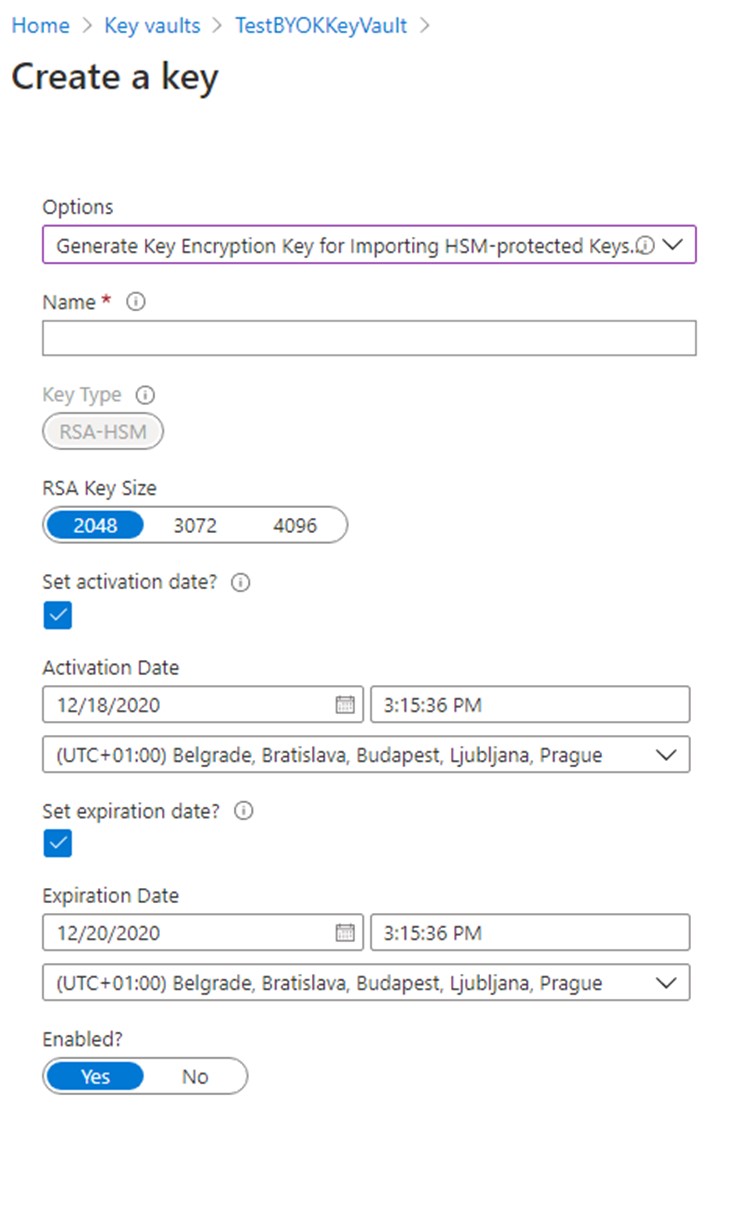
Figure 11 : Example of Create a Key page
-
The key that was just created has an identifier which will be needed in the next steps. To find this Key Identifier, click on the newly created key in your Key Vault to display its properties. The Key Identifier will be needed in the steps Generating and preparing your tenant key.