

Logs and Validation Steps
-
In the ESKM Management Console > Security > Local Groups. Verify that the Local Groups are created.
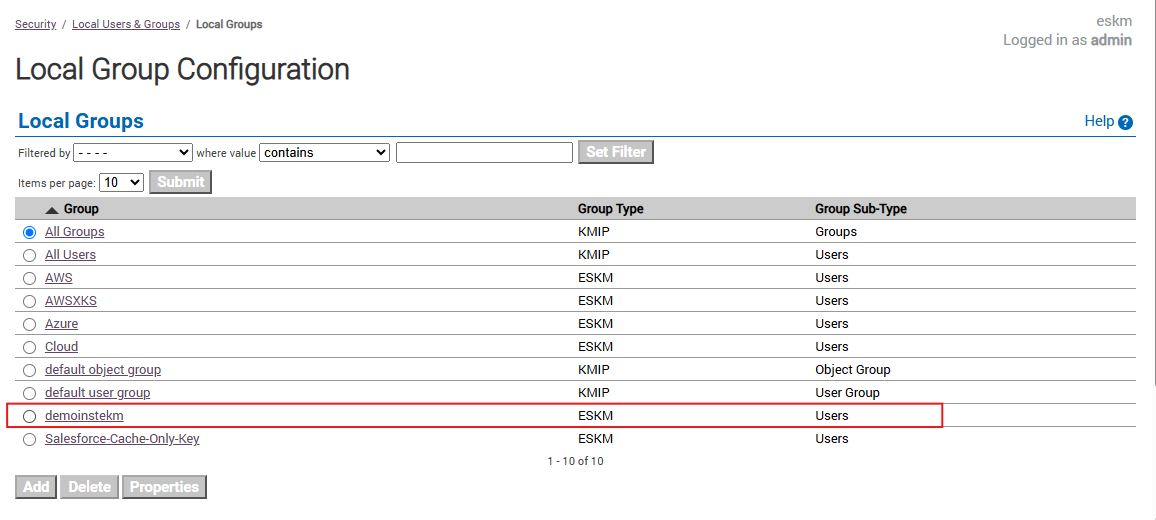
Local Groups
-
In the ESKM Management Console > Security > Local Users. Verify that the Local User is created.
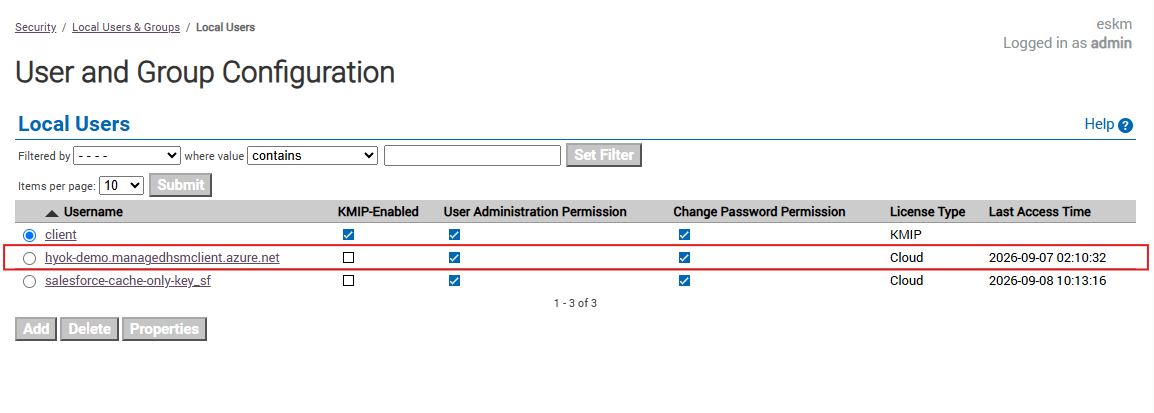
Local Users
-
In the ESKM Management Console > Security > Keys. Confirm that the created keys are listed.
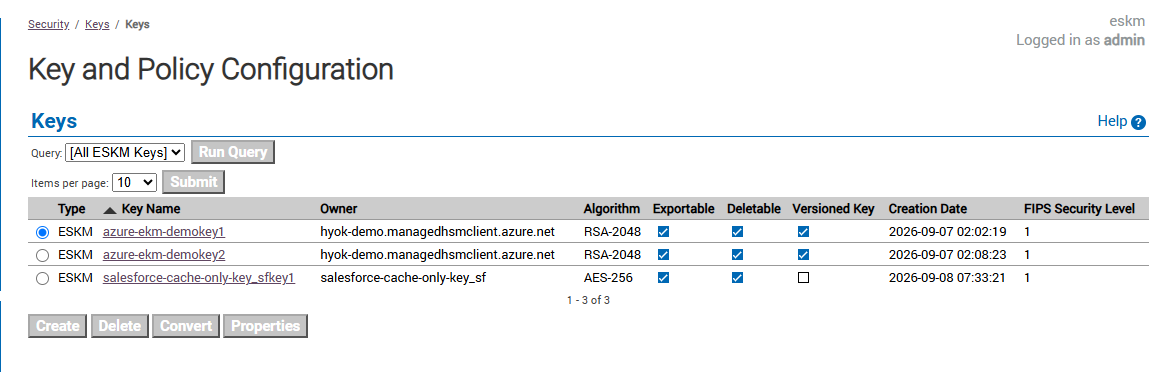
Key List
-
After creating the external key, navigate to Device → Log Viewer → REST in Utimaco ESKM.
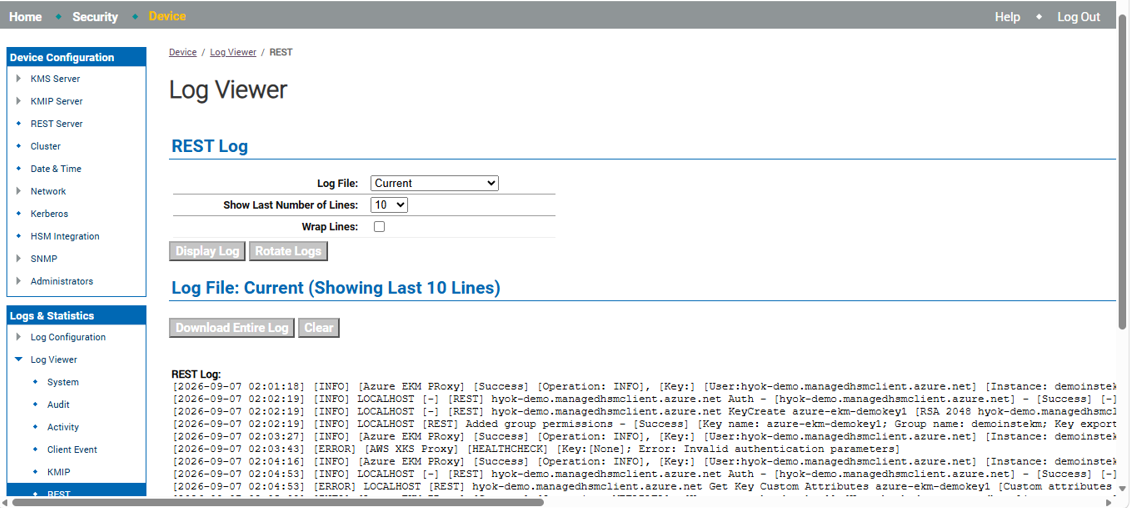
Utimaco ESKM REST logs showing successful external key creation