

-
The initial task is to run the SecurityServer install wizard to install administration tools, documentation and the CSP/CNG interface. The SecurityServer Setup install wizard can be found on the supplied product CD.
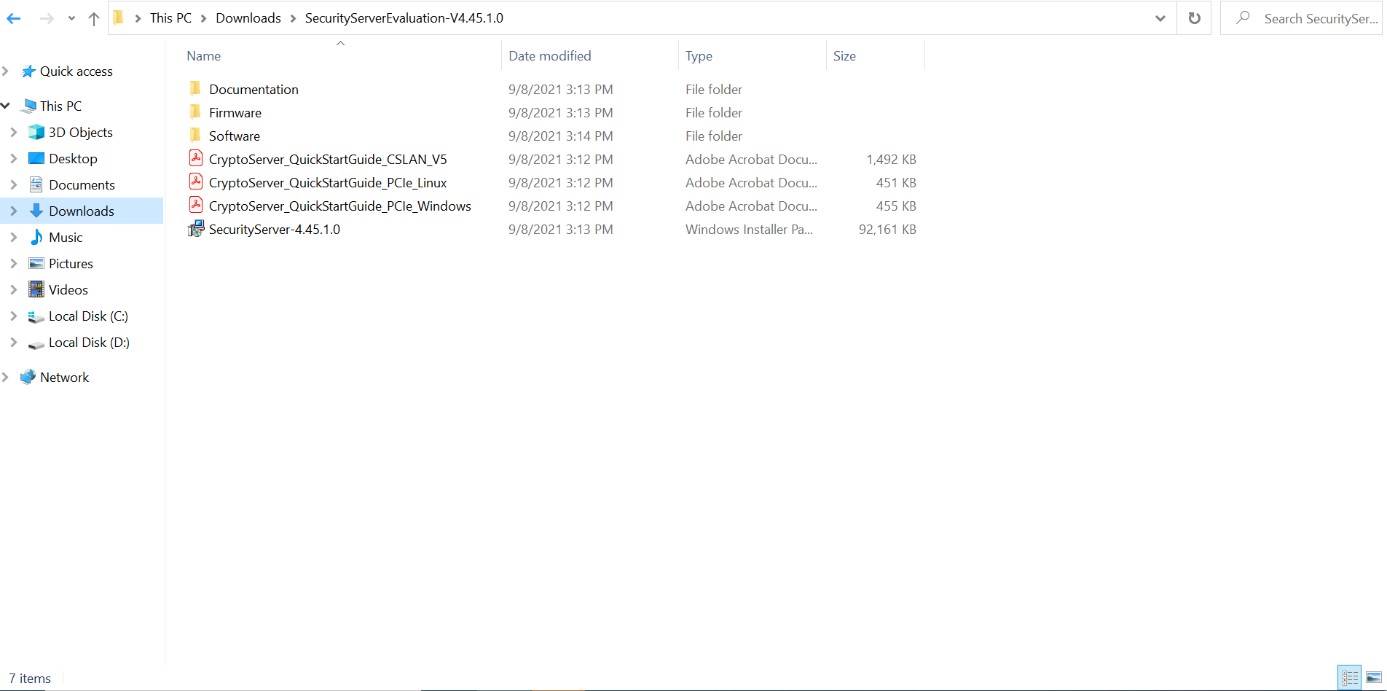
SecurityServer Setup Installer
-
On the first screen you will be able to choose where SecurityServer should be installed.
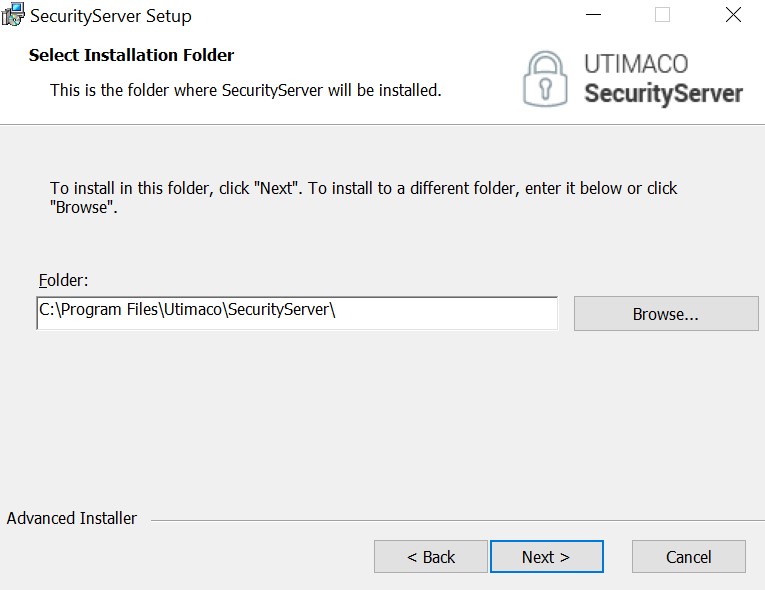
SecurityServer Destination Location
-
Once you clicked "Next", Select the Custom Setup Type.
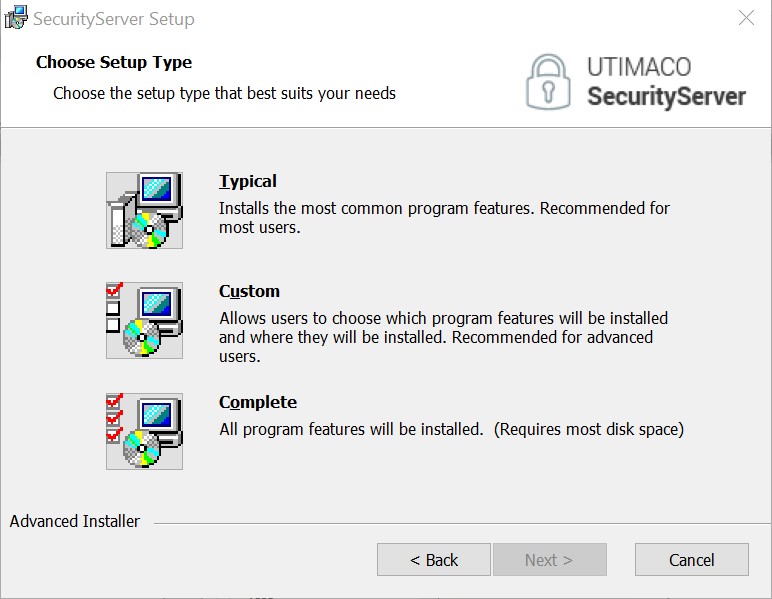
Setup Window
-
The user can choose which components should be installed. SecurityServer Administration Tools and Documentation are recommended. The CSP/CNG interface is required.
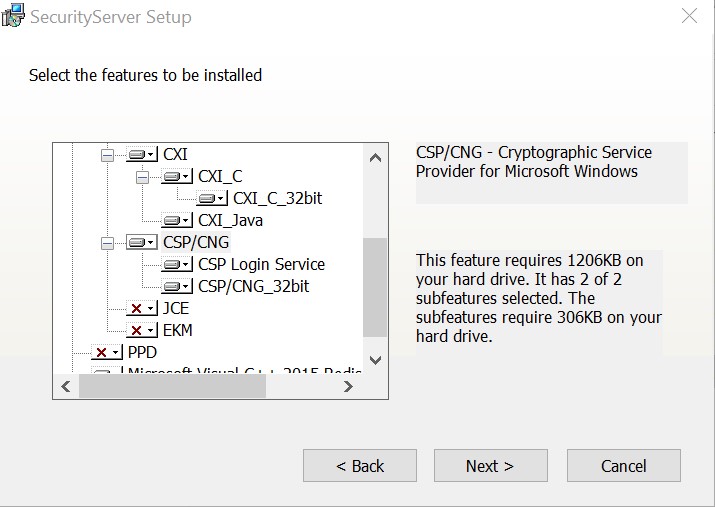
Setup Window
-
Click Next for other one window.
Once the installation is done, you will see a screen stating the successful installation.
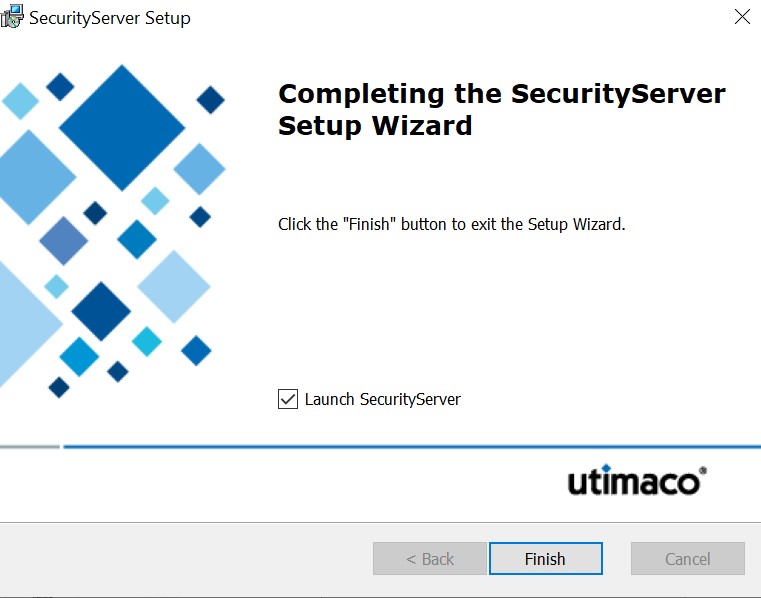
Desktop Shortcut
For SecurityServer 4.50 onwards, you must download 32-bit Utimaco CNG Library from the support portal and copy it under C:\Windows\SysWOW64 post installation of SecurityServer software.