

-
Login to the Management Console, and navigate to Security > Certificates and CAs > LocalCA.
-
Select certificate.
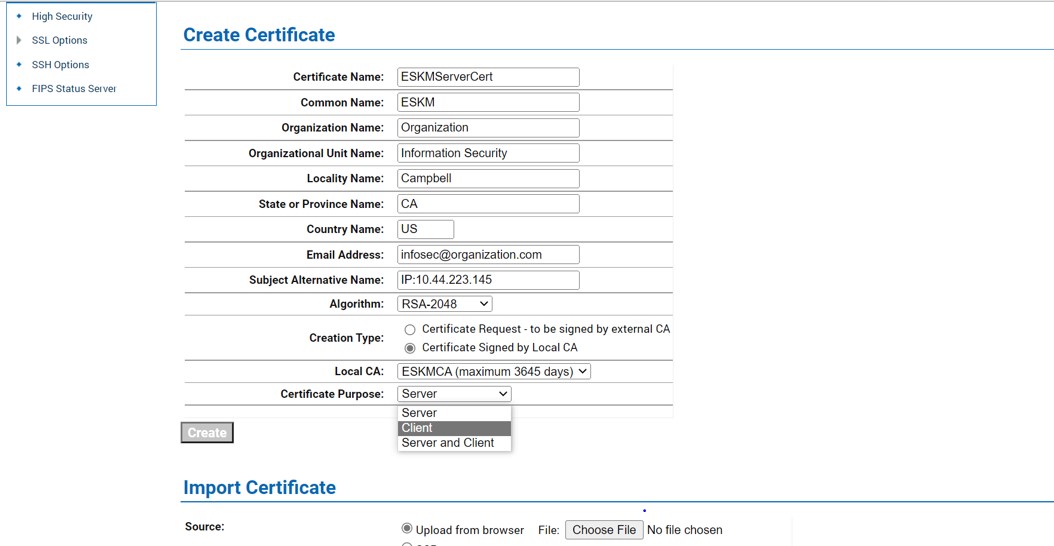
Create Certificate window
The Common Name must match the name of the KMIP user (in these examples, this is KMIP_client).
-
After crating the certificate with a local CA, click on Download to download the file.
-
Save as the correct name; in this case, /home/user/cert.pem.