

You can now build a CryptoServer container image that contains the setup and files of NGINX with Utimaco CryptoServer.
-
Tag the image with the appropriate version of the Utimaco CryptoServer. In this document, the version is 1.
|
›_ Console |
|---|
|
|
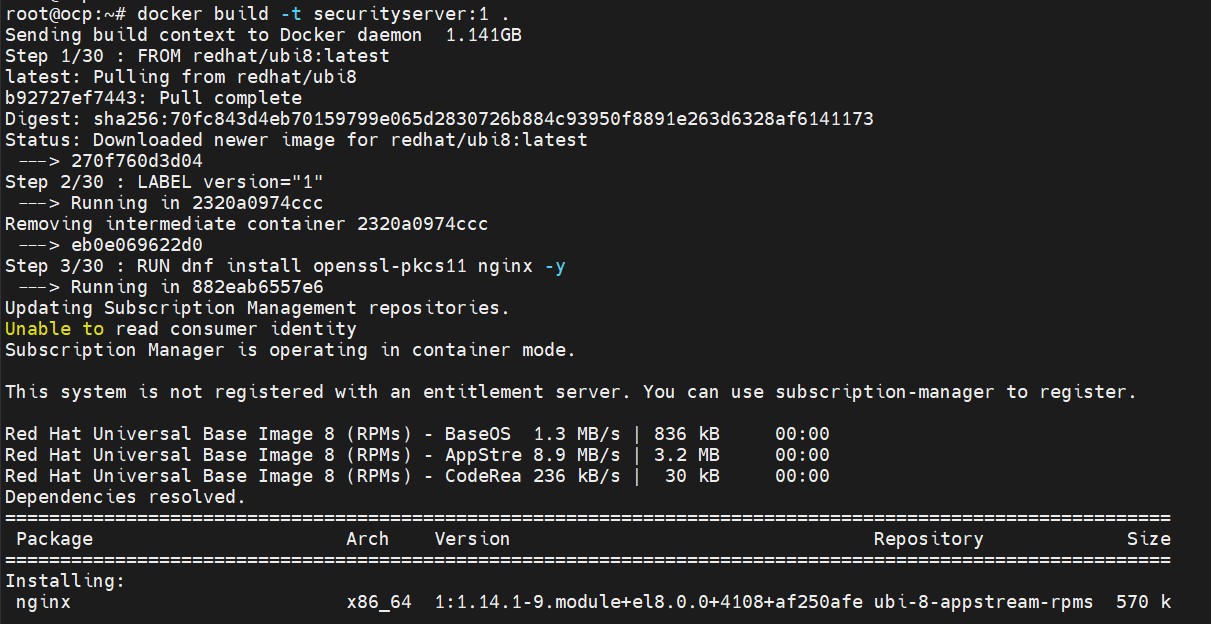
Building container image output
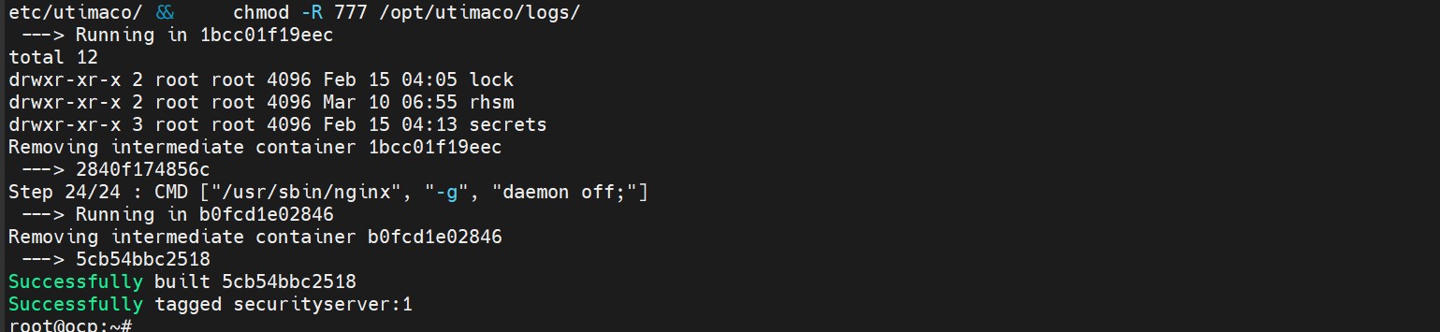
Building container image output
Building an image may take some time as it performs all the pre-required configuration steps. If you encounter any error in between, verify if DockerFile contains all the above-mentioned content.
-
Verify that the CryptoServer container image is created successfully using the command below.
|
›_ Console |
|---|
|
|

Docker images