

-
Create a self-signed certificate.

Create Self-Signed Certificate
-
Display the created self-signed certificate.
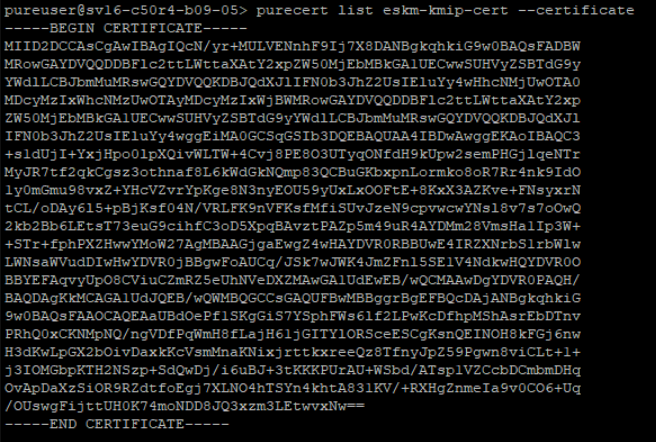
Display Self-Signed Certificate
-
Create a certificate signing request (CSR).
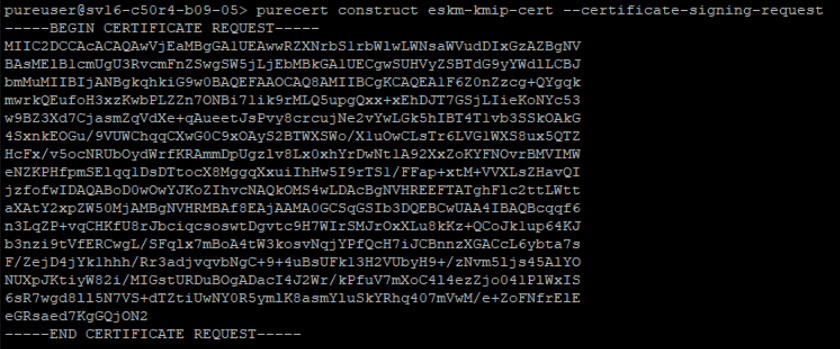
Construct CSR
-
Copy the generated CSR and submit it to ESKM for signing by the ESKMLocalCA as a client certificate, see Sign the host certificate using ESKM.
-
Update the Pure Storage FlashArray certificate with the signed key details.
When prompted, paste the client certificate from ESKM, see Sign the host certificate using ESKM.
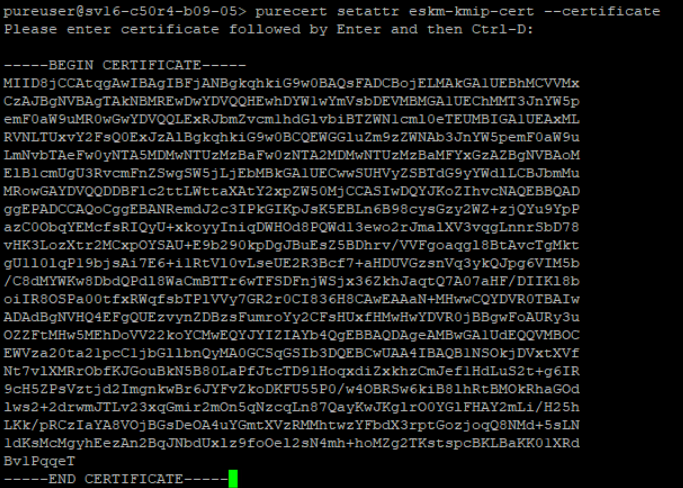
Update Client Certificate