

-
Log in to the machine where Splunk Enterprise has been installed.
-
Open and log in to the Splunk Enterprise application.
-
Click Settings and Indexes, then click New Index.
-
Enter the same index name given in the
inputs.conffile in the Index Name field and select Search & Reporting from the App dropdown.
-
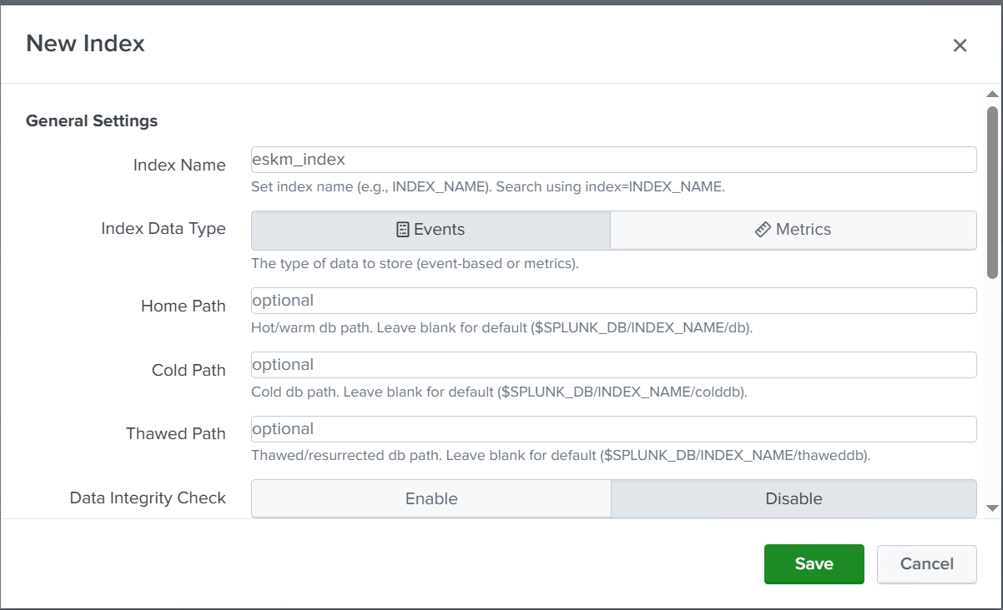
Index name configuration
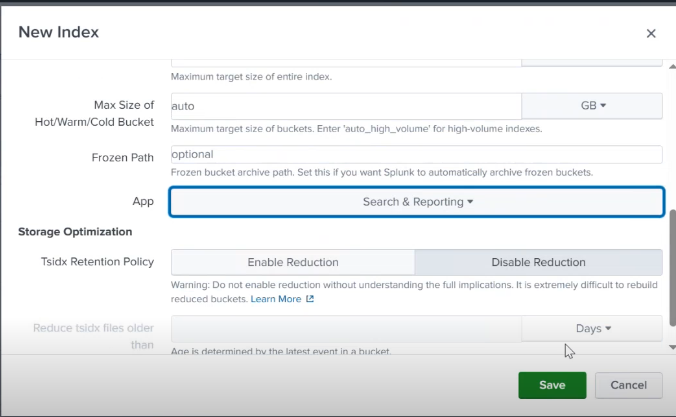
App configuration
-
Click the Save button.
-
Click Settings and Forwarding & Receiving, then click the +Add new button under the Receive data section.
-
Type 9997 in the Listen on this port field and click the Save button.
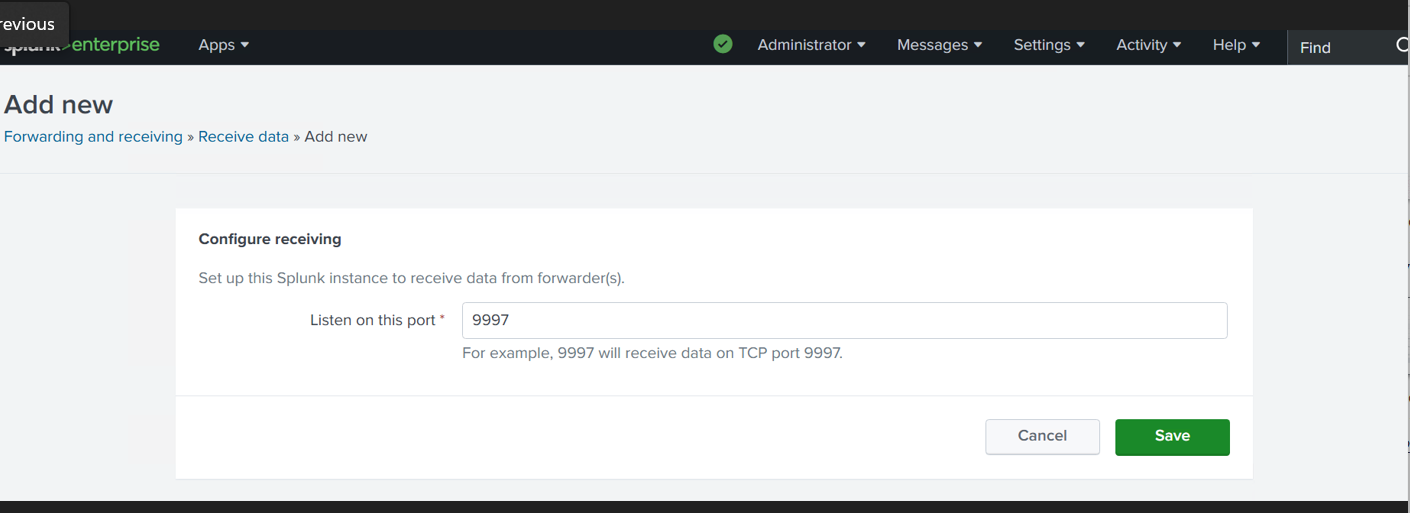
Configure the receiving port