

To be able to use the keys/certificates protected by the CryptoServer with Symantec Encryption Desktop, it is necessary to import them in the current key ring files:
-
Open the Symantec Encryption Desktop and select PGP Keys on the left side of the window.
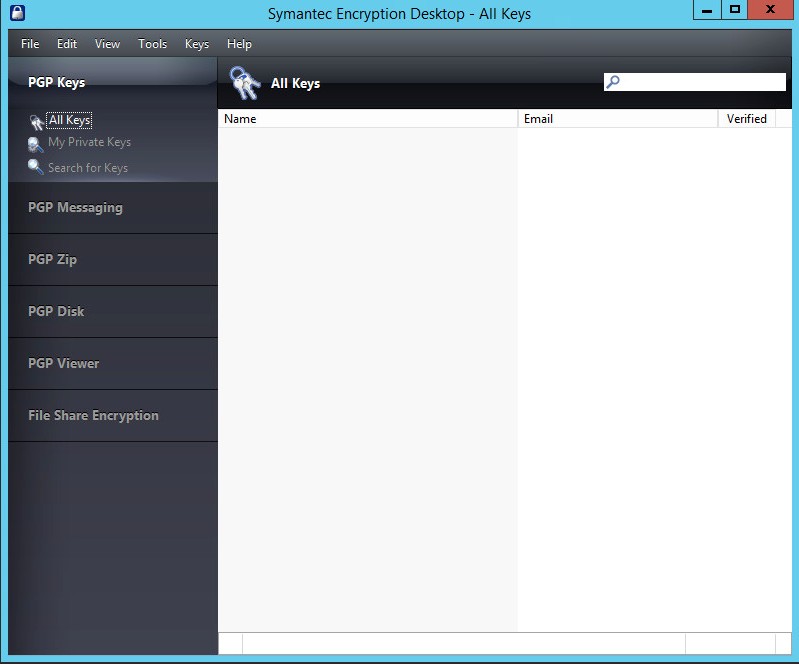
Symantec Encryption Desktop - All Keys
-
From the File menu choose Import Personal Certificate(s)…, click Finish.
-
Confirm the list of certificates found to be imported into the PGP Key Ring. Double click to open the properties window to see the details.
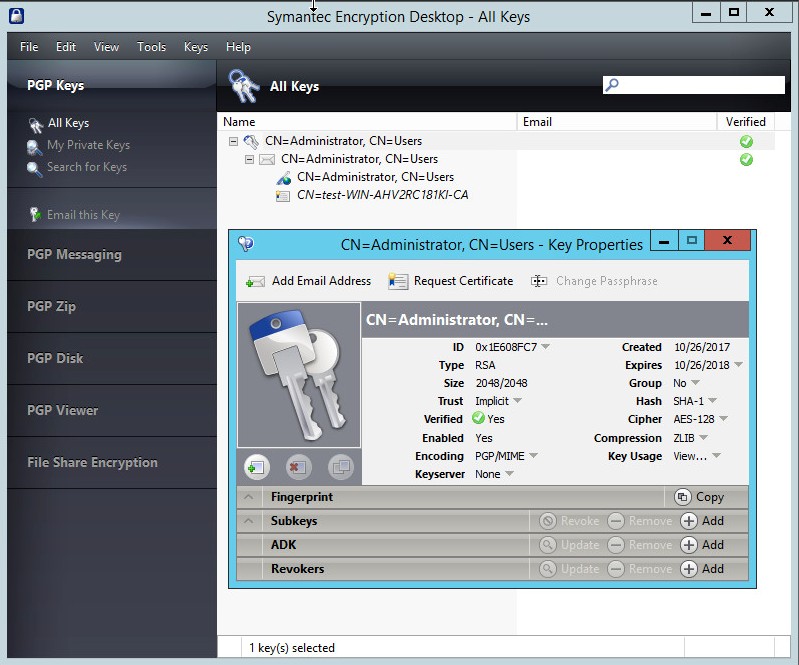
Symantec Encryption Desktop - All Keys
-
The certificate protected by the CryptoServer can now be used in all PGP applications. After importing the keys/certificates in Symantec Encryption Desktop, the keys protected by the CryptoServer can be used in the same way as any other keys available in the PGP key ring.