

To manage Veeam agents in Veeam Backup & Replication, begin by creating a protection group in the inventory. Then, define the computers you want to protect within the group settings.
To learn the steps on how to create a protection group, refer to the Create Protection Group documentation.
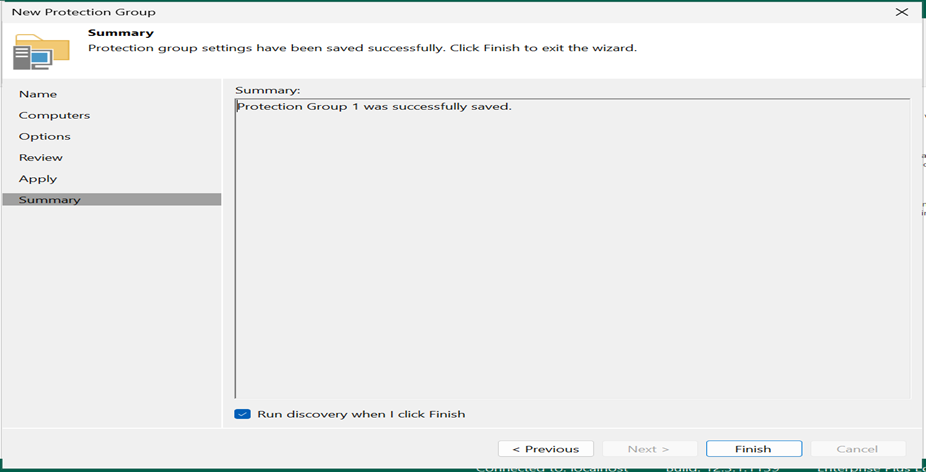
Created Protection Group
In Veeam Backup & Replication, a Protection Group is a logical container that organizes protected computers (virtual machines, physical servers, etc.) for easier management. It allows you to group computers with similar backup requirements or deployment strategies. These groups are then used to simplify backup job creation and maintenance.
Once a protection group is created, Veeam Backup & Replication launches a rescan job session to establish connections with the computers in the group and carry out the required operations on them.