

-
Open a PDF document.
-
Click All Tools on the top Menu.
-
Click Use a certificate from the left side menu.
-
Click Digitally sign.
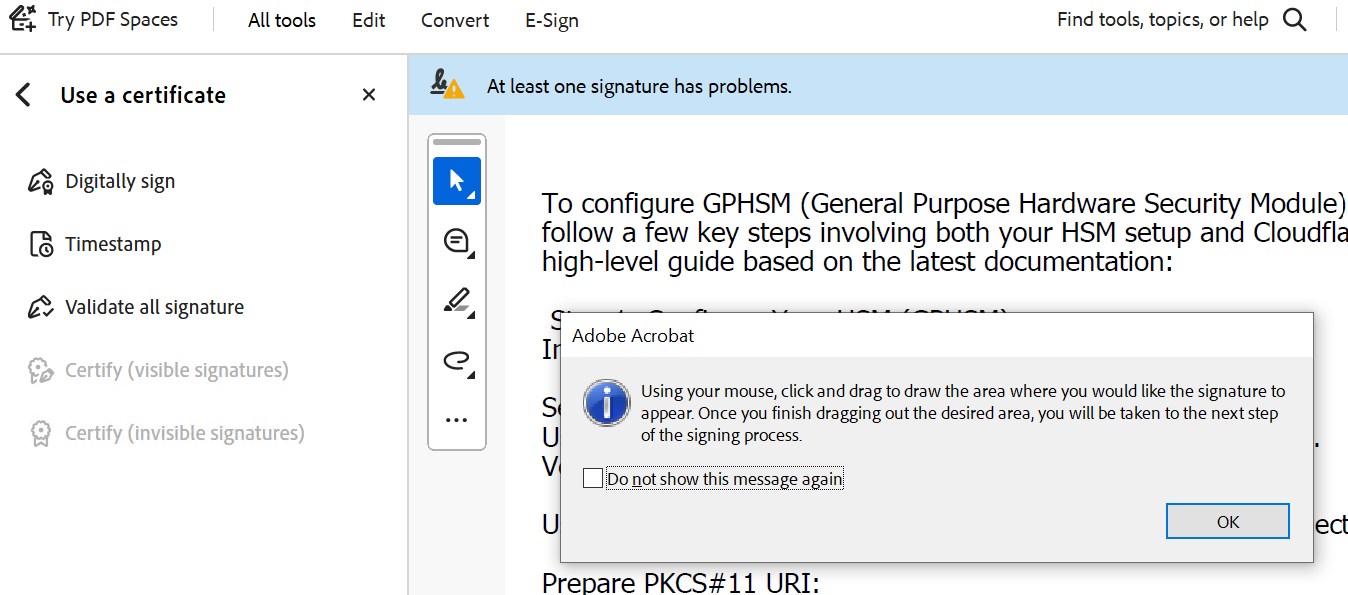
Select a place to sign
-
Use the cursor to draw a box where the user wants to sign the document.
-
In Sign with a Digital ID, choose the Digital ID, then click Continue.
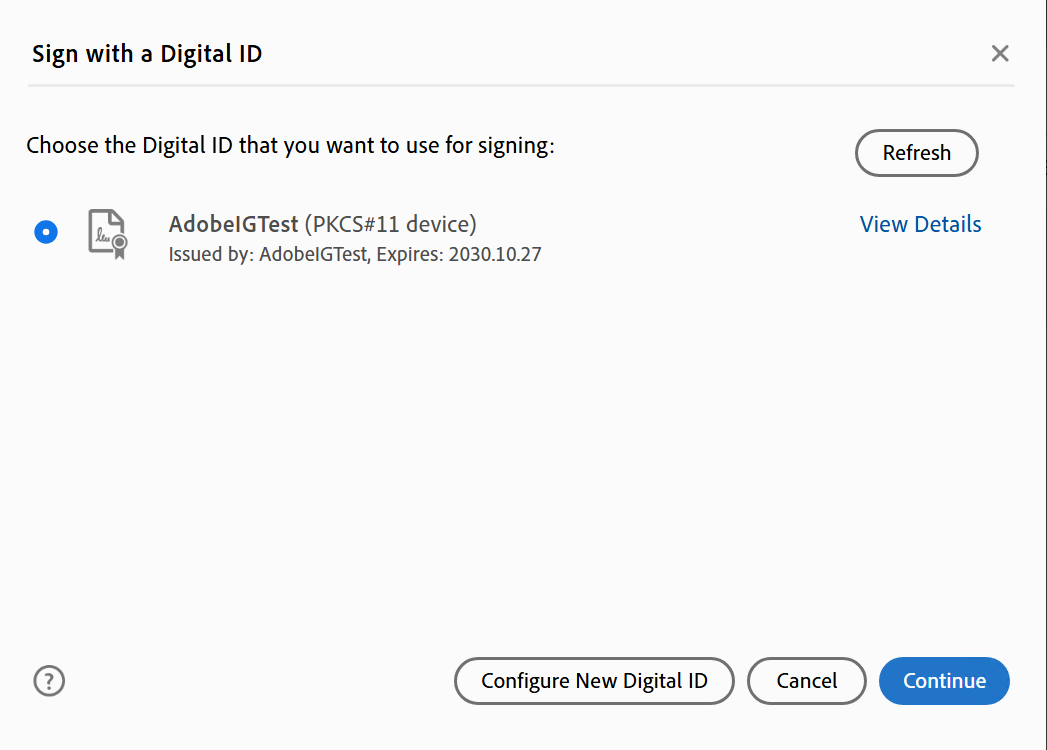
Select Digital ID
-
Click on the Sign button, Sign as “<Digital ID Name>” screen
-
Save the file when it prompts to do so.
-
Verify the sign displayed in the document.
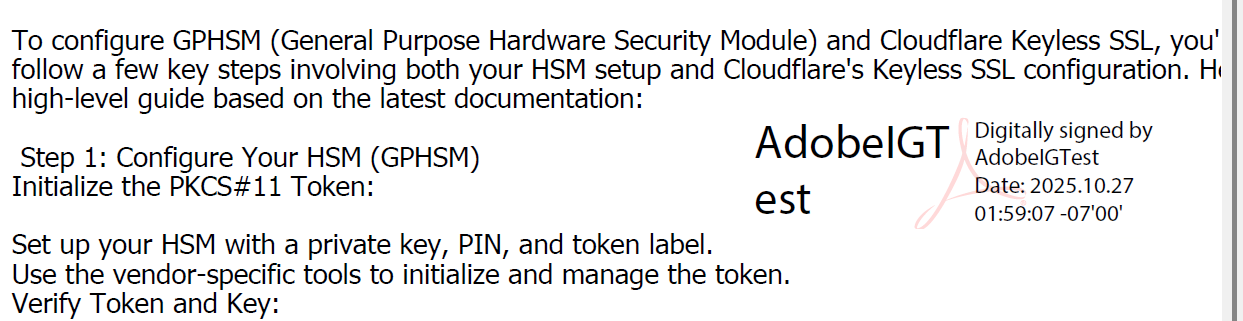
Digital ID displayed in selected area