

-
Generate an EC keypair on the Utimaco HSM.
|
›_ Console |
|---|
|
Provide information when prompted here:
-
EC is the key algorithm
-
NONE is the keystore for HSM
-
PKCS11 is the storetype
-
12345678 is the slot PIN
-
SunPKCS11-CryptoServer is the provider name
-
tomssleckey is the key name that will be generated on the Utimaco HSM
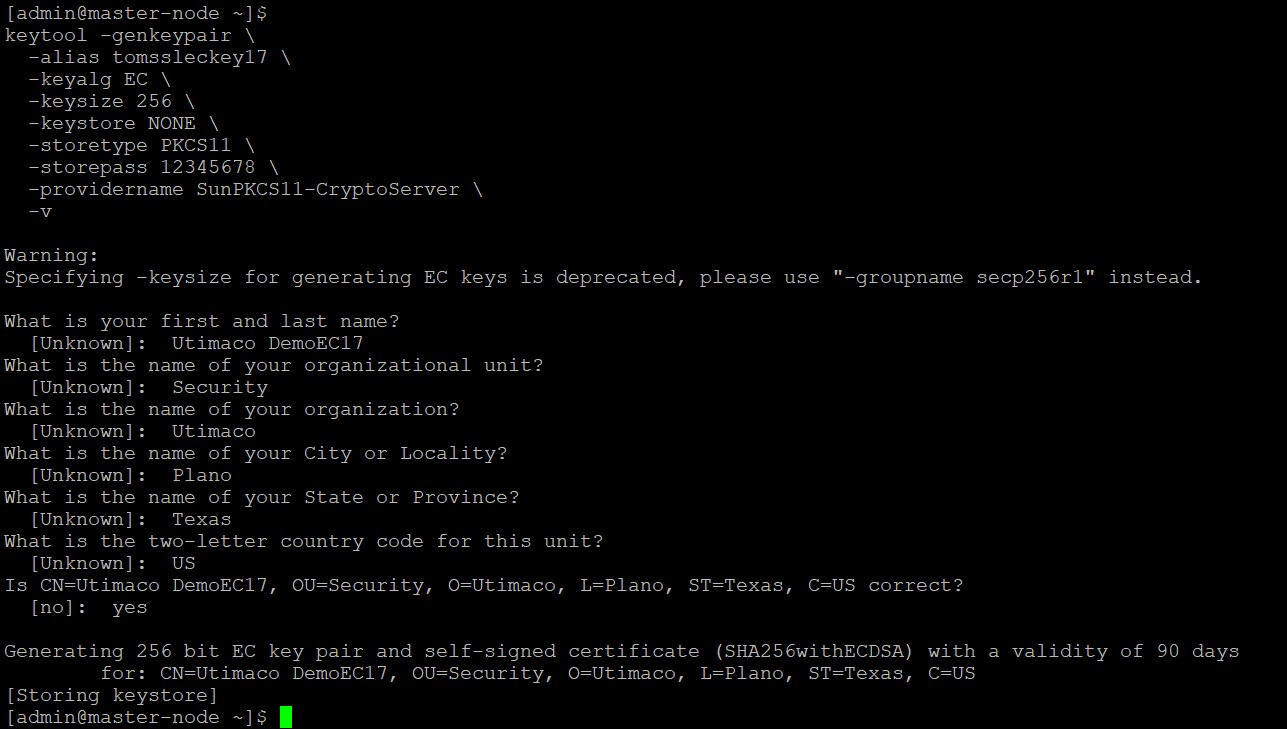
Keytool Command to Generate Keys
It is recommended to use a CA-signed certificate for the production environment.
-
Verify that the keys have been generated by
p11tool2.
|
›_ Console |
|---|
|
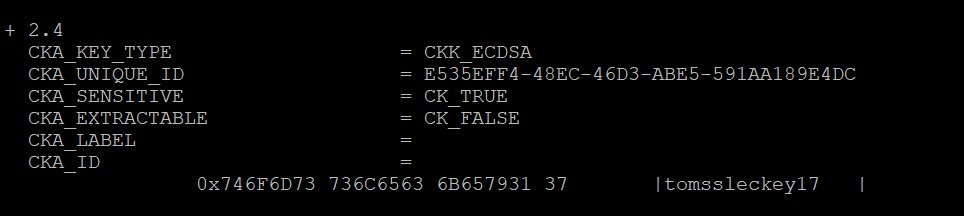
Created Key Details
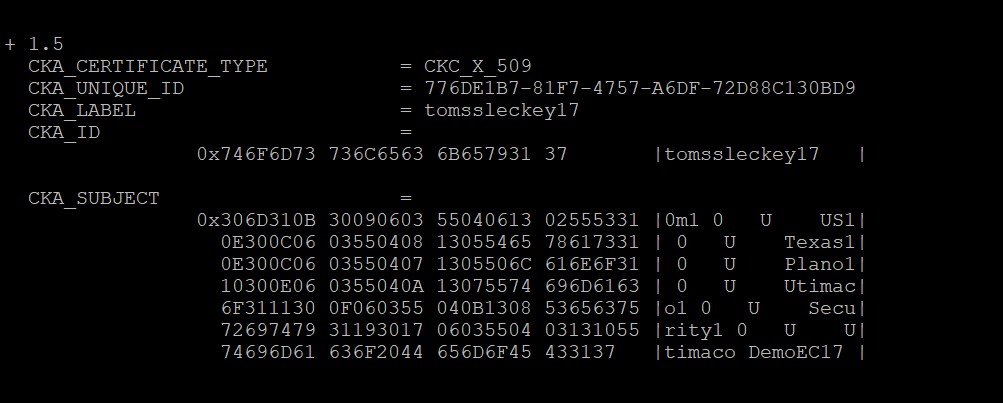
List Keys Output Using p11tool2
-
List the keys using the
keytoolcommand.
|
›_ Console |
|---|
|
Here:
-
NONE is the keystore for HSM
-
PKCS11 is the storetype
-
12345678 is the slot PIN
-
SunPKCS11-CryptoServer is the provider name
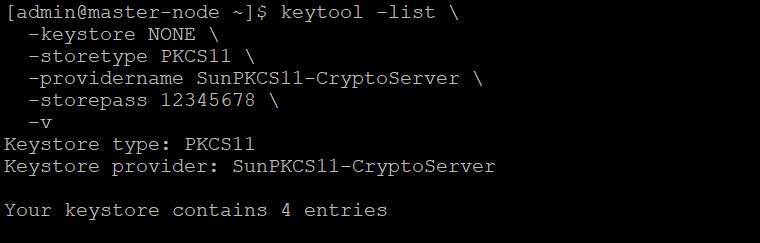
Keytool Command to List Keys
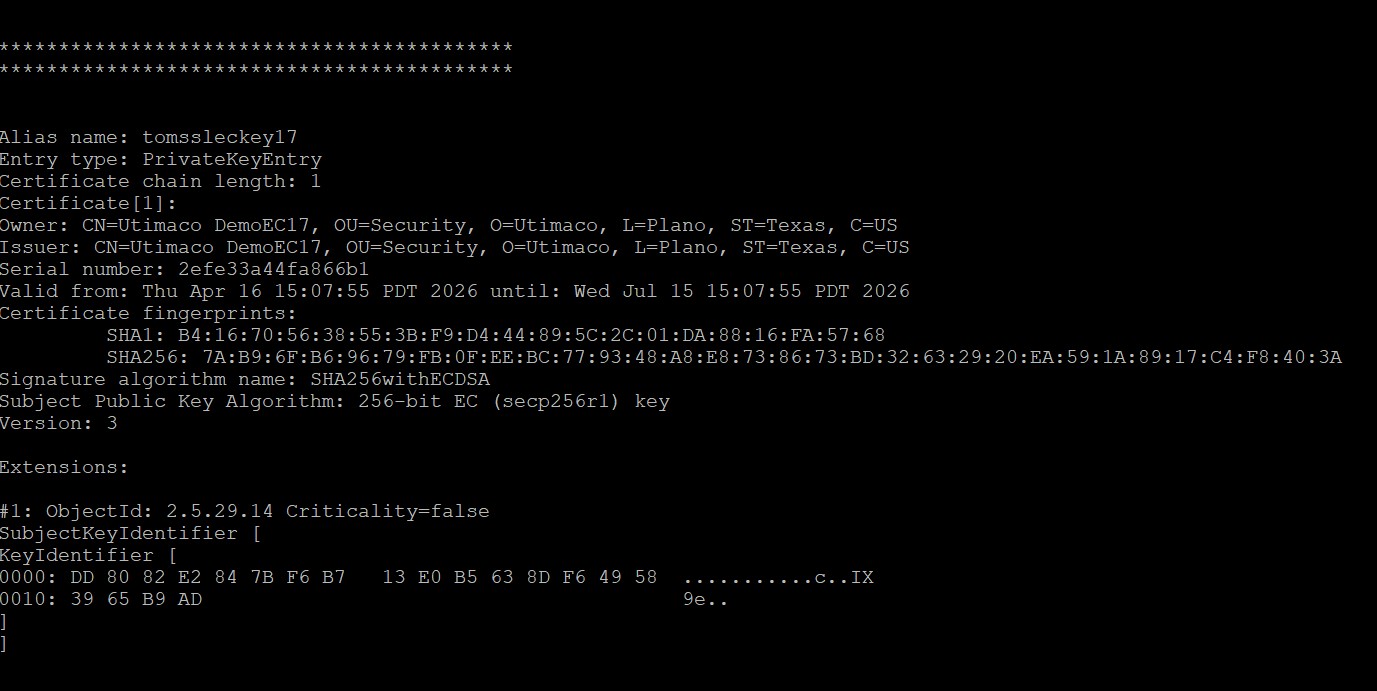
Keytool List Output